

Last updated: October 2, 2026
Quick answer: XInput is Microsoft’s standardized Xbox controller API for Windows, offering plug-and-play setup for modern games but limiting devices to four controllers with fixed layouts. DirectInput (DInput) is a legacy DirectX API supporting up to 128 buttons, specialized flight sticks, and wheels, but requires manual mapping in modern titles.
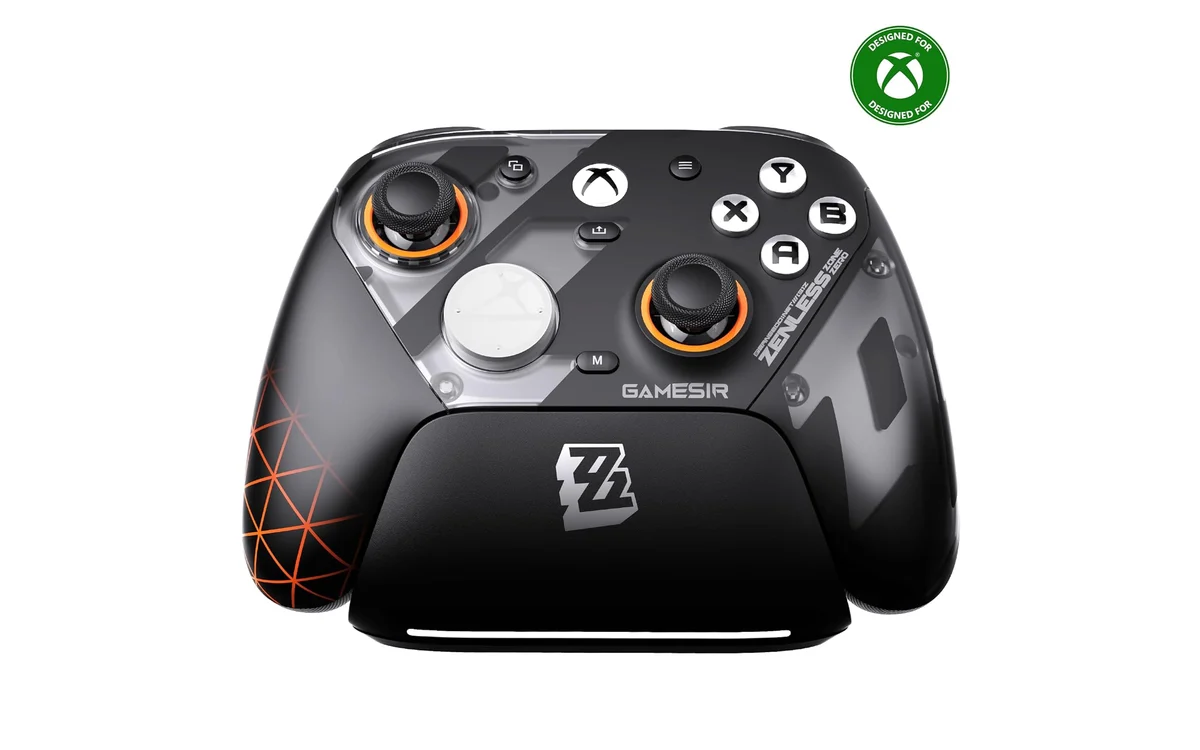
Short answer: XInput vs DirectInput represents the divide between modern standardized gamepads and legacy or specialized simulation hardware. Microsoft introduced XInput alongside the Xbox 360 controller to eliminate button-remapping headaches on Windows. DirectInput remains essential for complex flight simulators, racing wheels, and retro peripherals that exceed standard gamepad axis and button constraints.
Choosing between these input protocols dictates peripheral compatibility across PC platforms. As gaming ecosystems evolve through October 2026, understanding how Windows processes peripheral signals ensures seamless gameplay across current titles and legacy software. Choosing the best pc controller requires knowing whether your games demand standardized modern commands or flexible legacy bindings.
What Is XInput vs DirectInput?
XInput and DirectInput are Application Programming Interfaces (APIs) developed by Microsoft to interpret user inputs from game controllers, mice, keyboards, and simulation devices into actionable game commands within Windows. DirectInput debuted with DirectX in 1995 to standardize PC hardware input communication across varied device designs. It allowed manufacturers to create gamepads, joysticks, rudder pedals, and steering wheels without rigid layout requirements.
XInput launched in late 2005 alongside the Xbox 360 to simplify controller implementation for PC game developers. Because game development shifted toward cross-platform console ports, Microsoft designed XInput to mirror the physical Xbox hardware architecture directly. While DirectInput treats inputs as generic collections of axes, sliders, and unassigned buttons, XInput enforces an explicit physical layout: two analog sticks, two analog triggers, a directional pad, four face buttons, two bumper buttons, and two menu buttons.
Why XInput vs DirectInput Matters
Input API selection directly dictates controller compatibility, setup friction, latency, and peripheral utility across different eras of PC software. In modern PC gaming, nearly every major engine—including Unreal Engine, Unity, and proprietary publisher frameworks—prioritizes XInput by default. Launching a modern game with an XInput gamepad provides immediate plug-and-play functionality, preconfigured button bindings, correct on-screen UI button prompts, and native vibration feedback without extra software setup.
Plugging a pure DirectInput device into a modern game often results in total non-recognition, scrambled button layouts, or missing analog trigger sensitivity. Conversely, legacy PC titles released before 2005 rarely understand XInput calls natively. In older titles, an XInput gamepad often registers its analog triggers as a single combined Z-axis rather than independent analog inputs. Pressing both triggers simultaneously cancels the inputs out—making driving games or shooters unplayable without custom translation wrappers.
Peripheral capability also hinges on this API divide. DirectInput remains vital for niche hardware categories. Enthusiast flight-sim setups and specialized driving rigs require dozens of programmable buttons, multi-axis throttles, and force-feedback motors that exceed the fixed data limits of XInput. Knowing how these APIs operate protects buyers from mismatched controller purchases.
How XInput vs DirectInput Works
The technical architecture under the hood explains why these two input protocols behave so differently in Windows environments.
XInput Data Processing and Constraints
XInput acts as an abstraction layer tailored to the Common Controller architecture. When you plug in an XInput gamepad, the driver communicates via the XInput API using structured states mapped directly to the `XINPUT_STATE` packet. This packet contains specific bitmasks for digital buttons (`XINPUT_GAMEPAD_A`, `XINPUT_GAMEPAD_B`, and others) and normalized values for analog axes.
Because the data structure is fixed, XInput enforces strict technical ceilings: it supports a maximum of four connected controllers simultaneously (`XUSER_MAX_COUNT = 4`). It processes two analog sticks with 16-bit signed integer precision (-32,768 to 32,767), two analog triggers with 8-bit unsigned integer precision (0 to 255), and two rumbler motors (low-frequency and high-frequency). Devices cannot transmit extra axes, proprietary telemetry, or additional buttons through native XInput pipelines.
DirectInput Polling and Architecture
DirectInput operates closer to the Windows Human Interface Device (HID) standard. Rather than enforcing an Xbox-style layout, DirectInput queries device driver capabilities and registers inputs across arbitrary slots. A DirectInput device can expose up to 8 continuous positional axes, two points-of-view (POV) hats, and up to 128 discrete digital buttons.
DirectInput queries devices via hardware polling or event-driven message callbacks. It accommodates flight control systems (HOTAS), racing wheel gearboxes, handbrakes, and custom arcade fight sticks. However, because DirectInput does not dictate what “Button 1” or “Axis 3” physically represents, the game cannot guess where those buttons sit. Players must manually bind every axis and key in menu settings before playing.
Vibration and Force Feedback Mechanics
Haptic transmission differs fundamentally between the two APIs. DirectInput incorporates comprehensive Force Feedback (FFB) commands capable of driving active motors that resist user movement, simulate surface textures, and emulate steering resistance based on in-game physics telemetry. XInput omits advanced Force Feedback commands, substituting simple dual-motor rumble signals. It instructs a heavy weight and light weight inside the controller handles to spin at defined speeds, delivering tactile shaking rather than true dynamic physical resistance.
What to Look For When Buying
Selecting PC gaming hardware requires checking protocol compatibility to prevent configuration issues:
- Dual-Mode Hardware Switches: Look for controllers featuring physical hardware toggles between “X” (XInput) and “D” (DirectInput). Brands like Logitech, 8BitDo, and various arcade stick makers include this switch, allowing immediate switching between modern PC games and legacy emulators.
- Hardware Architecture Compatibility: Native Xbox Wireless Controllers rely strictly on XInput protocols on Windows. When learning how to connect a PS5 controller to PC, note that Sony DualSense controllers natively register as DirectInput HID devices, requiring Steam Input or third-party wrappers like DS4Windows to work inside XInput-only titles.
- Driverless HID Requirements: Retro controllers, arcade boards (such as Brook fighting boards), and flight sticks should feature driverless USB HID compliance, ensuring your operating system detects them via DirectInput without requiring proprietary software.
- Multiplayer Limits: If you run local four-player or eight-player party games on a single PC, remember that native XInput caps device allocation at four gamepads. Titles demanding five or more local controllers must use DirectInput, Steam Input, or modern Windows.Gaming.Input APIs to register every player.
Common Mistakes to Avoid
Controller configuration mistakes cause frustrating input bugs. Avoid these common misunderstandings:
- Assuming DirectInput Is Inherently Obsolete: While modern game engines default to XInput, DirectInput remains the standard foundation for flight simulation yokes, rudder pedals, and sim-racing wheelbases due to its broad axis support.
- Expecting Modern Force Feedback on XInput: Gamers often confuse basic rumble vibration with true force feedback. XInput supports dual-motor rumble, but cannot stream telemetry-driven steering resistance or directional force feedback to advanced sim hardware.
- Ignoring Combined-Axis Bugs in Older Games: Running an XInput controller on games made before 2005 often ties Left and Right triggers to a single axis (Z-axis). Accelerating and braking at the same time results in zero input. Setting the controller to DirectInput mode or using compatibility wrappers fixes this issue.
- Running Multiple Translation Tools Simultaneously: Enabling Steam Input, DS4Windows, and an emulator’s internal mapping tool at the same time causes input lag, double-input registration bugs, or phantom controller detections.
- Confusing Input Lag with API Processing: Differences in latency between XInput and DirectInput are negligible at the API software layer. Noticeable input delay stems from wireless transmission protocols, low polling rates, or Bluetooth interference rather than API driver calls. Check our 2.4GHz vs Bluetooth comparison guide to see how wireless connections alter packet latency.
Quick Comparison
Review the core technical differences between these two input standards below:
| Feature / Metric | XInput | DirectInput |
|---|---|---|
| Maximum Controllers | 4 controllers maximum | Up to 128 devices (Windows-limited) |
| Maximum Buttons per Device | 10 digital buttons + D-Pad | Up to 128 discrete buttons |
| Analog Axes Support | 4 axes (2 sticks) + 2 trigger axes | Up to 8 continuous positional axes |
| Haptic Feedback Capabilities | Basic dual-motor rumble | Full directional Force Feedback (FFB) |
| Modern Game Support | Universal plug-and-play standard | Requires translation wrappers or manual setup |
| Best Peripheral Use Case | Standard gamepads (Xbox, PC pads) | Racing wheels, flight sticks, arcade rigs |
Related Guides
Explore our hardware guides to dial in peripheral setup, tracking, and system performance:
- Best pc controller
- How to connect a PS5 controller to PC via USB or bluetooth
- How to check mouse polling rate
- PCGearWiki Controllers Hub
Why You Should Trust PCGearWiki
PCGearWiki breaks down complex hardware standards into actionable guidance for builders, players, and sim enthusiasts. Our hardware architecture analysis relies on official developer documentation from Microsoft, direct hardware interface specifications, and established peripheral design protocols. We bypass marketing terminology to focus on actual hardware capabilities, API bottlenecks, and real compatibility behavior. Readers can explore our transparent review and research methods by reading our Review Methodology guide.
Final Thoughts
The choice between XInput and DirectInput hinges entirely on your game library and peripheral style. For mainstream PC gaming using standard controller layouts, XInput delivers an unmatched plug-and-play experience with zero configuration overhead. For retro PC gaming, legacy emulation, HOTAS flight systems, and sim-racing setups, DirectInput remains an irreplaceable input protocol. Picking hardware equipped with a dual-mode toggle gives you the best of both worlds across all eras of PC gaming.
Frequently Asked Questions
Can I convert a DirectInput controller to XInput?
Yes. Software tools like Steam Input, x360ce (Xbox 360 Controller Emulator), and DS4Windows intercept DirectInput HID packets and translate them into virtual XInput calls. This allows older gamepads, fight sticks, and non-Xbox controllers to function smoothly inside modern XInput-exclusive titles without physical hardware modification.
Why does my controller not work in older PC games?
Games released before late 2005 were built to communicate solely with DirectInput APIs. When connected, an XInput-only controller may suffer from non-functional triggers, unresponsive D-pads, or missing vibration. Switching your controller into DirectInput mode via hardware switch, or using an input wrapper, restores full legacy compatibility.
Does XInput have lower input latency than DirectInput?
No. Both APIs process input data within fractions of a millisecond. Observable input lag almost always originates from physical connection interfaces (such as unstable Bluetooth connections versus direct 2.4GHz dongles or wired USB), display refresh latency, or background software overhead, rather than API driver processing.
What replaces XInput and DirectInput in modern Windows?
Microsoft introduced the Windows.Gaming.Input (WGI) API for Universal Windows Platform (UWP) and modern Windows 10/11 development. WGI supports modern controller features, including independent trigger rumble, multi-controller setups past the four-player limit, and broader hardware profiles, while maintaining backward compatibility with XInput devices.


Write Your Review
No reviews yet. Be the first to share your experience!