

Last updated: November 12, 2026
Keep your current DualSense if it works and feels comfortable. The Grand Theft Auto VI White Limited Edition is an official themed DualSense, not a requirement for the game. Buy it if you want that design or need an additional controller, not because the artwork promises better control or a performance upgrade.
PlayStation consoles for GTA 6
As an Amazon Associate I earn from qualifying purchases.
-
PS5 Original
825 GB SSD, built-in disc drive
Keep your original PS5 if it works. For a replacement, check the seller, condition and return terms.
Check price on Amazon -
PS5 Slim
1 TB SSD, disc drive included
Choose this smaller model if you want to keep using compatible game discs and do not need Pro enhancements.
Check price on Amazon -
PS5 Pro
2 TB SSD, disc drive sold separately
Consider the Pro if you want more built-in storage and visual enhancements in supported games.
Check price on Amazon
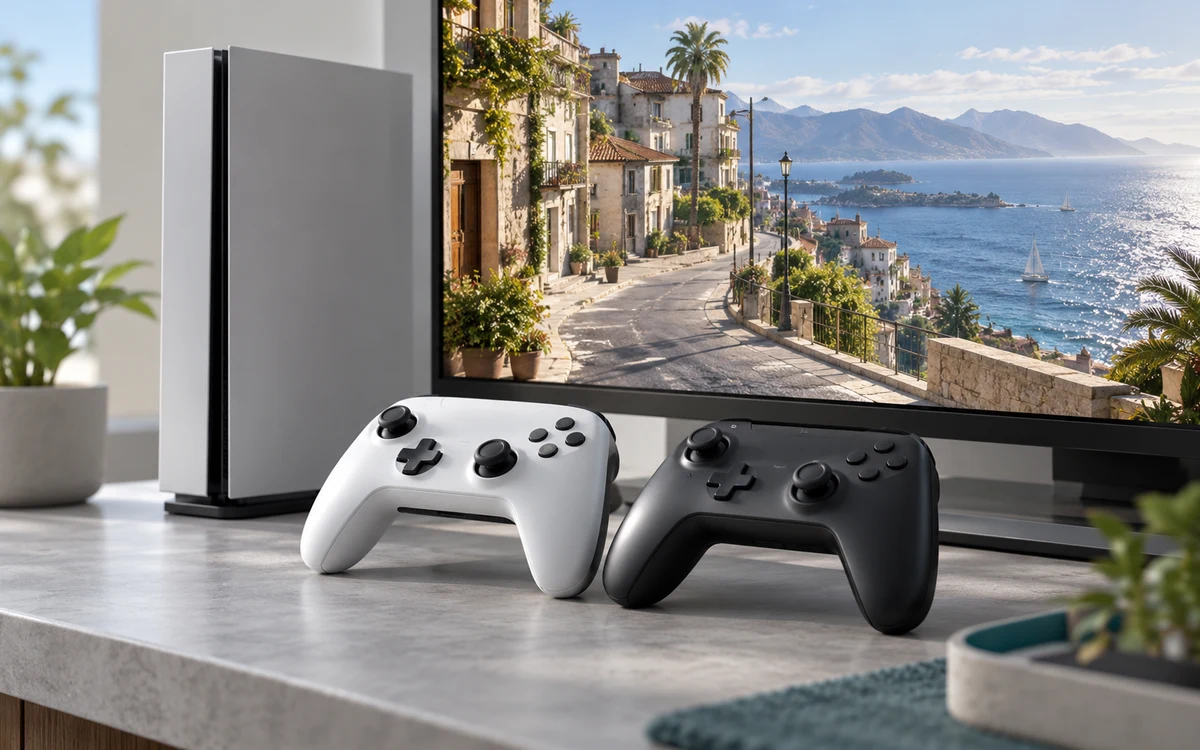
Products discussed in this guide
These listings are comparison references, not a guarantee of price or stock. We may earn a commission from qualifying purchases.

When the themed controller is worth buying
| Situation | Practical choice |
|---|---|
| Your existing DualSense works well | Keep it and use your budget for the game or storage if you need it. |
| You need a spare or replacement | Compare a regular DualSense and the GTA VI White Limited Edition DualSense by delivered price and return terms. |
| You are buying a collectible | Verify the listing is the official white GTA VI edition. A controller skin, a similar white shell and a different themed DualSense are not the same product. |
| You want rear controls or a different grip | Shop for that specific feature and confirm PS5 support. Do not expect a themed version of the standard controller to add a new control layout. |
Which game features matter?
PlayStation’s GTA VI controller announcement describes haptic feedback and adaptive trigger support for DualSense in the game. The useful question is whether you like those effects and how they feel in your hands. Sony’s DualSense feature page describes the controller family. The artwork itself is not evidence of lower input latency, longer battery life or different game mechanics.
Check your existing controller before replacing it
- Charge the controller and confirm it pairs to your PS5. If it repeatedly disconnects, check the connection and whether the issue follows the controller before buying a replacement.
- Confirm that the sticks, triggers and buttons you use most work consistently in another game or in the console interface where possible. If the sticks drift or a button fails, compare repair or replacement rather than trying to fix a hardware problem with settings.
- Decide whether your issue is grip, trigger resistance or button access. Buying another controller of the same shape may not solve an ergonomic problem.
What to verify on the store page
Check that you are buying a controller, not a shell, stand or accessory bundle. Confirm the product is for PS5 and check what is included. A listing showing the GTA VI branding does not mean the controller includes the game. Check seller, warranty and return terms before paying, particularly if a marketplace seller charges more for a limited edition.
Compare the cost of a second controller with the actual problem
If you only want to avoid interruptions from a low battery, start by checking how you charge your current controller between sessions. If you want a second controller for another person, compare the cost of the official themed one with an ordinary DualSense and consider how often it will actually be used. For a replacement, a clear return policy and a model you already know you find comfortable may matter more than the finish.
If you prefer lighter trigger resistance, check the console’s controller settings before assuming new hardware is the answer. A different color of the same controller does not move the buttons or change your grip.
This guide uses Sony’s documentation and exact listing identity. It does not present a GTA 6 latency test or claim any controller changes the game’s performance.
Add PCGearWiki as a preferred source on Google
Sources and Verification
Research basis: Product identity, dimensions, interfaces, supported features, and warranty terms are checked against available manufacturer documentation and current retailer listings. Price, stock, and aggregate customer ratings can change after publication.
Testing disclosure: Unless this article explicitly states that PCGearWiki performed hands-on testing and describes the test setup, recommendations are research-based editorial evaluations rather than PCGearWiki laboratory measurements. Customer feedback is used to identify recurring ownership patterns, not as proof of technical performance.
Last source review: November 12, 2026. See our Review Methodology, Editorial Policy, and Corrections Policy.


Write Your Review
No reviews yet. Be the first to share your experience!