

Last updated: October 2, 2026
Prime Big Deal Days is a useful time to compare PC upgrades, not a reason to buy hardware you had no plan to replace. For a gaming laptop, monitor, SSD, or keyboard, the useful number is the final price of the exact configuration you need. A large percentage-off badge tells you much less.
Amazon has announced its U.S. 2026 event for October 6-7. This guide is a shopping plan, not a list of confirmed hardware discounts. No product price or stock claim below represents a live deal. Check the offer on Amazon before buying. Source: Amazon’s event announcement.
Affiliate disclosure: As an Amazon Associate I earn from qualifying purchases. PCGearWiki may also earn a commission from eligible membership sign-ups through links on this page.
Start with the problem your upgrade must solve
Write down what is wrong with your current setup before opening the sale page. Running out of game storage is a different problem from poor frame rates. A keyboard that is uncomfortable to type on needs a different replacement than one that cannot provide the features you want for competitive play.
Choose one priority, a maximum total spend, and two acceptable alternatives. That makes a limited-time offer easier to judge: it either solves your problem inside the budget, or it does not. A cheaper item outside that shortlist is not automatically a better purchase.
| Upgrade | Record before shopping | Common reason to reject a deal |
|---|---|---|
| Gaming laptop | Exact CPU/GPU configuration, RAM, screen, weight, and required ports | A discounted variant has less memory or a different display than the reviewed model |
| Gaming monitor | Resolution, size, refresh rate, connectivity, and desk space | The panel or port capabilities do not match your intended use |
| SSD | Capacity, compatible interface, physical dimensions, and warranty | The drive is incompatible or saves too little after needed accessories |
| Keyboard or mouse | Layout or shape, connection mode, and essential features | A familiar product name hides a different switch or wireless variant |
For display decisions, use our gaming monitor buying guide to set your requirements first. If a laptop is the priority, compare the configurations discussed in our gaming laptops under $2,000 guide against the specific listing, rather than treating the model-family name as a specification.
Check the exact listing, not just the product title
Save the model number and Amazon product identifier for every shortlisted configuration. When a listing combines several variations, recheck which option is selected after changing capacity, color, or memory. The price you first saw may belong to a different variant.
For a laptop, look for the manufacturer’s specification page for that particular SKU. Confirm whether the RAM and storage configuration is set at the factory or changed by the seller. If a detail important to you cannot be verified, leave it unresolved instead of filling the gap with assumptions from a similar model.
For a monitor, check both the display requirements and your computer’s output capabilities. Include the cost of a suitable cable, stand, or adapter if it is actually necessary. A discount can disappear when you add items the alternative already includes.
For peripherals, do not substitute headline specifications for fit. A mouse with an attractive sensor specification can still have the wrong shape for your grip. A keyboard advertised around a high polling rate may not include the particular switch behavior you want. Our polling rate and input latency explainer helps separate that specification from the rest of the purchase.

Measure the saving against a realistic alternative
Compare the delivered cost of the same item, in the same condition, from credible sellers. An inflated reference price is not your alternative purchase price. If another retailer already sells the configuration for less, the Amazon sale label does not change the comparison.
Amazon’s event announcement points shoppers to its Price History feature. Where it is available, use it to check past pricing, then compare current offers elsewhere. A price-history chart cannot by itself verify seller quality, warranty coverage, or whether the selected variant is the one you want.
Illustrative calculation, not a live offer: suppose a monitor costs $260 from your best acceptable alternative and $230 from the Amazon offer, with equal delivery and accessory costs. The purchase saving is $30. If you need a $14.99 monthly Prime plan solely to access that offer, the saving after that fee is $15.01 before tax on the membership. If the offer instead saves $10, that one purchase does not cover the monthly fee.
When you already have Prime, do not charge the membership cost to every purchase again. When you do not, do not count unrelated entertainment benefits as savings unless you would genuinely use them. Keep a separate line for membership cost so the decision remains visible.
Using a Prime trial without an unexpected renewal
Amazon’s U.S. help page describes a 30-day trial for eligible accounts and automatic conversion to a paid plan at the end. Open the membership page, read the plan offered to you, and confirm the renewal date and price before accepting. If the trial option is absent, do not assume another link will make you eligible. Source: Amazon Prime trial help.
Set a calendar reminder several days before the displayed renewal date. If you decide not to continue, complete the cancellation process in the account or subscription service through which you enrolled and retain its confirmation. Do not assume closing a browser tab, deleting the app, or abandoning a shopping cart cancels a membership.
Our broader Prime value guide for PC gamers explains how to compare a one-off shopping month with longer-term membership. Students and eligible young adults should also check the discounted plan and technology-purchase checklist before choosing a standard plan.
When to buy, wait, or skip
Buy when the exact item is compatible, the seller and terms are acceptable, the delivered price beats your realistic alternative, and the purchase was already needed. A clear answer on all four points is more useful than a dramatic countdown.
Wait when an important specification is missing, your target configuration is not discounted, or the saving is too small to justify changing plans. You do not need to make a substitute purchase merely because a sale is ending.
Skip when the product is unnecessary, the listing confuses configurations, or warranty and return conditions remain unclear. Returns should be a protection against a problem, not the foundation of a purchase made without checking.
Use the PCGearWiki deals page as another starting point for comparison. Verify offer dates and conditions at the store; this article does not promise that any particular item will be discounted.
Quick questions
Do you need Prime for every Amazon discount?
No. The event’s member-exclusive offers require membership, but do not infer that every discount you encounter is exclusive. Compare the listing and checkout conditions before paying for a plan.
Is the biggest percentage discount the best PC deal?
Not necessarily. A smaller discount on the configuration you need can be better than a larger discount on an unsuitable product. Compare final cost and verified specifications.
Can this guide promise a free trial?
No. Amazon determines eligibility and displays the offer available to your account. Check that offer and its renewal terms directly.
Editorial scope: U.S. Amazon.com shoppers. Membership and event facts checked October 2, 2026. Examples are hypothetical calculations, not tested products, confirmed discounts, or promised savings.
Add PCGearWiki as a preferred source on Google
Sources and Verification
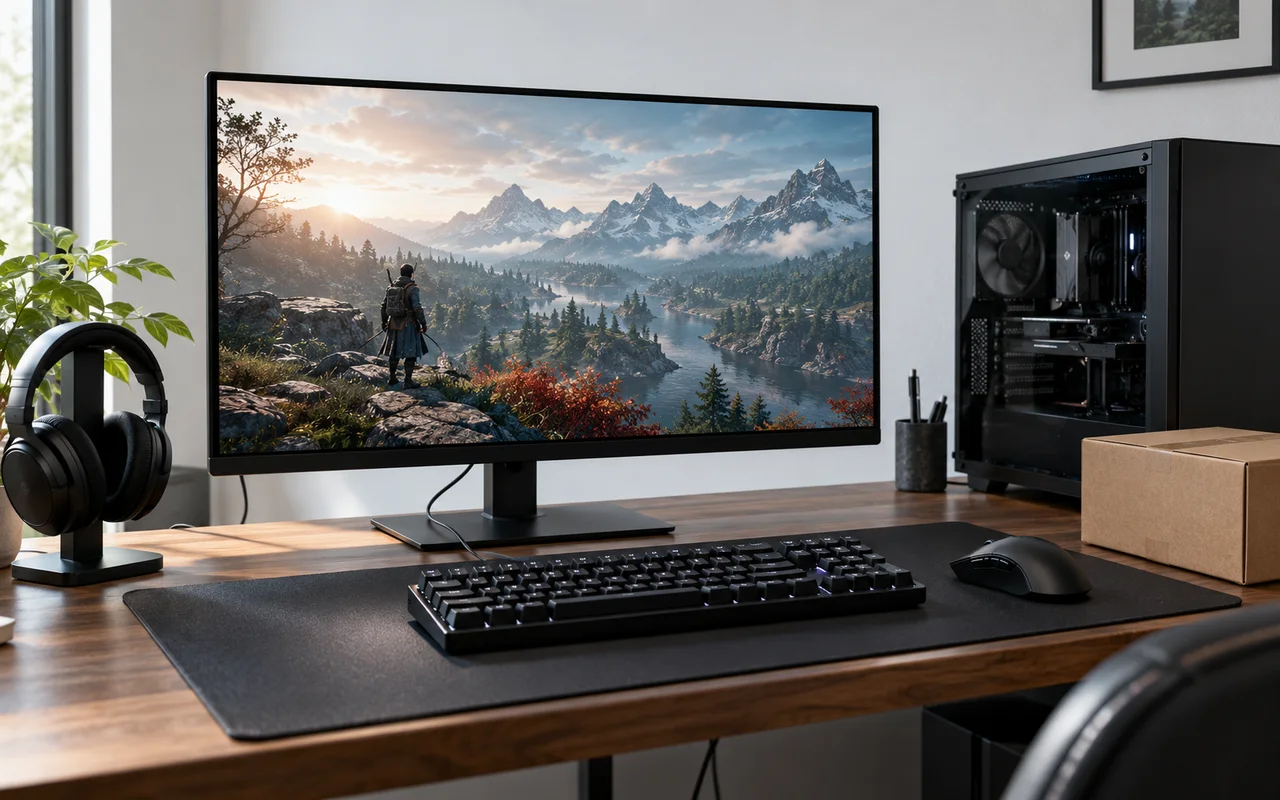
This membership guide uses the official Amazon sources linked beside the relevant claims. Cost examples are hypothetical calculations; hardware photographs are AI-generated illustrations, not product tests or confirmed offers. Eligibility, prices, renewal terms, and offer conditions must be checked on Amazon before enrollment.


Write Your Review
No reviews yet. Be the first to share your experience!