

Last updated: September 22, 2026
Choosing right drive requires solid ssd controller comparison. SSD controller directs data flow between host system and raw NAND flash. Controller architecture dictates sustained write speeds, random I/O latency, power draw, and thermal throttling limits. For storage buyers tracking SSD Reviews in September 2026, understanding controller hardware separates genuine high-performance drives from marketing illusions.
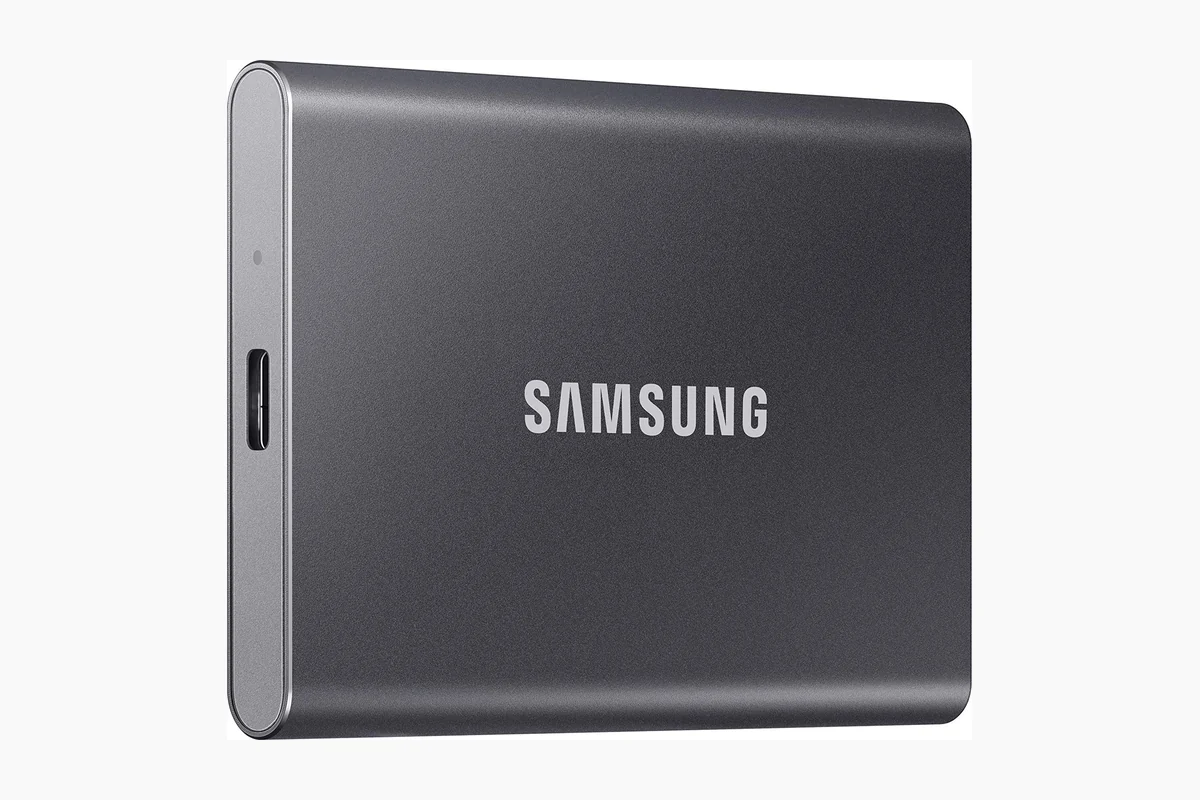
Controller dictates how solid-state storage handles heavy write caching, wear leveling, and garbage collection. Flash cells degrade without intelligent management. Controller processing power and onboard memory mapping determine whether system stutters during sustained writes or maintains predictable low-latency throughput.
Quick Answer
Pick multi-channel controller with dedicated DRAM cache for sustained 4K video rendering, database hosting, or primary operating system boot drives where write consistency matters. Pick modern 4-channel DRAM-less controller with Host Memory Buffer (HMB) support for gaming rigs, general desktop tasks, or secondary storage on tight budget. DRAM controllers cost more and generate higher heat; DRAM-less drives run cooler, consume less power, but exhibit sharp write drop-offs under saturated workloads.
Key Differences Explained
DRAM Cache vs Host Memory Buffer (HMB)
SSD controller must track Flash Translation Layer (FTL). FTL maps logical block addresses sent by operating system to physical NAND flash addresses. Dedicated onboard DRAM allows controller to look up physical addresses instantly without querying slower NAND flash.
DRAM-less controllers reduce manufacturing cost and board complexity by dropping onboard RAM chips. Modern NVMe DRAM-less controllers use Host Memory Buffer (HMB) over PCIe bus, borrowing 16MB to 64MB of host system memory to cache FTL table. This solves random read latency for standard desktop use, but sustained concurrent transfers saturate HMB, causing latency spikes compared to dedicated volatile onboard memory.
Flash Channels and Bus Interleaving
Controller processes read and write commands through physical channels connecting directly to NAND dies. High-end PCIe Gen4 and Gen5 controllers feature 8-channel architecture. Budget and entry-level controllers rely on 4-channel layouts.
Higher channel counts increase bus interleaving. Controller distributes incoming writes across multiple flash packages simultaneously, scaling sequential throughput. However, 8-channel controllers double signal routing complexity and draw significantly more power under load, while 4-channel alternatives reach high bandwidth only when paired with very fast 1600MT/s to 2400MT/s flash interfaces.
Processor Cores and Fabrication Nodes
Controller is specialized embedded computer. Flagship NVMe controllers integrate multiple ARM Cortex-R or proprietary RISC-V cores. Dedicated hardware accelerators offload error correction code (ECC) calculations, AES encryption, and direct memory access transfers.
Fabrication node directly controls heat output. Controllers built on older 12nm or 16nm process nodes run hot under heavy I/O, often exceeding 75°C without substantial heatsinks. Newer designs manufactured on 7nm or 6nm process nodes demonstrate superior energy efficiency, maintaining rated transfer speeds with simple passive heatspreaders.
Thermal Throttling and Power Consumption
Controller contains internal thermal sensors programmed with throttling thresholds. When junction temperatures exceed safe operating limits (typically 70°C to 80°C), controller firmware engages thermal throttling, dropping PCIe link speeds or inserting idle cycles to prevent silicon degradation.
Multi-core, 8-channel enterprise and flagship controllers consume 6W to 10W during peak sequential transfers, necessitating dedicated aluminum heatsinks or active chassis airflow. Single-package, 4-channel DRAM-less controllers peak around 3W to 4.5W, making them well-suited for space-constrained laptops where thermal dissipation is severely limited.
SLC Caching and Sustained Write Recovery
Controllers deploy pseudo-SLC (pSLC) caching to maintain high advertised burst speeds. Controller writes single bit per cell into TLC or QLC flash blocks during initial transfers. How controller clears and manages this cache differentiates high-end silicon from entry-level chips.
Advanced controllers employ dynamic SLC caching combined with aggressive background garbage collection during drive idle states. Weaker controllers struggle once burst cache fills. When direct-to-TLC folding occurs under prolonged write operations, weak controllers stall, collapsing write speeds down to raw flash capability. Understanding underlying silicon mechanics connects directly to principles covered in our guide on SSD NAND types explained.
Side-by-Side Comparison
| Architecture Feature | Flagship DRAM-Based Controller | Mainstream DRAM-less (HMB) Controller | Best For |
|---|---|---|---|
| FTL Mapping Memory | Dedicated onboard DDR4 / LPDDR4 | System Host Memory Buffer (HMB) | DRAM for heavy multi-tasking |
| NAND Flash Channels | 8 Channels | 4 Channels | 8-channel for sustained bandwidth |
| Active Power Draw | 6.0W – 10.0W | 2.5W – 4.5W | DRAM-less for laptop battery life |
| Thermal Dissipation | Requires substantial heatsink | Passive heatspreader sufficient | DRAM-less for compact builds |
| Heavy Write Consistency | High sustained minimum IOPS | Variable; latency spikes post-cache | DRAM for workstation production |
| Manufacturing Cost | Higher component price | Low production cost | DRAM-less for budget-focused builds |
Which One Should You Choose?
Workload characteristics determine correct controller selection:
- Best for Gamers: 4-channel DRAM-less NVMe controller. Modern games load assets predominantly through sequential read operations and burst reads. DirectStorage APIs execute low queue depth read commands where HMB latency matches dedicated DRAM. Extra budget can go directly toward higher capacity. Look for verified options in best budget Gen4 SSD rankings.
- Best for Content Creators and Video Editors: 8-channel controller with dedicated onboard DRAM. Scrubbing raw 4K footage and exporting uncompressed video generates massive multi-gigabyte continuous writes. DRAM-less drives stall once pseudo-SLC buffers exhaust, causing dropped frames during capture or extended rendering queues. Match controller type using recommendations from best SSD for video editing 4K.
- Best for Laptops and Thin Clients: 4-channel DRAM-less controller fabricated on 7nm or smaller node. Avoids aggressive thermal throttling inside sealed notebook chassis and extends battery runtime by dropping active idle power states. Check laptop physical clearances alongside best NVMe SSD for laptop guidance.
- Best for Heavy Workstations: Multi-core 8-channel enterprise-grade controller supporting hardware power-loss protection (PLP) capacitors and end-to-end data path protection. Keeps sustained random writes consistent under continuous database or code compilation loads. Detailed write-cycle profiles appear in SSD endurance comparison.
Common Mistakes to Avoid
- Buying based solely on peak sequential numbers: Advertised read speeds (like 7000 MB/s) represent burst transfers across temporary SLC caches. Real-world performance under sustained loads depends on controller processing capability and raw flash write speed.
- Ignoring controller thermals in compact cases: Installing hot 8-channel PCIe Gen4 or Gen5 controller without heatsink inside small form factor case triggers immediate thermal throttling down to SATA speeds within two minutes of heavy file copying.
- Assuming all DRAM-less drives perform identically: Modern NVMe DRAM-less controllers using PCIe HMB deliver acceptable desktop responsiveness. Older SATA DRAM-less controllers lack HMB support entirely, suffering severe OS stuttering under concurrent background tasks.
- Overlooking silent hardware component revisions: Some drive manufacturers swap controllers during production run without altering model names, moving from multi-core DRAM layouts to budget DRAM-less alternatives. Verify specific hardware revisions before purchasing.
Related Buying Guides
- Best Budget Gen4 SSD
- Best SSD for Video Editing 4K
- Best NVMe SSD for laptop
- SSD endurance comparison
- SSD NAND types explained
Why You Should Trust PCGearWiki
PCGearWiki evaluates storage hardware through engineering-level architectural analysis and verified manufacturer documentation. We do not manufacture synthetic benchmark numbers or claim lab testing without documented test protocols. Architectural assertions, bus widths, and protocol limits reflect direct hardware specifications and standardized PCIe/NVMe industry consortium parameters. Details on our technical research framework are documented in our review methodology.
Final Recommendation
SSD controller selection hinges on intended workload. If building gaming machine, secondary storage pool, or battery-conscious laptop, pick modern DRAM-less controller with Host Memory Buffer support. Controller runs cool, maximizes storage capacity per dollar, and handles typical desktop queues easily. If primary drive hosts operating system running heavy productivity software, virtual machines, or high-bitrate video export pipelines, invest in multi-channel controller with dedicated onboard DRAM to guarantee sustained write stability and prevent system latency spikes.
Frequently Asked Questions
What does an SSD controller actually do?
SSD controller is embedded processor that manages data flow between computer interface (PCIe or SATA) and NAND flash memory chips. Controller handles logical-to-physical address mapping, wear leveling, error checking and correction (ECC), encryption, and background garbage collection.
Can a DRAM-less SSD cause system stuttering?
Legacy SATA DRAM-less drives frequently cause micro-stuttering because SATA protocol lacks HMB support, forcing controller to access slower NAND flash for lookup tables. Modern NVMe DRAM-less drives resolve this issue by using PCIe Host Memory Buffer to store tables inside system RAM, preventing OS-level micro-freezes during everyday desktop computing.
Do high-end SSD controllers need active cooling?
Most PCIe Gen4 controllers operate within safe thermal limits using standard passive motherboard heatspreaders and decent chassis airflow. High-power PCIe Gen5 controllers generate substantial thermal output under load and generally require either massive heatsinks with thermal heatpipes or small active fans to prevent severe thermal throttling.
Does controller channel count affect gaming load times?
Channel count has minimal impact on gaming load times. Game asset loading relies primarily on low queue depth random 4K reads and short sequential bursts, where 4-channel controllers deliver performance virtually indistinguishable from 8-channel options. Channel count matters primarily during large sustained sequential file transfers and heavy write operations.
Sources and Verification
Research basis: Product identity, dimensions, interfaces, supported features, and warranty terms are checked against available manufacturer documentation and current retailer listings. Price, stock, and aggregate customer ratings can change after publication.
Testing disclosure: Unless this article explicitly states that PCGearWiki performed hands-on testing and describes the test setup, recommendations are research-based editorial evaluations rather than PCGearWiki laboratory measurements. Customer feedback is used to identify recurring ownership patterns, not as proof of technical performance.
Last source review: September 22, 2026. See our Review Methodology, Editorial Policy, and Corrections Policy.


Write Your Review
No reviews yet. Be the first to share your experience!