

Last updated: October 2, 2026
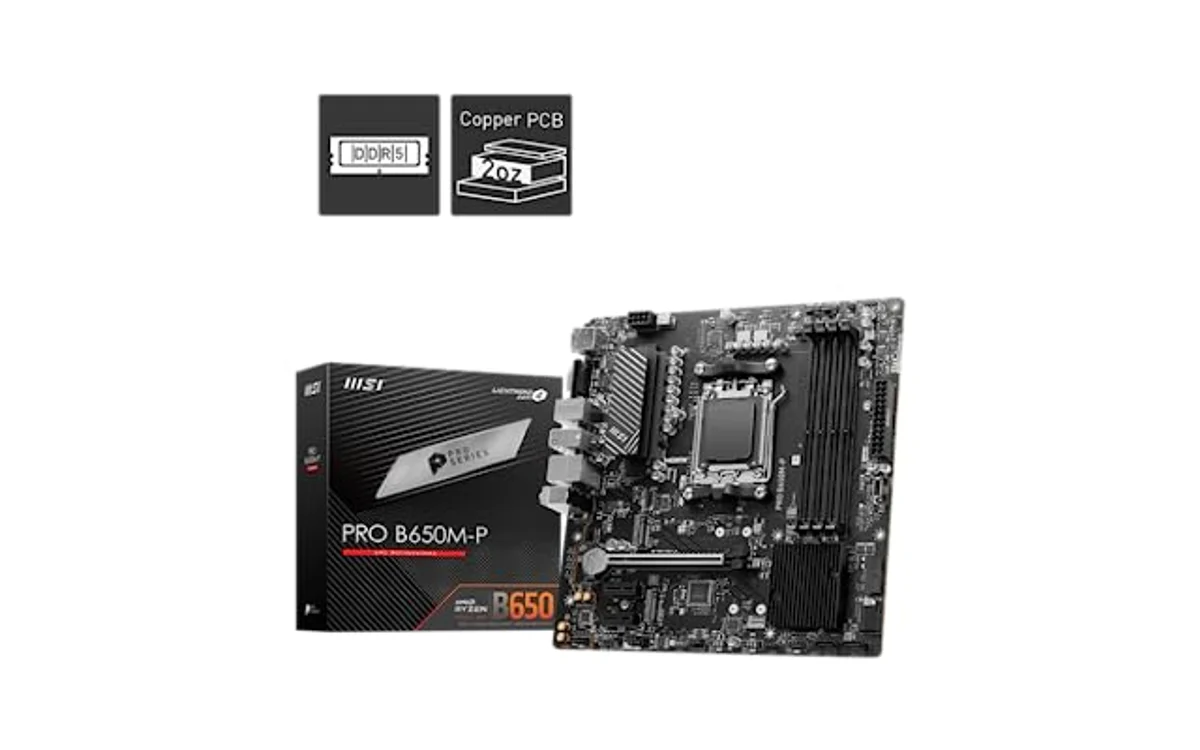
Direct Answer: Checking VRM Temperature
Check VRM temperature by running HWiNFO64 in Sensors-only mode during CPU load. Look for VR Loop, MOS, or VRM entries under motherboard sensor tree. Budget boards lacking integrated telemetry require physical infrared thermometer or multimeter thermocouple placed on high-side MOSFETs.
Primary Software Monitoring Method
Software polling reads data directly from PWM controller IC. Follow exact sequence for accurate telemetry.
- Download and launch HWiNFO64. Check Sensors-only box. Click Start.
- Scroll down to motherboard polling group. Group sits below CPU core sensor block.
- Locate label marked VR VCC Temperature, MOS, or VRM MOS.
- Launch secondary workload like Cinebench or Prime95 Small FFTs.
- Observe Current, Maximum, and Average columns. Safe operation stays below 95°C under sustained load.
For detailed sensor identification layouts inside diagnostics tools, review guide on how to check motherboard VRM temperature in HWiNFO.
Diagnostic Sensor Identification Table
Motherboard makers assign different sensor names based on integrated super I/O chips and controller protocols. Use table to map software strings to real physical thermal zones.
| Motherboard Vendor / Controller | HWiNFO / Sensor Name | Sensor Location | Accuracy Profile |
|---|---|---|---|
| ASUS (ROG / Strix) | VRM, Motherboard Temp #4 | Controller loop diode or power stage array | High. Direct digital telemetry via ASP IC. |
| MSI (Tomahawk / Carbon) | MOS, System Temp 2 | Thermistor embedded near upper MOSFET bank | Moderate to High. Physical bead under heatsink. |
| Gigabyte / AORUS | VRM MOS | Diode on PWM controller or discrete probe | High. Low variance against external probes. |
| ASRock (Mid-Range) | Auxiliary / Motherboard Temp | Generic ambient zone near socket trace | Low. Often reflects ambient socket air, not silicon. |
| Budget Entry (H610 / A620 / B760) | Sensor Missing / No MOS Entry | None installed | None. Hardware omission to cut BOM cost. |
Hardware Monitoring Methods When Sensors Missing
Budget motherboards frequently skip thermal sensors on power delivery hardware. Board reports CPU and general motherboard ambient, but omits MOSFET temperatures entirely. Read our breakdown on motherboard VRM temperature sensor missing behavior to confirm platform limits.
Infrared Thermometer (Non-Contact Pyrometer)
Direct infrared beam at rear of motherboard PCB directly behind voltage regulator circuits. Bare copper planes on board backside conduct high thermal energy from power stages. Factor emissivity: set pyrometer to 0.95 for PCB mask. Do not target shiny aluminum heatsinks directly; bare metal reflectivity skews infrared sensors, reporting false low readings. Read dark surface on inductor packages or backplate solder pads instead.
K-Type Thermocouple
Tape K-type thermocouple probe directly to side of hot MOSFET package or between aluminum heatsink fins. Use Kapton tape. Standard adhesive tape melts or catches fire under high temperatures. Connect leads to digital multimeter supporting thermal probe inputs. Run continuous compute load. Multimeter reads real surface thermal data independent of motherboard BIOS limitations.
Temperature Thresholds and Operating Limits
Power delivery stages consist of discrete high/low-side MOSFETs or integrated power stages (DrMOS). Thermal tolerances depend on silicon construction.
- Below 80°C: Ideal thermal zone. Minimal electrical leakage. High conversion efficiency. Component life exceeds platform utility.
- 80°C to 95°C: Normal operating range under heavy multicore rendering. Fully within standard operating limits for modern power stages.
- 95°C to 105°C: Elevated range. Typical for budget boards running high-TDP processors. Efficiency drops, thermal wear increases. Heatsinks require direct airflow.
- Above 105°C: Danger zone. High risk of VRM thermal throttling. Controller cuts CPU core clock speeds down to minimum multi-ratio (800 MHz to 5400 MHz drops) to save silicon.
- 125°C to 150°C: Absolute maximum silicon junction rating (TjMax). Thermal runaway or emergency shutdown occurs. Solder degradation risk.
If hardware registers sustained temps exceeding limits, explore how to reduce motherboard VRM temperature or read physical modifications in how to improve VRM cooling.
Step-by-Step Diagnostic Verification Checklist
- Verify monitoring software runs modern, updated build. Old utility versions mislabel sensor registers.
- Confirm power delivery design. Naked MOSFETs without aluminum blocks run 15-25°C hotter than heatsinked variants under identical loads.
- Check CPU behavior during load. If CPU clock frequencies plummet while CPU core temperature remains below 80°C, VRM thermal protection tripped.
- Inspect physical airflow path. Liquid cooling radiator setups often eliminate socket airflow, driving VRM temperatures upward compared to traditional air towers.
- Check ambient case temperature. High internal case ambients reduce thermal dissipation headroom across VRM heatsinks.
Frequently Asked Questions
Why does software show VRM temperature at 127°C constantly?
Static readings of 127°C, 0°C, or -1°C indicate phantom sensor. Diagnostic software reads empty data register from unpopulated pin on Super I/O chip. Board lacks physical diode at that address. Disregard reading.
Can high VRM temperatures damage CPU?
No. High VRM temperatures destroy motherboard power stages, not CPU directly. Failed MOSFET typically shorts, causing board startup failure or triggering power supply over-current protection (OCP). Processor throttles clock rate to preserve power delivery hardware.
Is VRM throttling visible in monitoring software?
Yes. In HWiNFO64, monitor CPU sensor group. Look for flags labeled VR Thermal Throttling or PROCHOT EXT. Value changing from No to Yes confirms VRM reached emergency temperature limits and throttled CPU speed.





Write Your Review
No reviews yet. Be the first to share your experience!