

Last updated: October 2, 2026
Quick answer: In October 2026, choosing between CMR vs SMR hard drives determines write performance and system stability. Conventional Magnetic Recording (CMR) writes data to isolated, parallel tracks for consistent sustained write speeds. Shingled Magnetic Recording (SMR) overlaps data tracks like roof shingles to increase platter density at lower manufacturing cost, but incurs severe write-speed drops during sustained random writes and RAID array rebuilds.
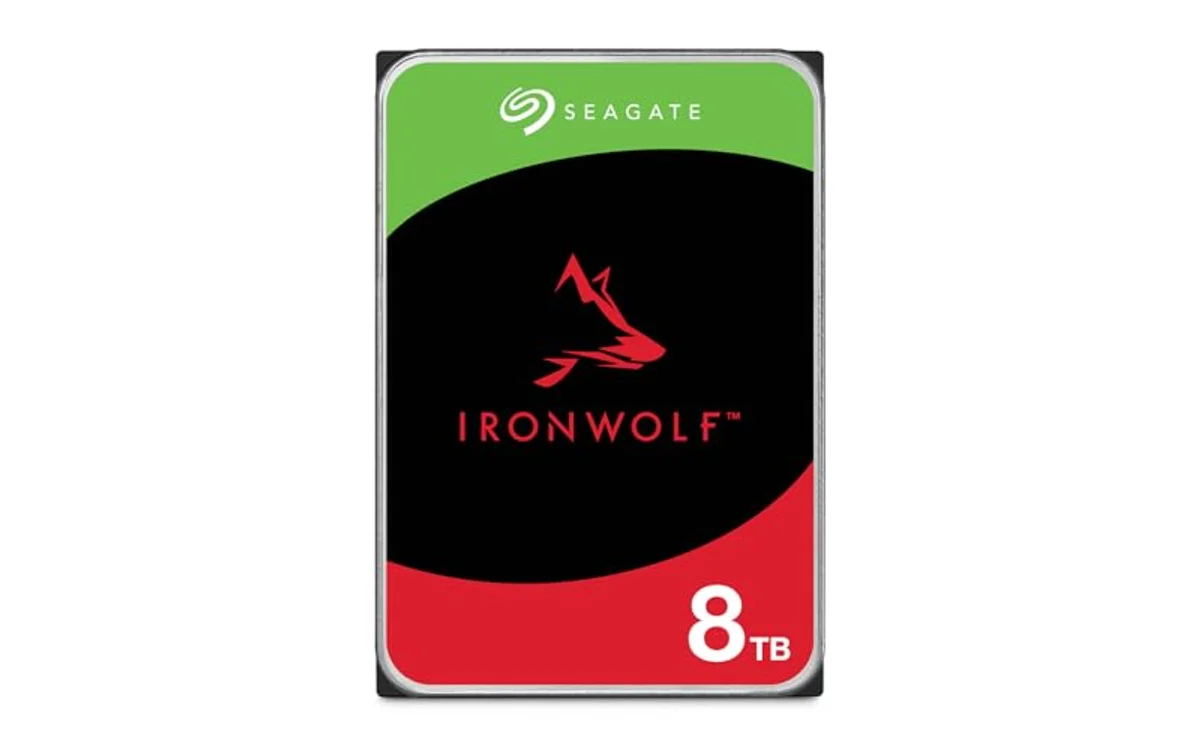
Short answer: Conventional Magnetic Recording (CMR) preserves isolated data tracks, allowing direct overwrites without disturbing adjacent sectors. Shingled Magnetic Recording (SMR) overlaps tracks to maximize areal density, requiring the drive to read, cache, and rewrite neighboring tracks during write operations. PC builders must verify magnetic recording types because SMR drives can cause timeouts in RAID arrays and stall heavy write workloads.
Selecting hard drives inside modern computing requires balancing mechanical capacity against solid-state performance. Users building high-capacity arrays in specialized enclosures like the best PC case for multiple hard drives must understand underlying disk geometry before deployment.
What Is CMR Vs SMR Hard Drives?
CMR vs SMR hard drives describes two distinct physical track layouts utilized on magnetic platters. Hard disk drives (HDDs) store binary data by altering magnetic polarities across circular tracks. The fundamental physical problem in modern platter design stems from the write head: electromagnetic write elements are physically wider than magnetoresistive read heads.
CMR, historically known as standard Perpendicular Magnetic Recording (PMR), keeps each concentric track physically separated by a protective guard space. The write head alters data on track N without magnetically overlapping track N-1 or track N+1. This allows immediate random updates to individual sectors.
SMR bypasses track-spacing physical limits by overlapping write tracks, mimicking shingles on a roof. Because the read head is significantly narrower than the write head, it accurately reads data from the exposed narrow strip of a shingled track. However, writing data to a middle track magnetically damages the overlapping adjacent track. To prevent data corruption, SMR groups tracks into discrete blocks called bands. Modifying a single file inside an SMR band requires reading the entire band into cache memory, modifying the target sector, and rewriting the entire sequence sequentially.
Why CMR Vs SMR Hard Drives Matters
Magnetic recording architecture dictates drive performance characteristics, operational reliability, and array integrity across several workloads:
In network-attached storage (NAS) and hardware RAID environments, SMR causes critical failure modes. When a failed disk gets replaced in a redundant array (such as RAID 5, RAID 6, or ZFS RAID-Z), the storage controller initiates a rebuild (resilver). This task generates continuous, heavy write operations across the entire capacity. A CMR drive sustains predictable write throughput (typically 150 MB/s to 260 MB/s depending on platter density and RPM). A Drive-Managed SMR (DM-SMR) drive exhausts its internal high-speed cache during extended writes. Write speeds drop below 10 MB/s, response latency spikes to several seconds, and RAID controllers mark the drive as dropped or dead due to communication timeouts, risking total pool loss.
For PC gaming and routine office productivity, read operations run identically on both architectures. Game loading times, media streaming, and document retrieval pull data via the narrow read head without triggering shingle rewrites. However, downloading a multi-gigabyte game patch or extracting large compressed archives generates random write patterns. SMR drives introduce significant latency spikes during these write-modify-rewrite operations, freezing background tasks.
For long-term value, CMR provides predictable performance under all operating conditions. SMR trades write stability for lower manufacturing cost per terabyte, making it suitable strictly for secondary cold storage, sequential backup targets, and non-striped media libraries.
How CMR Vs SMR Hard Drives Works
Mechanical hard drives rely on heads flying nanometers above spinning platters coated with magnetic thin films. Physical write heads require a certain physical width to generate magnetic fields strong enough to flip magnetic grain orientations reliably.
1. The CMR Write Cycle
In a CMR drive, tracks sit side-by-side with dedicated guard bands preventing magnetic cross-talk. When the host system issues a write command, the drive actuator moves the read/write head assembly directly above the target sector. The drive writes the data in a single pass. Adjacent data remains untouched. If the write command changes a 4 KB block inside a 50 GB file, the drive updates only that 4 KB sector. Write latency remains strictly a function of actuator seek time and rotational latency.
2. The SMR Write Cycle and Banding
In an SMR drive, tracks are layered sequentially. The write head leaves a wide magnetic footprint, writing track 1. It advances a fractional step and writes track 2, partially overwriting track 1 but leaving a readable strip. This process continues across hundreds of tracks, creating an isolated group called an SMR band, bounded by a wide guard track.
Because partial track overwriting ruins downstream tracks, random writes cannot happen in place. SMR drives utilize three management implementations:
- Drive-Managed (DM-SMR): The drive’s internal firmware handles all track reorganizations. The host operating system treats the drive as a standard SATA/SAS disk. When write commands arrive, DM-SMR writes incoming data directly into an on-disk Media Cache (a designated non-shingled CMR scratchpad area) or DRAM cache. During idle periods, internal background garbage collection reads the cache and writes finalized bands sequentially. If the cache fills completely during sustained transfers, the drive enters an on-the-fly read-modify-rewrite state, crashing throughput.
- Host-Aware (HA-SMR): The host operating system can issue standard write commands, but queries drive topology to optimize sequential writes directly into open bands.
- Host-Managed (HM-SMR): Used in enterprise hyperscale environments. The drive exposes raw zoned interfaces (ZBC/ZAC). The host operating system must strictly stream sequential writes; random write requests are rejected at the interface level.
DM-SMR is standard in consumer desktop and low-tier NAS drives from major vendors including Western Digital (WD), Seagate, and Toshiba. DM-SMR conceals underlying mechanics from the operating system, creating unpredictable latency spikes under unmanaged write stress.
Quick Comparison
The operational specifications below summarize architectural differences between recording methods across standard consumer and enterprise mechanical drives:
| Feature | CMR (Conventional Magnetic Recording) | SMR (Shingled Magnetic Recording) |
|---|---|---|
| Track Layout | Isolated, parallel tracks with protective guard bands | Overlapping tracks grouped into isolated shingle bands |
| Random Write Latency | Low (seek time + rotational delay only) | High to extreme (requires read-modify-rewrite cycle) |
| Sustained Write Speed | Consistent across full drive capacity (150-260 MB/s) | Drops severely once internal CMR/DRAM cache fills |
| RAID / ZFS Resilver Suitability | Fully compatible; predictable rebuild timelines | High risk of timeouts, dropouts, and rebuild failures |
| Read Performance | Standard platter read speeds | Identical to CMR (read head reads narrow exposed track) |
| Platter Areal Density | Standard capacity per platter | Up to 25% higher capacity per physical platter surface |
| Primary Target Workload | NAS, RAID arrays, write-intensive desktop, CCTV/NVR | Cold data archiving, secondary backup, sequential media |
What to Look For When Buying
When purchasing mechanical storage for PC builds or storage servers, verify recording technology using published vendor technical datasheets rather than commercial retail product titles:
- Verify Part Numbers Against Spec Sheets: Do not rely on marketing labels. Check the exact manufacturer model number on official specification PDFs. For example, WD Red (EFAX models) historically utilized SMR, whereas WD Red Plus (EFZX/EFBX) and WD Red Pro use CMR exclusively.
- Check Sector and Cache Proportions: Abnormally large caches on low-capacity drives often indicate SMR. A 2TB, 4TB, or 6TB mechanical drive with a 256MB DRAM cache frequently uses DM-SMR to manage background band rewriting, whereas older CMR designs at those capacities typically shipped with 64MB or 128MB buffers.
- Inspect Capacity Tiers: Enterprise hard drives at 10TB capacity and above are predominantly CMR (or Helium-sealed CMR). SMR remains concentrated between the 2TB and 8TB tiers in consumer product lines, as well as high-density enterprise archive models (26TB+ Host-Managed SMR).
- Match Drive Mechanics to Workload Demands: For unstriped single-drive external backups or primary sequential file storage, SMR drives are acceptable if priced significantly below CMR counterparts. For internal OS drives, mixed gaming/productivity drives, or multi-drive parity pools, purchase CMR drives exclusively.
- Assess Solid-State Alternatives: If your workflow requires high-speed random operations or frequent bulk writes, consider solid-state storage. Review best NVMe SSDs for sustained writes to evaluate drive endurance over mechanical media.
Common Mistakes to Avoid
System builders frequently run into preventable storage failures by misinterpreting magnetic recording characteristics:
1. Assuming Read Speeds Are Slower on SMR: A common misconception is that SMR drives load files or read streaming data slower than CMR drives. The physical read head is narrower than the written track. During read operations, the drive accesses the visible track strip directly without interacting with overlapping data. Sequential read benchmarks match identical RPM CMR drives.
2. Mixing SMR and CMR in Hardware RAID: Installing an SMR drive into an existing CMR RAID array causes severe parity calculation mismatches. Under write load, the SMR drive’s elevated latency causes controller queue depths to fill instantly. The controller will drop the SMR disk, marking the array degraded.
3. Using SMR in ZFS Pools: ZFS manages transaction groups and metadata updates across all vdevs simultaneously. The copy-on-write architecture of ZFS turns sequential file transfers into fragmented physical block writes. SMR drives experience complete performance collapse in ZFS pools, often slowing transfers to under 5 MB/s and extending resilver operations from hours into weeks.
4. Believing SMR Has Lower Physical Durability: SMR does not degrade platter magnetic media faster than CMR. The underlying magnetic coating and mechanical spindle bearings share identical Mean Time Between Failures (MTBF) and Annualized Failure Rates (AFR). Reliability issues stem from drive timeouts under write stress, not premature mechanical motor or platter failure.
5. Confusing PMR With an Alternative to SMR: PMR (Perpendicular Magnetic Recording) describes the magnetic grain alignment perpendicular to the platter surface, as opposed to legacy Longitudinal Magnetic Recording (LMR). Both CMR and SMR use perpendicular magnetic grain alignment. CMR is traditional PMR without overlapping tracks; SMR is PMR with overlapping tracks.
Related Guides
Explore our storage guides and architecture references for complete system configurations:
- Hard Drives Hub: Complete mechanical drive architecture coverage, form factor specifications, and storage standards.
- Storage & NAS Category: Setup instructions, filesystem recommendations, and redundancy guides for networked pools.
- Best PC case for multiple hard drives: Enclosure options engineered for multi-drive vibration dampening and active mechanical cooling.
Why You Should Trust PCGearWiki
PCGearWiki produces transparent hardware education focused on underlying engineering standards rather than superficial marketing claims. We analyze factory product documentation, electrical and physical specifications, controller command structures, and verified firmware behaviors across all component categories.
Our evaluation framework avoids manufactured scores and speculative benchmarks. When comparing storage architectures, we break down drive geometry, command protocol compatibility (including ATA-8 ACS, ZBC, and ZAC), and real-world failure points. Learn more about our technical analysis standards by reviewing our evaluation methodology.
Final Thoughts
The distinction between CMR vs SMR hard drives defines write behavior and system reliability. SMR increases platter density to lower storage costs, but creates severe performance drops during sustained or random writes. For single-disk external backups and purely sequential cold media, SMR operates adequately. For parity RAID arrays, ZFS pools, NAS servers, and write-intensive desktop tasks, select CMR drives exclusively to guarantee consistent throughput and prevent array dropouts.
Frequently Asked Questions
Can I use an SMR hard drive for PC gaming?
Yes, but with limitations. Game loading times and in-game performance depend entirely on read speeds, which are identical between CMR and SMR drives. However, downloading updates, unpacking game files, or running background recording to the same drive will trigger SMR write penalties, causing download stalls and system stuttering during patching cycles.
How do I check if my existing hard drive is CMR or SMR?
Retrieve the exact model number from Device Manager or disk utility software (e.g., CrystalDiskInfo). Cross-reference that exact part number with the manufacturer’s official technical specification sheet. Linux users can run smartctl commands; drives supporting TRIM (Deterministic Read ZEROs after TRIM) in mechanical form factors are almost universally Drive-Managed SMR models.
Does SMR affect mechanical hard drive lifespan?
No. SMR platters and motor assemblies share the exact mechanical and magnetic hardware design of CMR units. The drive does not wear out faster under normal conditions. However, because SMR drives execute write amplification internally via background band rewrites, the actuator arm performs more physical movements during heavy random writes than a CMR drive executing the same workload.
Why do manufacturers make SMR drives if CMR is better?
Manufacturing efficiency and areal density. Shingling tracks allows drive manufacturers to pack up to 25% more data onto a single physical platter without engineering narrower, more expensive write heads. This reduces the number of platters and heads needed to hit target capacities, lowering bill-of-materials costs for budget-focused consumer storage.


Write Your Review
No reviews yet. Be the first to share your experience!