

Last updated: November 12, 2026
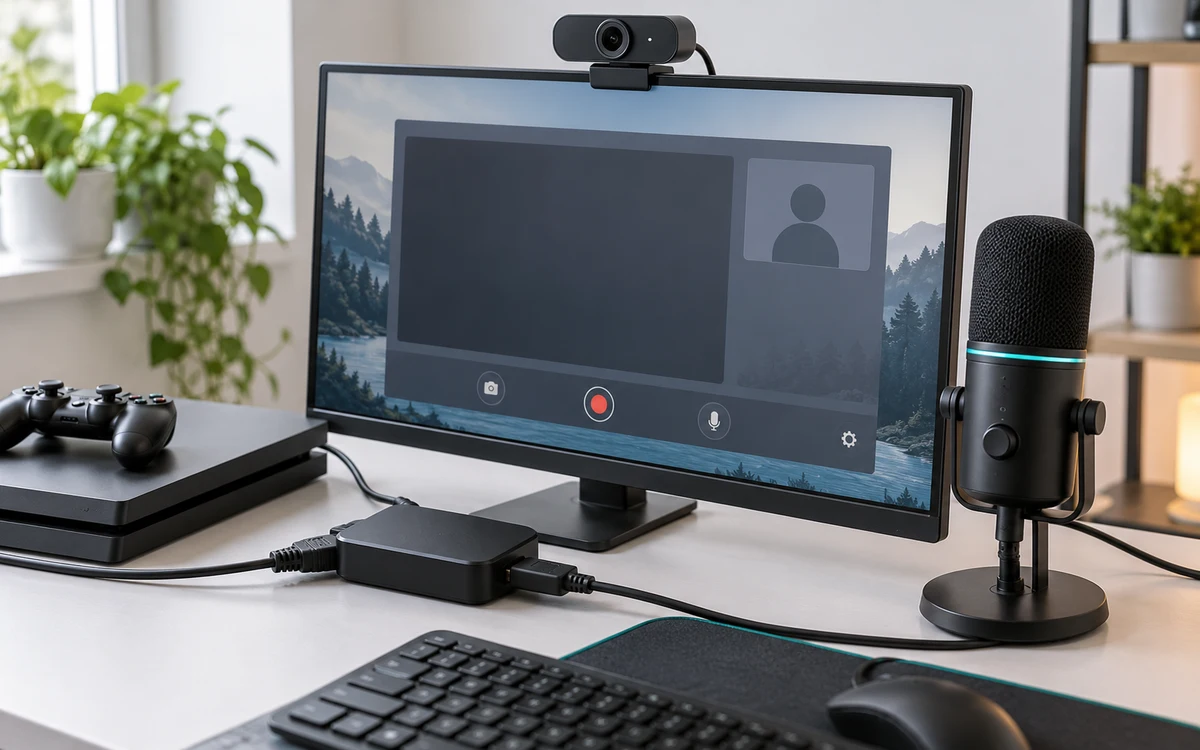
Improve microphone placement before buying another microphone. For a PC capture stream, a headset mic can be enough if your voice is easy to understand over gameplay. A separate desk mic is useful when you want independent control and can place it close to your mouth without obstructing the controller or display.
PlayStation consoles for GTA 6
As an Amazon Associate I earn from qualifying purchases.
-
PS5 Original
825 GB SSD, built-in disc drive
Keep your original PS5 if it works. For a replacement, check the seller, condition and return terms.
Check price on Amazon -
PS5 Slim
1 TB SSD, disc drive included
Choose this smaller model if you want to keep using compatible game discs and do not need Pro enhancements.
Check price on Amazon -
PS5 Pro
2 TB SSD, disc drive sold separately
Consider the Pro if you want more built-in storage and visual enhancements in supported games.
Check price on Amazon
As an Amazon Associate I earn from qualifying purchases.
Products discussed in this guide
These listings are comparison references, not a guarantee of price or stock. We may earn a commission from qualifying purchases.

A dynamic USB kit for a capture PC
The FIFINE AmpliGame AM8PROT kit includes a dynamic microphone and boom arm. FIFINE lists USB and XLR connectivity. Use USB for the computer workflow described here. If you plan to use XLR, budget for the appropriate interface and cable rather than assuming the USB kit supplies an entire XLR signal chain.
Check that the arm can clamp onto your desk without covering a port or catching the monitor. Position the microphone to one side of your mouth and check that you can turn your head toward a second screen without losing too much volume. This recommendation is for a capture PC, not a promise of direct console support.
Make a fair A/B recording
- Record the same short sentence with your current headset and the desk mic. Use the normal place where you play and speak at the same volume.
- Add a loud gameplay segment and compare how clearly each recording preserves speech. Lower game audio separately instead of pushing the voice into clipping.
- Check controller sounds, desk bumps and a keyboard tap. Move the mic or the mount before assuming a filter will fix everything.
- Listen to the saved file on headphones. Verify that only the intended mic is active and that a webcam is not adding a second copy.
Use the OBS audio mixer guide to identify each input. If your priority is guest voices, see our party chat audio walkthrough. A new commentary mic will not repair a missing console chat route.
Before enabling several noise filters, listen to a clean test with the microphone closer and the input gain lower. Compare short quiet words as well as loud reactions. A filter that hides a fan but cuts the ends of sentences is not an improvement. Save the settings that sound usable before trying a second configuration.
Record a comparison that reveals the actual problem
Make three short takes: voice alone, voice over a loud game scene and voice while you turn toward a second screen. Keep your speaking volume similar and compare the recordings at a comfortable listening level. If only the third take becomes hard to hear, mic angle or distance may matter more than the model. If both mic options sound good until the game plays, adjust the mix instead of replacing a microphone that already captures speech clearly.
Decide whether the boom arm is worth the desk space
Measure the edge where the clamp would sit and check drawers, cable trays or curved trim. Then mark where the microphone would reach at your normal seating position. An arm that cannot get close enough without hitting the display does not solve the placement issue. If the desk is shared, check whether you can move it aside without tugging the USB cable or undoing the settings every session.
If you already own a headset mic that passes the test, save your money until you need an independent audio source or a more comfortable setup. If you buy the USB kit, verify that the recording software sees it, select it once in the intended scene and mute other automatic microphones. Keep a short known-good clip so you can compare after changing the encoder, cable or operating-system settings.
Add PCGearWiki as a preferred source on Google
Sources and Verification
Research basis: Product identity, dimensions, interfaces, supported features, and warranty terms are checked against available manufacturer documentation and current retailer listings. Price, stock, and aggregate customer ratings can change after publication.
Testing disclosure: Unless this article explicitly states that PCGearWiki performed hands-on testing and describes the test setup, recommendations are research-based editorial evaluations rather than PCGearWiki laboratory measurements. Customer feedback is used to identify recurring ownership patterns, not as proof of technical performance.
Last source review: November 12, 2026. See our Review Methodology, Editorial Policy, and Corrections Policy.


Write Your Review
No reviews yet. Be the first to share your experience!