

Last updated: September 22, 2026
Quick picks
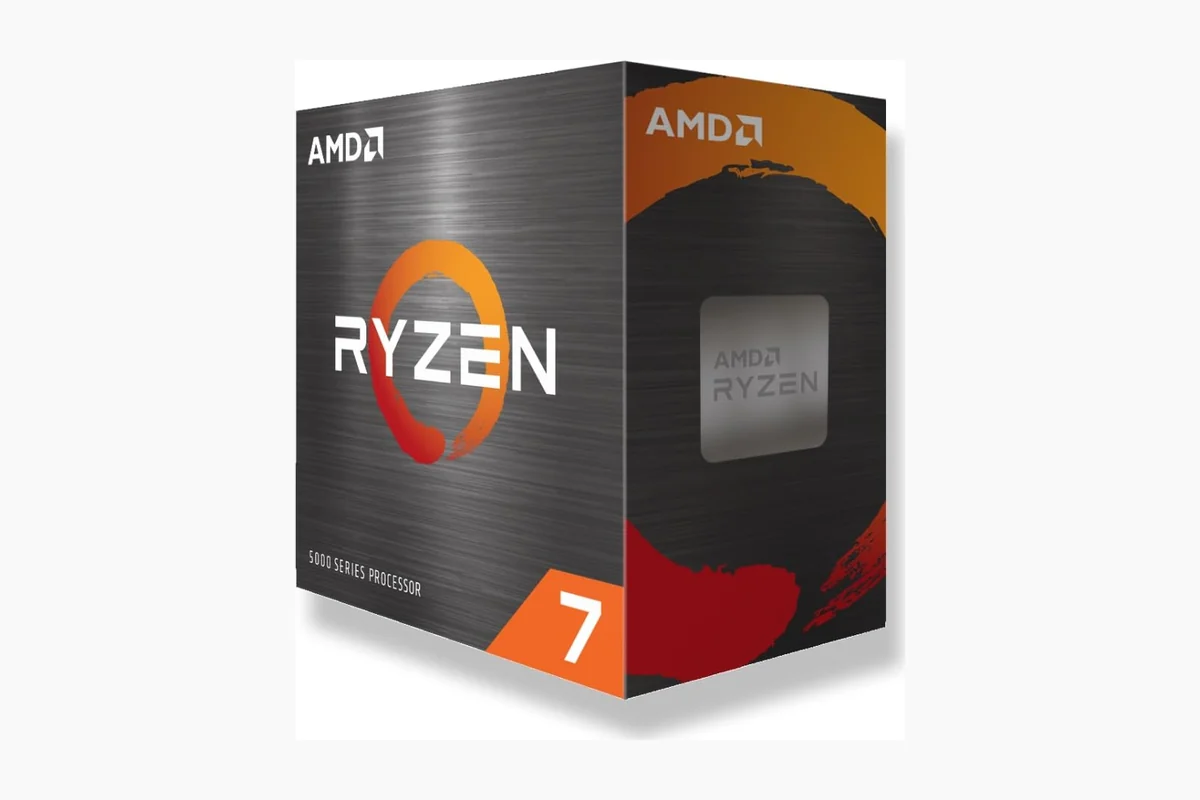
- Top Pick: AMD Ryzen 7 5800XT 8-Core 16-Thread Unlocked 9.4 Excellent
- Highest Score: AMD Ryzen 5 5500 6-Core 12-Thread Unlocked 9.9 Outstanding
Selecting processor requires matching compute needs to graphics card tier, cooling capacity, and platform cost. Primary trade-off pits gaming frame rates driven by single-thread cache against parallel multi-thread throughput needed for rendering, while motherboard socket limits future upgrades. Builder on budget under $100 must accept legacy platforms, while modern DDR5 builds demand higher initial investment.
Market in September 2026 contains distinct processor architectures across multiple sockets. Upgraders on older systems look to extend hardware lifespan, while builders assemble brand-new rigs. Editorial evaluation examines 10 eligible retail models spanning $81.81 – $499.99. Analysis focuses on clock frequency, core architecture, thermal limits, bundled cooling, and chipset ecosystems to identify processors matching specific performance targets. Pair high-end desktop hardware with optimal displays detailed in our monitor buying guide.
Evaluation process analyzes manufacturer specifications, silicon configuration, base frequencies, boost limits, and platform features. Testing protocols and assessment standards follow guidelines published in PCGearWiki Review Methodology.
Compare at a Glance
| # | Product | Editorial Score | Processor Series | Processor Speed |
|---|---|---|---|---|
| 1 | AMD Ryzen 7 5800XT 8-Core 16-Thread Unlocked | 9.4 Excellent | Ryzen 7 | 3.8 GHz |
| 2 | AMD Ryzen 9 9950X 16-Core 32-Thread Zen | 9.8 Outstanding | Ryzen 9 | 4.3 GHz |
| 3 | AMD Ryzen 5 5500 6-Core 12-Thread Unlocked | 9.9 Outstanding | Ryzen 5 | 4.2 GHz |
| 4 | AMD Ryzen 5 9600X 6-Core 12-Thread Zen | 9.9 Outstanding | Ryzen 5 | 3.9 GHz |
| 5 | AMD Ryzen 9 5900XT 16-Core 32-Thread Unlocked | 9.6 Outstanding | Ryzen 9 | 3.3 GHz |
| 6 | AMD Ryzen 7 7800X3D 8-Core 16-Thread 4.2 | 9.8 Outstanding | Ryzen 7 | 4.2 GHz |
| 7 | Intel Core i9-14900K Unlocked 24-Core 6.0 GHz | 9.6 Outstanding | Core i9 | 6 GHz |
| 8 | Intel Core Ultra 9 285K 24-Core Desktop | 9.8 Outstanding | Core i9 | 5.7 GHz |
| 9 | Intel Core Ultra 7 270K Plus 24-Core | 9.5 Outstanding | Intel Core Ultra 7 | 3.7 GHz |
| 10 | AMD Ryzen 9 9900X 12-Core Zen 5 | 9.8 Outstanding | Ryzen 9 | 4.4 GHz |

Pros
- Strong multi-threaded performance for gaming and content creation
- Unlocked design enables easy overclocking
- Includes capable RGB cooler to manage thermals
- Compatible with existing AM4 motherboards for cost-effective upgrades
Cons
- Limited to older AM4 socket and DDR4 memory
- 105W TDP requires adequate case airflow
- Lacks integrated graphics so discrete GPU is needed
| Processor Series | Ryzen 7 |
|---|---|
| Processor Speed | 3.8 GHz |
| Processor Socket | Socket AM4 |
| Secondary Cache | 4 MB |
| Wattage | 105 watts |
| Cache Memory Installed Size | 36 |
| Processor Count | 8 |
| Processor Number of Concurrent Threads | 16 |
| Processor Core Count | 8 |
| Cooling Method | Heatsink and Fan |
Best suited to shoppers comparing cpu processors products who specifically need deliver powerful gaming and multitasking with 8 cores and 16 threads on proven Zen 3 architecture, Reach high speeds up to 4.8 GHz max….
Before buying, compare the exact model’s compatibility, dimensions, core specifications, warranty, recurring owner feedback, and current price against other cpu processors options. Retailer availability and pricing can change after publication.
Pros
- Exceptional core count for parallel processing tasks
- Unlocked multiplier allows tuning for higher performance
- Strong support for latest memory and expansion standards
- High boost clock speeds enhance both gaming and productivity
Cons
- Cooler not included requiring separate high-end cooling solution
- 170W TDP demands robust power supply and case airflow
- Best performance needs a compatible AM5 motherboard
| Processor Series | Ryzen 9 |
|---|---|
| Processor Speed | 4.3 GHz |
| Processor Socket | Socket AM5 |
| Secondary Cache | 16 MB |
| Wattage | 170 watts |
| Cache Memory Installed Size | 80 |
| Processor Count | 16 |
| Processor Number of Concurrent Threads | 32 |
| Processor Core Count | 16 |
| Platform | Windows 11 |
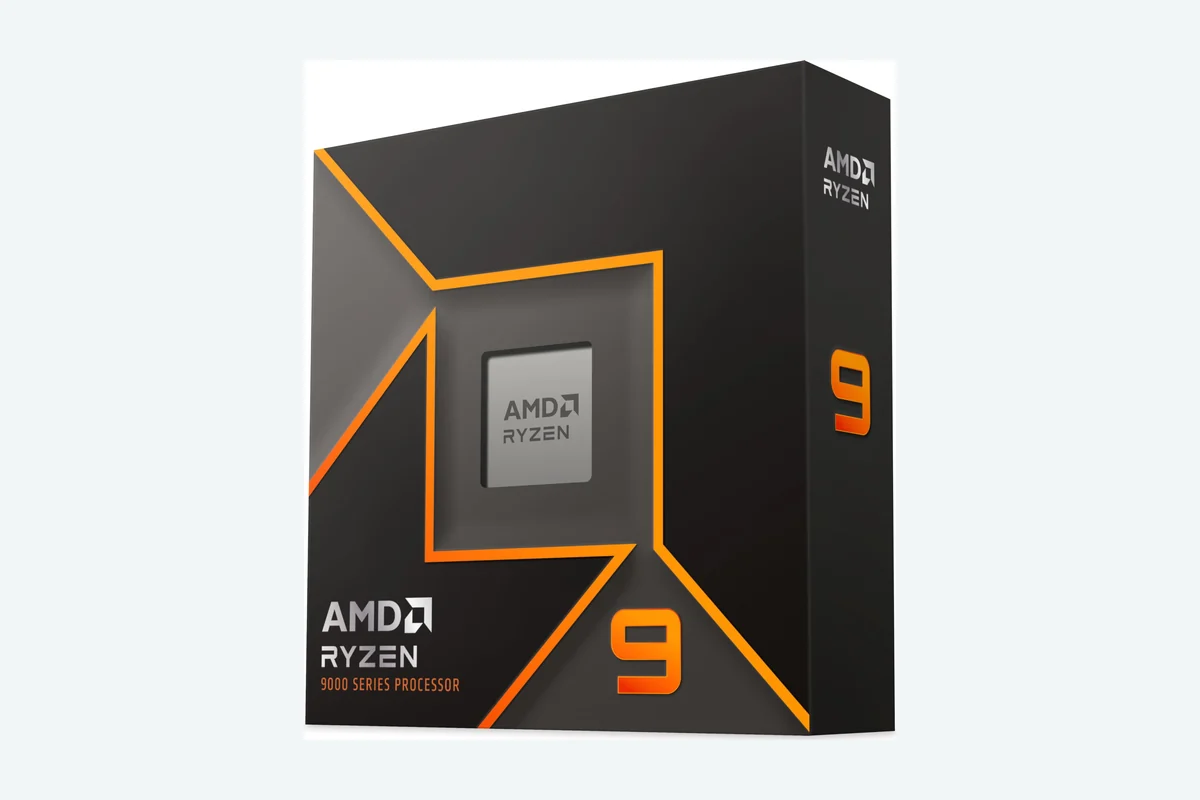
Best suited to shoppers comparing cpu processors products who specifically need delivers ultra-fast frame rates exceeding 100 FPS in top games for immersive gameplay, Powers demanding creative applications with 16 cores and 32 threads for….
Before buying, compare the exact model’s compatibility, dimensions, core specifications, warranty, recurring owner feedback, and current price against other cpu processors options. Retailer availability and pricing can change after publication.
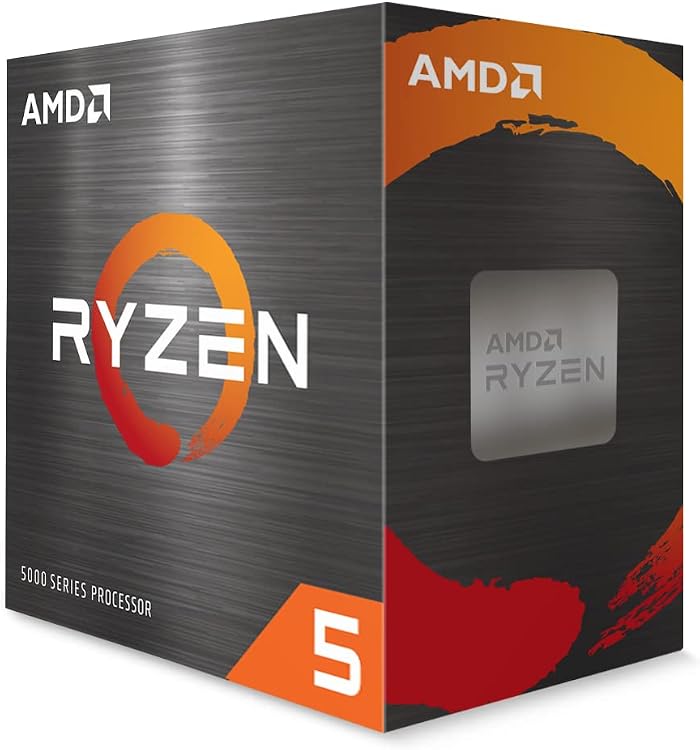
AMD Ryzen 5 5500 6-Core 12-Thread Unlocked Desktop
Pros
- 6 cores and 12 threads enable strong multi-threaded performance
- Unlocked multiplier allows user-driven overclocking
- Included cooler reduces need for separate purchases
- 19 MB cache aids quick access to frequently used data
- 65W TDP supports efficient operation in standard builds
Cons
- Requires a discrete graphics card for gaming use
- Restricted to the aging Socket AM4 platform
- No integrated graphics limits options in basic systems
| Processor Series | Ryzen 5 |
|---|---|
| Processor Speed | 4.2 GHz |
| Processor Socket | Socket AM4 |
| Secondary Cache | 16 MB |
| Wattage | 65 watts |
| Cache Memory Installed Size | 19 MB |
| Processor Count | 6 |
| Processor Number of Concurrent Threads | 12 |
| Processor Core Count | 6 |
| Cooling Method | air cooling |
Best suited to shoppers comparing cpu processors products who specifically need delivers smooth high-FPS gaming in popular titles when paired with a discrete graphics card, Supports efficient multitasking and productivity workloads with 12 processing threads.
Before buying, compare the exact model’s compatibility, dimensions, core specifications, warranty, recurring owner feedback, and current price against other cpu processors options. Retailer availability and pricing can change after publication.

Pros
- Strong gaming and multi-thread performance from Zen 5 architecture
- Unlocked multiplier supports enthusiast overclocking
- Efficient power draw at 65 watts for balanced builds
- Long platform support on AM5 with modern memory standards
Cons
- Cooler not included requiring separate purchase
- May need new AM5 motherboard for existing users
- Early product stage with limited independent benchmarks
| Processor Series | Ryzen 5 |
|---|---|
| Processor Speed | 3.9 GHz |
| Processor Socket | Socket AM5 |
| Secondary Cache | 6 MB |
| Wattage | 65 watts |
| Cache Memory Installed Size | 38 |
| Processor Count | 6 |
| Processor Number of Concurrent Threads | 12 |
| Processor Core Count | 6 |
| Cooling Method | air-cooled |
Best suited to shoppers comparing cpu processors products who specifically need deliver smooth gameplay above 100 FPS in top titles through efficient Zen 5 cores, Manage heavy multitasking and creation tasks with 12 threads for….
Before buying, compare the exact model’s compatibility, dimensions, core specifications, warranty, recurring owner feedback, and current price against other cpu processors options. Retailer availability and pricing can change after publication.

Pros
- High core and thread count handles intensive workloads effectively
- Unlocked multiplier allows flexible overclocking options
- Strong cache size improves data access speeds
- Compatible with existing AM4 motherboards for easy upgrades
Cons
- Cooler not included requiring separate purchase
- AM4 platform limits future upgrade paths compared to newer sockets
- 105W TDP demands adequate cooling solutions
| Processor Series | Ryzen 9 |
|---|---|
| Processor Speed | 3.3 GHz |
| Processor Socket | Socket AM4 |
| Secondary Cache | 8 MB |
| Wattage | 105 watts |
| Cache Memory Installed Size | 72 |
| Processor Count | 16 |
| Processor Number of Concurrent Threads | 32 |
| Processor Core Count | 16 |
| Cooling Method | aftermarket |
Best suited to shoppers comparing cpu processors products who specifically need unlocks high-performance multitasking for gaming and video editing with 16 cores and 32 threads, Delivers fast boost speeds up to 4.8 GHz for smooth….
Before buying, compare the exact model’s compatibility, dimensions, core specifications, warranty, recurring owner feedback, and current price against other cpu processors options. Retailer availability and pricing can change after publication.

Pros
- Strong cache size improves real-world gaming speeds
- High thread count handles streaming alongside gameplay
- Modern AM5 socket supports long-term platform use
Cons
- Requires new AM5 motherboard and DDR5 memory
- Integrated graphics suit light tasks only
- Higher power use under full load compared to prior generations
| Processor Series | Ryzen 7 |
|---|---|
| Processor Speed | 4.2 GHz |
| Processor Socket | Socket AM5 |
| Secondary Cache | 8 MB |
| Wattage | 120 watts |
| Cache Memory Installed Size | 104 |
| Processor Count | 1 |
| Processor Number of Concurrent Threads | 16 |
| Processor Core Count | 8 |
| Platform | Windows 10, Windows 11 |
Best suited to shoppers comparing cpu processors products who specifically need delivers smooth multitasking for gaming and content creation with 16 threads, Large 104 MB cache boosts game loading and frame rates in demanding titles.
Before buying, compare the exact model’s compatibility, dimensions, core specifications, warranty, recurring owner feedback, and current price against other cpu processors options. Retailer availability and pricing can change after publication.

Pros
- Exceptional core count enables strong productivity alongside gaming
- Unlocked multiplier supports advanced overclocking for enthusiasts
- Hybrid architecture balances performance and efficiency effectively
- Broad motherboard compatibility with Intel 600 and 700 series
Cons
- High power requirements demand robust cooling solutions
- Best performance needs a discrete graphics card
- May require BIOS update on some compatible motherboards
| Processor Series | Core i9 |
|---|---|
| Processor Speed | 6 GHz |
| Processor Socket | LGA 1700 |
| Secondary Cache | 20 |
| Wattage | 250 |
| Cache Memory Installed Size | 152 |
| Processor Count | 24 |
| Processor Number of Concurrent Threads | 32 |
| Processor Core Count | 24 |
| Platform | Windows 11 |
Best suited to shoppers comparing cpu processors products who specifically need achieve smoother gameplay and faster responsiveness with leading 6.0 GHz clock speeds, Manage heavy multitasking and streaming with 24 cores and 32 threads.
Before buying, compare the exact model’s compatibility, dimensions, core specifications, warranty, recurring owner feedback, and current price against other cpu processors options. Retailer availability and pricing can change after publication.

Pros
- Strong multi-core performance for creation workloads
- Unlocked multiplier for enthusiast tuning
- Modern connectivity with PCIe 5.0 support
- Efficient hybrid architecture balances speed and power
Cons
- No thermal solution included requiring separate cooler purchase
- Requires new LGA 1851 motherboard for installation
- High power draw at 125W base may increase energy costs
| Processor Series | Core i9 |
|---|---|
| Processor Speed | 5.7 GHz |
| Processor Socket | LGA 1851 |
| Secondary Cache | 36 MB |
| Wattage | 125 watts |
| Cache Memory Installed Size | 40 MB |
| Processor Count | 24 |
| Processor Number of Concurrent Threads | 24 |
| Processor Core Count | 24 |
| Platform | Windows 11 |
Best suited to shoppers comparing cpu processors products who specifically need delivers high performance for gaming and content creation through hybrid core architecture that optimizes workloads efficiently, Unlocked design enables overclocking up to 5.7 GHz….
Before buying, compare the exact model’s compatibility, dimensions, core specifications, warranty, recurring owner feedback, and current price against other cpu processors options. Retailer availability and pricing can change after publication.

Pros
- Unlocked design allows easy overclocking for enthusiasts
- Strong core configuration handles multiple tasks simultaneously
- Modern socket and memory support ensures longevity
- High turbo frequency improves real-time responsiveness
Cons
- Requires a new LGA1851 motherboard for installation
- Higher power draw during peak loads compared to prior generations
- Air cooling may need upgrading for maximum overclocking stability
| Processor Series | Intel Core Ultra 7 |
|---|---|
| Processor Speed | 3.7 GHz |
| Processor Socket | LGA1851 |
| Secondary Cache | 36 MB |
| Wattage | 125 watts |
| Cache Memory Installed Size | 40 MB |
| Processor Count | 24 |
| Processor Number of Concurrent Threads | 24 |
| Processor Core Count | 24 |
| Cooling Method | Air |
Best suited to shoppers comparing cpu processors products who specifically need delivers fast responsiveness for gaming and multitasking with up to 5.5 GHz boost clocks, Supports high-speed DDR5 memory and PCIe 5.0 for smoother data….
Before buying, compare the exact model’s compatibility, dimensions, core specifications, warranty, recurring owner feedback, and current price against other cpu processors options. Retailer availability and pricing can change after publication.

Pros
- Strong multi-core performance for gaming and productivity
- High boost clocks enhance real-world speed
- Future-ready with Zen 5 architecture and AM5 support
- Unlocked for overclocking flexibility
Cons
- Cooler not included requiring separate purchase
- Needs compatible motherboard for PCIe 5.0 features
- Power draw reaches 120 watts under load
| Processor Series | Ryzen 9 |
|---|---|
| Processor Speed | 4.4 GHz |
| Processor Socket | Socket AM5 |
| Secondary Cache | 12 MB |
| Wattage | 120 watts |
| Cache Memory Installed Size | 76 |
| Processor Count | 12 |
| Processor Number of Concurrent Threads | 24 |
| Processor Core Count | 12 |
| Platform | Windows 11 |
Best suited to shoppers comparing cpu processors products who specifically need deliver over 100 FPS in top games for immersive gameplay, Manage intensive multitasking and creation workloads efficiently.
Before buying, compare the exact model’s compatibility, dimensions, core specifications, warranty, recurring owner feedback, and current price against other cpu processors options. Retailer availability and pricing can change after publication.
How to Choose the Best CPUs
Gaming Performance
Gaming workloads depend heavily on single-thread instructions, memory latency, and cache size. Title frame rates often stall when execution cores wait for data transfers from system RAM. Processors featuring expanded cache pools reduce memory round-trips significantly, keeping graphics card fed with draw calls at high refresh rates.
AMD Ryzen 7 7800X3D provides dedicated 96 MB L3 cache stacked on compute die, totaling 104 MB combined L2 and L3 memory. Architecture eliminates data bottlenecks in physics-heavy games, simulation titles, and competitive esports. Modern Zen 5 alternatives like AMD Ryzen™ 5 9600X 6-Core leverage architectural IPC improvements and 5.4 GHz boost clock speeds to achieve fluid frame rates without specialized stacked cache layers.
Select gaming CPU based on display resolution. At 1080p, CPU capabilities dictate maximum frame rates. At 4K resolution, workload shifts predominantly to graphics card, allowing mid-tier processors to deliver identical visual experiences without throttling visual fidelity.
Productivity Workloads
Content creation, 3D rendering, software compilation, and video encoding require simultaneous execution across dozens of execution threads. Heavy tasks saturate available compute cores continuously for hours. Selecting processor with insufficient thread capacity slows export queues and freezes interface responsiveness during background rendering.
Workstation tasks benefit directly from flagship core counts. AMD Ryzen™ 9 9950X 16-Core deploys 16 full Zen 5 cores and 32 threads, reaching 5.7 GHz boost frequency with 80 MB cache. Platform provides sustained calculation speeds for video pipelines and complex mathematical simulation. Similarly, Intel Core Ultra 9 Desktop Processor 285K integrates 24 cores configured with 8 Performance-cores and 16 Efficient-cores across 24 threads, offloading background OS processes to maximize dedicated crunch power on main renders.
Evaluate workflow pipeline before buying. Video editors using QuickSync rely on integrated graphics engines for hardware video acceleration, while 3D artists compiling code require raw multi-thread CPU throughput.
Core Count and Thread Count
Core topology dictates multitasking flexibility. Modern desktop software divides tasks into discrete threads. Modern gaming engines utilize between 6 and 8 physical cores efficiently. Additional cores beyond 8 provide minimal frame rate uplift in pure gaming, yet remain essential for live streaming, background audio encoding, and virtual machine operation.
Entry configurations such as AMD Ryzen 5 5500 6-Core, 12-Thread Unlocked offer basic 6-core, 12-thread layouts sufficient for standard desktop computing, office tasks, and entry-level gaming with discrete graphics cards. Moving up to 8-core, 16-thread models like AMD Ryzen™ 7 5800XT 8-Core provides headroom for running Discord, game recording software, and multiple browser windows without frame stutter.
Hybrid core layouts split responsibilities. Processors like Intel® Core™ i9-14900K Desktop Processor feature 24 cores divided into 8 P-cores for immediate priority tasks and 16 E-cores for auxiliary workloads, totaling 32 execution threads. Check software compatibility; specific legacy applications occasionally misallocate high-priority tasks onto low-power efficiency clusters.
Socket Compatibility and Platform Longevity
Processor choice locks motherboard socket selection, determining future upgrade paths. Purchasing processor tied to obsolete socket means next system upgrade demands new motherboard, memory kits, and thermal mounting brackets. Platform decisions must balance immediate hardware cost against multi-year longevity.
Socket AM4 represents legacy value platform. Processors including AMD Ryzen™ 9 5900XT 16-Core run on mature AM4 motherboards with DDR4 memory, enabling cost-effective upgrades for existing systems without replacing memory modules. However, AM4 has reached end-of-life status without future architectural upgrade pathways. Socket AM5 supports current Zen 5 chips like AMD Ryzen™ 9 9900X 12-Core, utilizing DDR5 memory and PCIe 5.0 graphics pathways with planned support for future processor generations.
Intel platforms follow distinct revision cycles. LGA1700 hosts 14th Gen processors like Core i9-14900K, supporting DDR4 and DDR5 memory modules on 600 and 700 series boards. Newer LGA1851 socket powers Core Ultra 200 series chips like Intel® Core™ Ultra 7 Processor 270K Plus 24 cores, requiring dedicated 800-series motherboards and native DDR5 memory configurations.
Power Delivery and Thermal Requirements
Modern desktop processors consume significant electrical power under full operational loads, converting wattage directly into heat. Silicon reaching thermal threshold throttles clock speed automatically to prevent component damage. Budgeting processor requires factoring corresponding thermal solutions and power supply capacity.
Entry and mid-range options feature modest thermal dissipation profiles. AMD Ryzen 5 5500 includes bundled Wraith Stealth cooler, while Ryzen 7 5800XT supplies capable Wraith Prism cooler with RGB lighting inside retail box, eliminating separate thermal accessory purchases. Budget systems stay cool using compact air heatsinks inside standard computer cases.
Flagship hardware demands robust cooling gear. Intel Core Ultra 7 270K Plus operates with 125W base power and up to 250W max turbo power under sustained load. High-power chips like AMD Ryzen 9 9950X, Ryzen 9 5900XT, and Intel Core i9-14900K omit bundled coolers entirely, necessitating high-performance dual-tower air coolers or 240mm to 360mm liquid cooling loops to maintain rated boost frequencies.
Memory Support and PCIe Generation
Memory throughput influences CPU instruction feeds. AM4 platform processors utilize DDR4 memory rated officially up to 3200 MT/s, which keeps system assembly costs minimal while delivering stable memory timings. For portable computing comparisons, evaluate thermal limits in our gaming laptop guide.
Modern platforms transition entirely to DDR5 standard. AM5 processors like Ryzen 5 9600X and Ryzen 9 9900X integrate memory controllers optimized for DDR5-5600 native speeds, unlocking substantial memory bandwidth improvements for productivity rendering and multi-tasking data transfers. Next-generation LGA1851 motherboards for Core Ultra 7 270K Plus push memory bandwidth higher, enabling high-speed DDR5 memory up to 7200 MT/s.
PCIe lane generation governs peripheral expansion. PCIe 4.0 provides adequate bandwidth for modern graphics cards and fast solid-state drives on AM4 and mainstream platforms. High-end AM5 and Intel 800-series chipsets introduce native PCIe 5.0 lanes, doubling channel throughput to support future generation graphics hardware and cutting-edge NVMe storage drives.
Technical Comparison
| Model | Socket / Architecture | Cores / Threads | Max Boost Clock | Cache Pool | Cooler Included |
|---|---|---|---|---|---|
| AMD Ryzen 5 5500 | AM4 / Zen 3 | 6 Cores / 12 Threads | 4.2 GHz | 19 MB | Wraith Stealth |
| AMD Ryzen 7 5800XT | AM4 / Zen 3 | 8 Cores / 16 Threads | 4.8 GHz | 36 MB | Wraith Prism RGB |
| AMD Ryzen 9 5900XT | AM4 / Zen 3 | 16 Cores / 32 Threads | 4.8 GHz | 72 MB | No |
| AMD Ryzen 7 7800X3D | AM5 / Zen 4 | 8 Cores / 16 Threads | 4.2 GHz Base / 5.0 Boost | 104 MB (96MB L3) | No |
| AMD Ryzen 5 9600X | AM5 / Zen 5 | 6 Cores / 12 Threads | 5.4 GHz | 38 MB | No |
| AMD Ryzen 9 9900X | AM5 / Zen 5 | 12 Cores / 24 Threads | 5.6 GHz | 76 MB | No |
| AMD Ryzen 9 9950X | AM5 / Zen 5 | 16 Cores / 32 Threads | 5.7 GHz | 80 MB | No |
| Intel Core i9-14900K | LGA1700 / Raptor Lake | 24 Cores (8P+16E) / 32 Threads | 6.0 GHz | Intel Smart Cache | No |
| Intel Core Ultra 7 270K Plus | LGA1851 / Arrow Lake | 24 Cores (8P+16E) / 24 Threads | 5.5 GHz | Integrated Cache | No |
| Intel Core Ultra 9 285K | LGA1851 / Arrow Lake | 24 Cores (8P+16E) / 24 Threads | 5.7 GHz | 40 MB | No |
Why You Should Trust PCGearWiki
PCGearWiki delivers component recommendations built on technical specification analysis, hardware platform constraints, architectural verification, and price-to-performance assessments. Recommendations prioritize factual silicon parameters, socket compatibility standards, PCIe configuration rules, and manufacturer documentation over marketing claims.
Editorial guides evaluate products systematically. Analysis calculates total platform cost, factoring memory requirements, socket longevity, and thermal cooling investments needed for stable operation. Guides contain zero sponsored placement bias; affiliate relationships support site operations without dictating product rankings, scoring, or editorial decisions.
Final Thoughts
Selecting best desktop processor depends on specific computing tasks, existing platform hardware, and budget allocations. Every processor analyzed serves distinct system requirements.
Best Overall: AMD Ryzen 7 7800X3D 8-Core. Exceptional dedicated gaming processor. Stacking 96 MB 3D V-Cache directly onto compute die provides unrivaled low-latency instruction access, producing smooth frame delivery and high frame rates across modern gaming titles. AM5 platform provides PCIe 5.0 support and DDR5 performance. Skip if build focuses strictly on multi-threaded video rendering workstations.
Best Value: AMD Ryzen™ 5 9600X 6-Core. Offers affordable entry into modern AM5 ecosystem. Modern Zen 5 architecture reaches 5.4 GHz boost clock across 6 cores and 12 threads with 38 MB cache. Delivers snappy gaming frame rates, DDR5-5600 support, and platform upgrade path without premium price tag. Requires aftermarket cooling solution.
Best Budget: AMD Ryzen 5 5500 6-Core, 12-Thread Unlocked. Cost-effective foundation for ultra-budget desktop builds. Ships with bundled Wraith Stealth cooler, features 6 cores, 12 threads, and 4.2 GHz boost clock on mature AM4 socket using cheap DDR4 memory. Lacks integrated graphics, requiring discrete graphics card. Pair low-latency peripherals via our keyboard technology comparison.
Best Premium Pick: AMD Ryzen™ 9 9950X 16-Core. Heavy-duty production engine. Deploys 16 Zen 5 cores, 32 execution threads, 80 MB cache, and 5.7 GHz boost limits on Socket AM5. Crushes video rendering, CAD modeling, and extreme multitasking. Requires robust liquid cooling setup and premium motherboard power stages to operate at sustained capacity.
Frequently Asked Questions
What is the most important factor when choosing gaming CPU?
Single-core performance and cache size represent primary drivers for gaming frame rates. Games rely on fast per-core instruction throughput rather than massive multi-core thread pools. Processors featuring expanded cache pools like AMD 3D V-Cache minimize memory latency bottlenecks significantly.
Do I need an aftermarket cooler for every processor?
Budget processors like AMD Ryzen 5 5500 include Wraith Stealth cooler in packaging, handling standard thermal output easily. High-tier desktop processors like Intel Core Ultra 9 285K and AMD Ryzen 9 9950X omit packaged coolers, demanding dedicated aftermarket air or liquid cooling systems.
Is upgrading to AM4 platform still worthwhile in 2026?
AM4 upgrades remain viable when refreshing existing systems cheaply. Swapping older chips for AMD Ryzen™ 7 5800XT 8-Core extends system lifespan using existing DDR4 RAM and motherboard. However, brand new PC builds should target modern platforms like AM5 or LGA1851 for future upgradeability.
What is difference between Intel P-cores and E-cores?
Intel hybrid processors combine physical Performance-cores and Efficient-cores on single die. P-cores tackle heavy primary tasks like active gaming or foreground rendering, while E-cores handle auxiliary background tasks like OS processes and streaming apps without draining main compute resources.
Does higher core count always improve gaming performance?
Higher core count beyond 8 cores yields negligible gaming improvements because modern game engines rarely distribute draw calls across more than 16 threads. Spending extra money on high core count chips makes sense only when multitasking, compiling code, or rendering video. Explore high-resolution visual setups in our ultrawide monitor guide.
Add PCGearWiki as a preferred source on Google
Sources and Verification
Research basis: Product identity, dimensions, interfaces, supported features, and warranty terms are checked against available manufacturer documentation and current retailer listings. Price, stock, and aggregate customer ratings can change after publication.
Testing disclosure: Unless this article explicitly states that PCGearWiki performed hands-on testing and describes the test setup, recommendations are research-based editorial evaluations rather than PCGearWiki laboratory measurements. Customer feedback is used to identify recurring ownership patterns, not as proof of technical performance.
Last source review: September 22, 2026. See our Review Methodology, Editorial Policy, and Corrections Policy.


Write Your Review
No reviews yet. Be the first to share your experience!