

Last updated: October 5, 2026
Quick Answer: What Is Polling Rate?
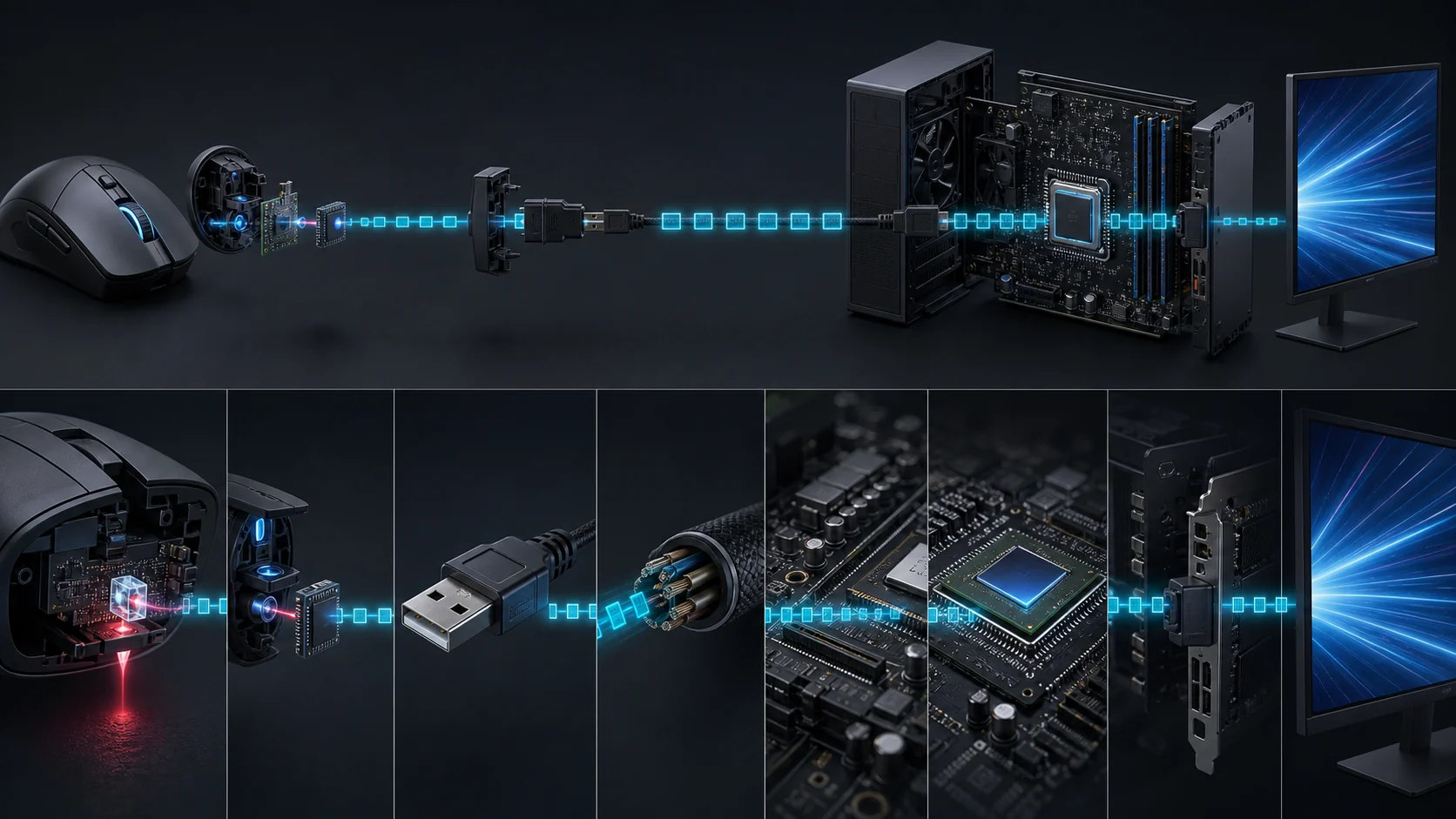
Polling rate is how often a mouse or keyboard reports its current input to the computer, measured in hertz. A 1,000Hz mouse can report every one millisecond, while 8,000Hz can report every 0.125 milliseconds. Higher rates reduce the reporting interval but increase CPU and USB activity.
Products discussed in this guide
These listings are comparison references, not a guarantee of price or stock. We may earn a commission from qualifying purchases.

Which Polling Rate Should You Use?
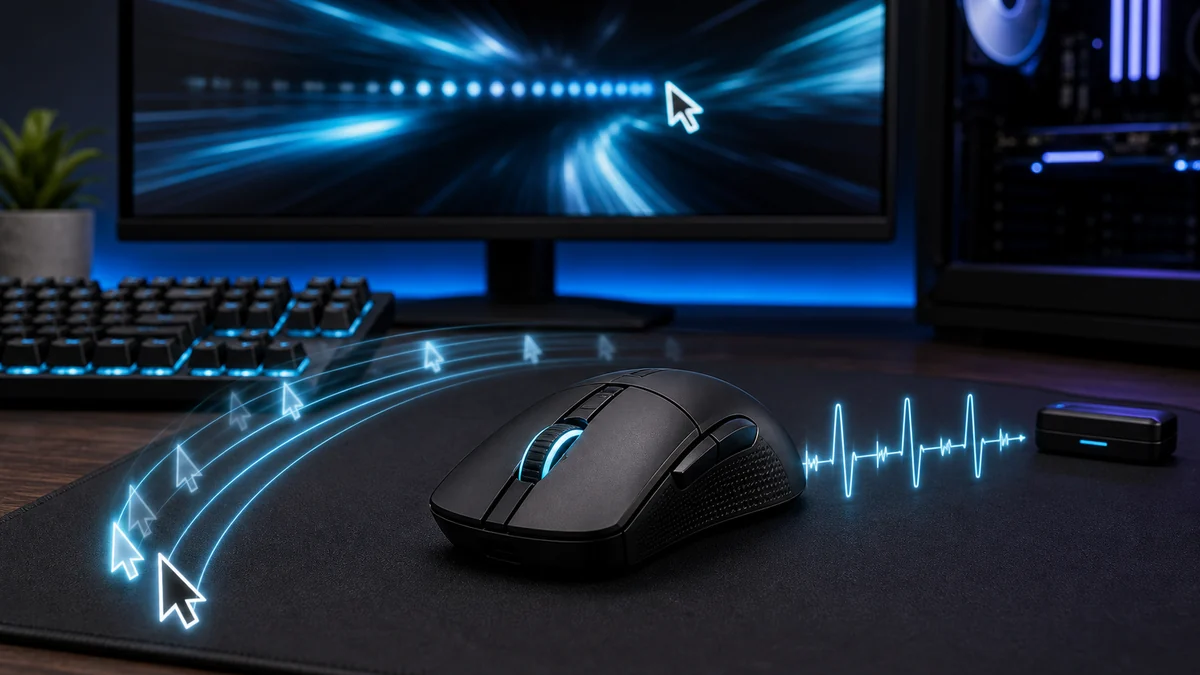
For most gaming and desktop use, 1,000Hz provides an excellent balance of responsiveness, compatibility, and system load. Rates of 2,000Hz to 8,000Hz are most relevant to competitive players using a high-refresh display and a sufficiently fast CPU. Compare suitable models in our 8K polling rate mouse guide.
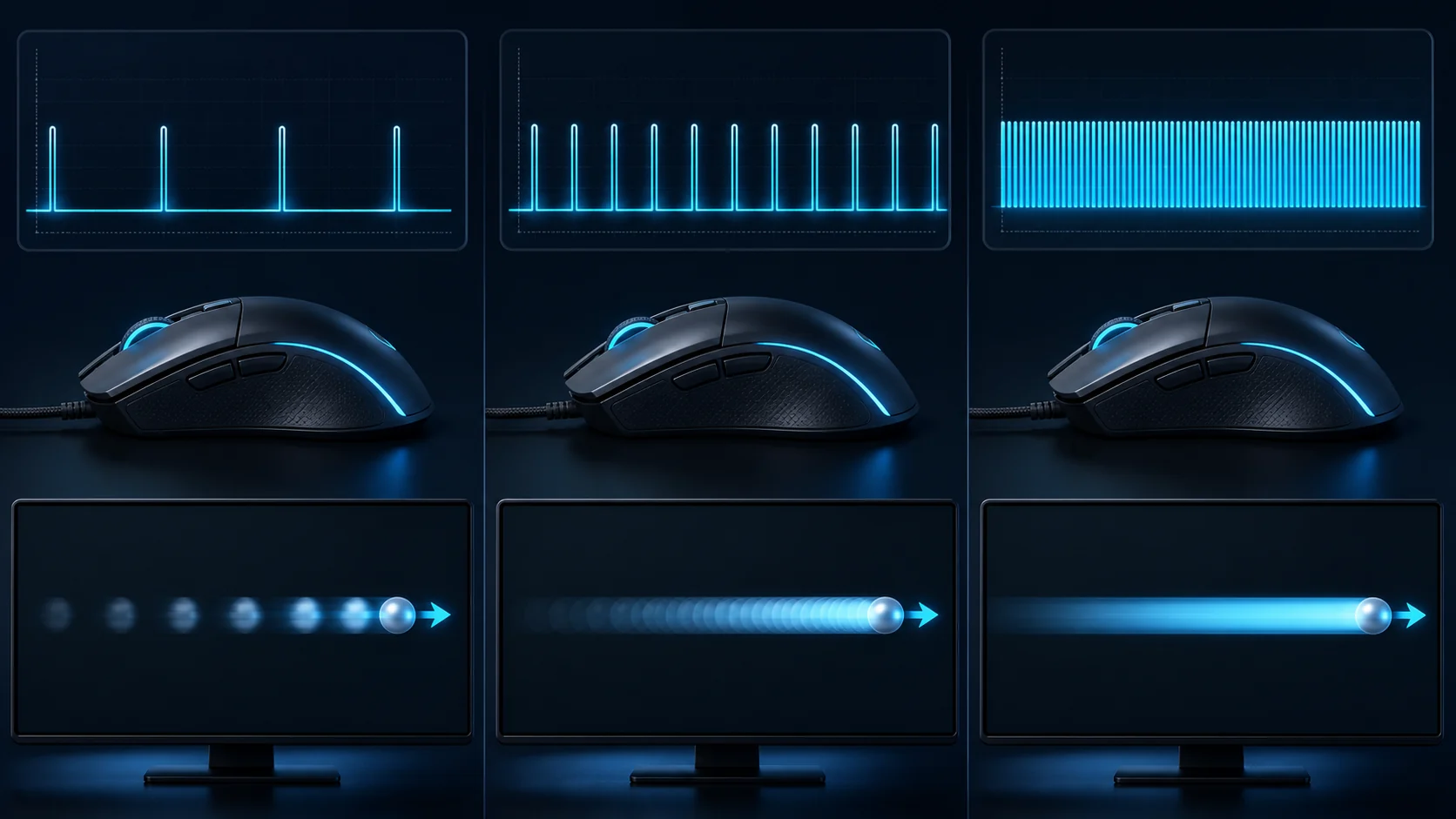
Polling rate is the number of times per second a mouse or keyboard can send an input report to the computer. A 1000Hz mouse has a theoretical report interval of 1 millisecond, while an 8000Hz mouse can report every 0.125 milliseconds. This interval is only one part of total system latency.
For most gaming PCs, 1000Hz is the best starting point because it offers responsive input with modest CPU overhead. Higher rates make the most sense with high frame rates, a 240Hz-or-faster monitor, and a game that handles frequent input reports cleanly.
| Rate | Interval | Recommended use |
|---|---|---|
| 125Hz | 8ms | Basic office devices |
| 500Hz | 2ms | General gaming |
| 1000Hz | 1ms | Best default for gaming |
| 2000Hz | 0.5ms | High-refresh competitive play |
| 4000Hz | 0.25ms | Fast systems and esports monitors |
| 8000Hz | 0.125ms | Specialized low-latency setups |
How polling rate changes input timing
Polling Rate Basics
Polling rate refers to how many times per second a mouse or keyboard reports its position or keypresses to your system. According to manufacturer specifications, common values range from 125Hz up to 8000Hz, with higher numbers delivering lower latency for fast-paced scenarios.
For most users, understanding this spec helps avoid overspending on features that may not match your actual workload. You should compare it alongside sensor quality and connection type rather than judging the number alone.
Impact on Gaming Responsiveness
Higher polling rates reduce input lag, which matters most in competitive esports titles where every millisecond counts. Based on available product data, 1000Hz provides a solid 1ms response that suits the majority of gamers without taxing system resources.
If you play fast-paced shooters or MOBAs, consider options that support at least 1000Hz. This makes it a strong option for improving perceived smoothness when paired with a high-refresh-rate monitor.
Considerations for Wireless Devices
Wireless mice must balance polling rate with battery life and signal stability. Many modern models maintain 1000Hz or higher over 2.4GHz connections, but very high rates like 4000Hz or 8000Hz can drain batteries faster according to manufacturer specifications.
Check compatibility with your USB receiver and ensure the device supports the polling rate you need without dropouts during long sessions.
Compatibility with USB Ports and Systems
Not all motherboards or USB controllers handle high polling rates equally well. You should verify that your system supports the desired rate to prevent stuttering or reduced performance in practice.
USB 2.0 ports often suffice for up to 1000Hz, while higher rates may benefit from USB 3.0 or dedicated controllers. Always confirm compatibility before purchase.
Balancing Polling Rate with Other Specs
Polling rate works best when combined with a quality sensor, low click latency, and comfortable shape. Focusing only on the highest number can lead to disappointing results if other components lag behind.
Compare full specifications and consider your primary games or productivity tasks to find the right balance for long-term satisfaction.
Cost vs Performance Tradeoffs
Premium peripherals with 4000Hz or 8000Hz support often cost more. For most users, the jump from 1000Hz delivers diminishing returns unless you compete at a high level.
Evaluate whether the extra expense improves your workflow or gaming experience enough to justify the price difference compared with competing models.
Quick Comparison
| Polling Rate | Nominal report interval (not total latency) | Best For | Main Strength | Value Rating |
|---|---|---|---|---|
| 1000 Hz | 1 ms | General Gaming | Balanced performance | High |
| 4000 Hz | 0.25 ms | Competitive Play | Lower latency | Medium |
| 8000 Hz | 0.125 ms | Esports | Maximum responsiveness | Medium |
Why You Should Trust PCGearWiki
PCGearWiki explains hardware concepts using practical examples, available specifications, compatibility research, and real-world buying context. Our goal is to help readers understand what matters before choosing PC components or peripherals.
We focus on objective product comparison, specification research, compatibility checks, feature evaluation, and value assessment while remaining transparent about affiliate recommendations.
Final Thoughts
what is polling rate is worth understanding because it can affect responsiveness and comfort depending on your use case. When comparing hardware, use it as one part of the decision rather than the only factor. For competitive gamers, prioritize higher rates while casual users can stay with proven 1000Hz options.
Explore our mouse switches comparison and Tech News section for additional guidance on peripherals.
Polling Rate and Report Interval Table
| Polling rate | Maximum report interval | Typical fit |
|---|---|---|
| 125Hz | 8ms | Basic office input and legacy devices |
| 500Hz | 2ms | General gaming with low system overhead |
| 1000Hz | 1ms | Best default for most gaming mice |
| 2000Hz | 0.5ms | High-refresh competitive setups |
| 4000Hz | 0.25ms | Fast CPU and high-refresh display |
| 8000Hz | 0.125ms | Specialized competitive use after stability testing |
A browser polling test can confirm report frequency, but it does not measure total click-to-photon latency. Test with a direct USB port, move the mouse quickly enough to saturate the rate, and close background software before comparing results.
Mouse Polling Rate Questions
What does polling rate do on a mouse?
Polling rate controls how often a mouse reports movement and button data to the computer. A higher rate shortens the theoretical interval between reports, but total input latency also depends on the sensor, switches, firmware, USB handling, game engine, and display.
Is 1000Hz polling rate enough for gaming?
Yes. Stable 1000Hz polling provides a one-millisecond report interval and is sufficient for most gaming systems. Higher settings can help at very high refresh rates, but the difference is small and may increase CPU or USB overhead.
Is 8000Hz better than 1000Hz?
8000Hz reduces the theoretical report interval from 1ms to 0.125ms, but it is not automatically better in every game or system. Use it only when frame rate, CPU performance, USB stability, and the mouse implementation remain consistent.
Related PCGearWiki resources: low-latency gaming mice and wired gaming mice.
Frequently Asked Questions
What does polling rate mean?
what is polling rate refers to a hardware concept or specification that measures how frequently a device reports input to your PC and can affect how a product performs in real-world use.
Does polling rate matter for gaming?
It can matter for gaming depending on the category. Higher rates affect latency and responsiveness more than other specifications in fast-paced titles.
Should I choose a mouse based only on polling rate?
No. You should compare what is polling rate alongside compatibility, build quality, performance, features, and overall value. See our wired mouse recommendations for context.
What is the best polling rate in 2026?
Higher rates such as 4000Hz or 8000Hz are popular in 2026 for competitive gaming, but 1000Hz remains sufficient for most players and offers strong value.
Should I pay more for an 8000Hz mouse?
Spend according to your needs. Budget options with 1000Hz work well for most users while premium models justify higher costs only if you require maximum responsiveness.
An 8,000 Hz specification is an interval, not a verdict
The ENDGAME GEAR XM2 8k (original model) is a wired example with an advertised maximum report rate of 8,000 Hz. At that rate, the nominal time between reports is 0.125 ms. That number describes reporting cadence, not the entire sensor, game, rendering and display pipeline.

Keep your present mouse if it already behaves consistently. If experimenting with a higher setting, compare game frametimes and input consistency on the same computer. Use the original model's configuration tools and do not assume an 8,000 Hz setting is automatically better in every game or host configuration.
Manufacturer documentation for this model. Specifications checked October 5, 2026; verify the selected variant and current retailer details.
Disclosure: the product link is an affiliate link. PCGearWiki may earn a commission from qualifying purchases, at no extra cost to you. This assessment relies on manufacturer specifications and published listings.
How to test the right polling rate
Start at 1000Hz and play a repeatable scenario while monitoring frame-time consistency. Move to 2000Hz or 4000Hz only after confirming that the game remains smooth. If CPU usage rises, frame times spike, or the cursor becomes inconsistent, return to the previous stable setting.
Polling rate is not DPI
DPI controls how far the pointer moves for a given physical distance; polling rate controls how often movement is reported. A high-DPI sensor can still operate at 125Hz, and an 8000Hz mouse can use a low sensitivity. See our mouse DPI guide for sensitivity setup.
Common polling-rate problems
- Use the dedicated 2.4GHz receiver instead of Bluetooth for competitive gaming.
- Connect the receiver directly or use the included extender near the mouse pad.
- Avoid overloaded or unstable USB hubs.
- Update mouse firmware before testing a newly added high-rate mode.
- Check several games because high polling support varies by engine.
For product selection, compare polling behavior with our low-latency gaming mouse guide.
Related PCGearWiki Guides
Related decisions and practical setup guides
- How to Check Mouse Polling Rate
- How to Fix Wireless Gaming Mouse Stuttering: Diagnostic Decision Guide
Add PCGearWiki as a preferred source on Google
Sources and Verification
Research basis: Product identity, dimensions, interfaces, supported features, and warranty terms are checked against available manufacturer documentation and current retailer listings. Price, stock, and aggregate customer ratings can change after publication.
Testing disclosure: Unless this article explicitly states that PCGearWiki performed hands-on testing and describes the test setup, recommendations are research-based editorial evaluations rather than PCGearWiki laboratory measurements. Customer feedback is used to identify recurring ownership patterns, not as proof of technical performance.
Last source review: October 5, 2026. See our Review Methodology, Editorial Policy, and Corrections Policy.


Write Your Review
No reviews yet. Be the first to share your experience!