

Last updated: November 12, 2026
Check whether your TikTok account can use a desktop LIVE workflow before buying gear. In TikTok LIVE Studio, verify that your account has the controls you need. Mobile LIVE access does not establish that you can connect an external encoder. Do not assume eligibility based on someone else’s follower count or try to bypass an account restriction.
PlayStation consoles for GTA 6
As an Amazon Associate I earn from qualifying purchases.
-
PS5 Original
825 GB SSD, built-in disc drive
Keep your original PS5 if it works. For a replacement, check the seller, condition and return terms.
Check price on Amazon -
PS5 Slim
1 TB SSD, disc drive included
Choose this smaller model if you want to keep using compatible game discs and do not need Pro enhancements.
Check price on Amazon -
PS5 Pro
2 TB SSD, disc drive sold separately
Consider the Pro if you want more built-in storage and visual enhancements in supported games.
Check price on Amazon
Start with a clean console feed
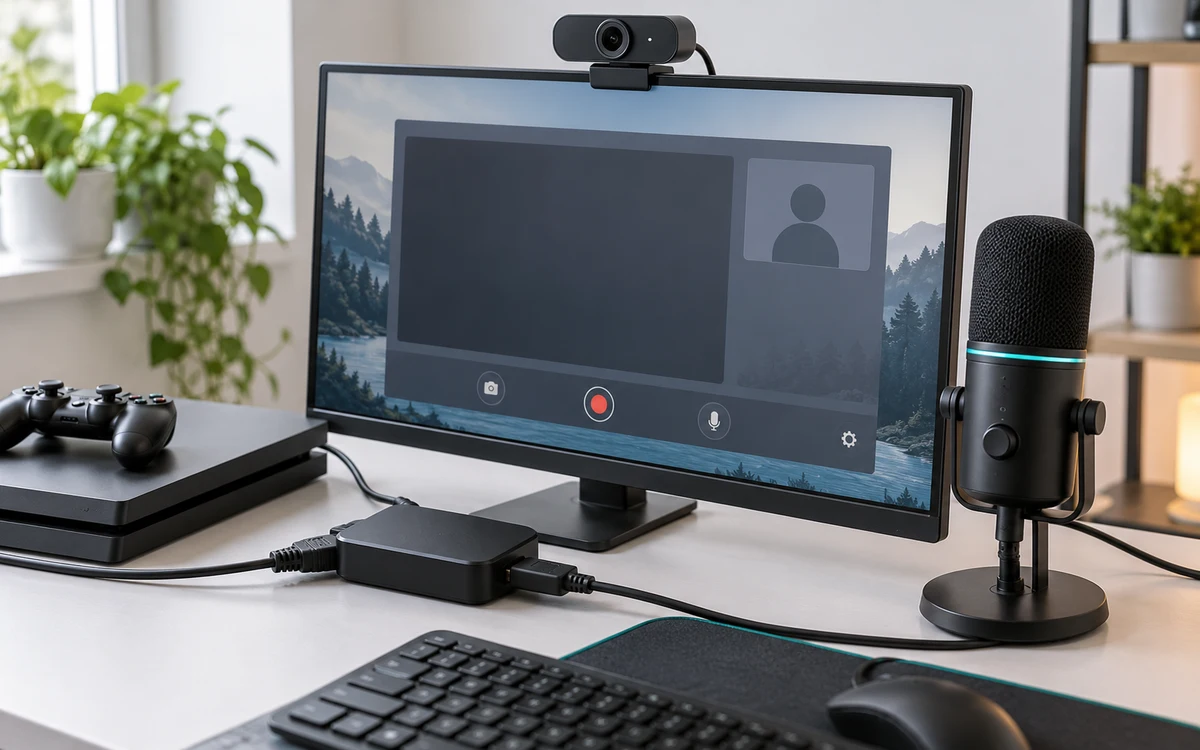
Connect the console to an HDMI capture device and route the card’s output to your normal playing display. Add the capture signal to your computer’s streaming software. First check the complete horizontal frame and game audio using a familiar game. Follow the console capture setup checklist if you cannot get a stable picture.
Build the vertical view around readable gameplay
Instead of automatically filling a portrait canvas by cropping both sides of the game, fit the full gameplay frame in the middle and use the remaining space for a camera or a brief title. Then preview on a phone. If you choose a closer crop for a particular scene, check that subtitles, prompts and the minimap remain visible. Do not put essential text in a spot the app may cover with reactions or chat.
Play a busy segment and a quiet cutscene. Compare the default view with a version that uses less decorative space and more room for gameplay. If viewers cannot read the interface, a restrained full-width game image is more useful than a large camera box. Keep a clean scene ready for moments that need all of the game’s interface.
Keep audio and privacy simple
- Add your microphone and check it against loud game audio. Use headphones so game sound does not enter the microphone a second time.
- Hide console notifications and keep your sign-in screens out of the preview. Do not reveal a stream key if your account offers one.
- Record a short local test if your tools support it. Review it on a phone at normal size before announcing a public session.
- If desktop access is unavailable, prepare clips for ordinary upload rather than buying hardware to solve an account restriction.
This is a console-to-PC layout guide, not a promise of GTA VI-specific integration with TikTok.
Build two portrait scenes for different moments
In a gameplay-first scene, center the entire 16:9 feed, leave the game interface intact and use any remaining space for a small facecam. In a commentary-first scene, give your camera more room but keep a clear way back to the full game image. Avoid permanently placing a label where subtitles or mobile interface elements can cover it. Test both scenes from a phone rather than using your desktop preview as the final judge.
If text is too small when the full game is visible, try improving the game’s available text-size controls before cropping. If you crop anyway, move through a menu, a conversation and a driving segment to look for hidden prompts. Keep the full scene available when someone needs to see an entire inventory, map or mission instruction.
What to do when a test fails
- Desktop live controls are missing: Recheck account access and region in the official tool. A different capture card will not grant access.
- The scene appears cropped on the phone: Compare the software preview with the actual mobile layout and reposition important elements away from interface overlays.
- The mic meters move but speech is hard to hear: Listen to a saved sample with game audio active. Lower the game source relative to speech rather than making the entire output louder.
Keep a plain standby scene that does not show your desktop. Switch to it before changing accounts, opening notifications or checking settings you do not want to share.


Write Your Review
No reviews yet. Be the first to share your experience!