

Last updated: October 2, 2026
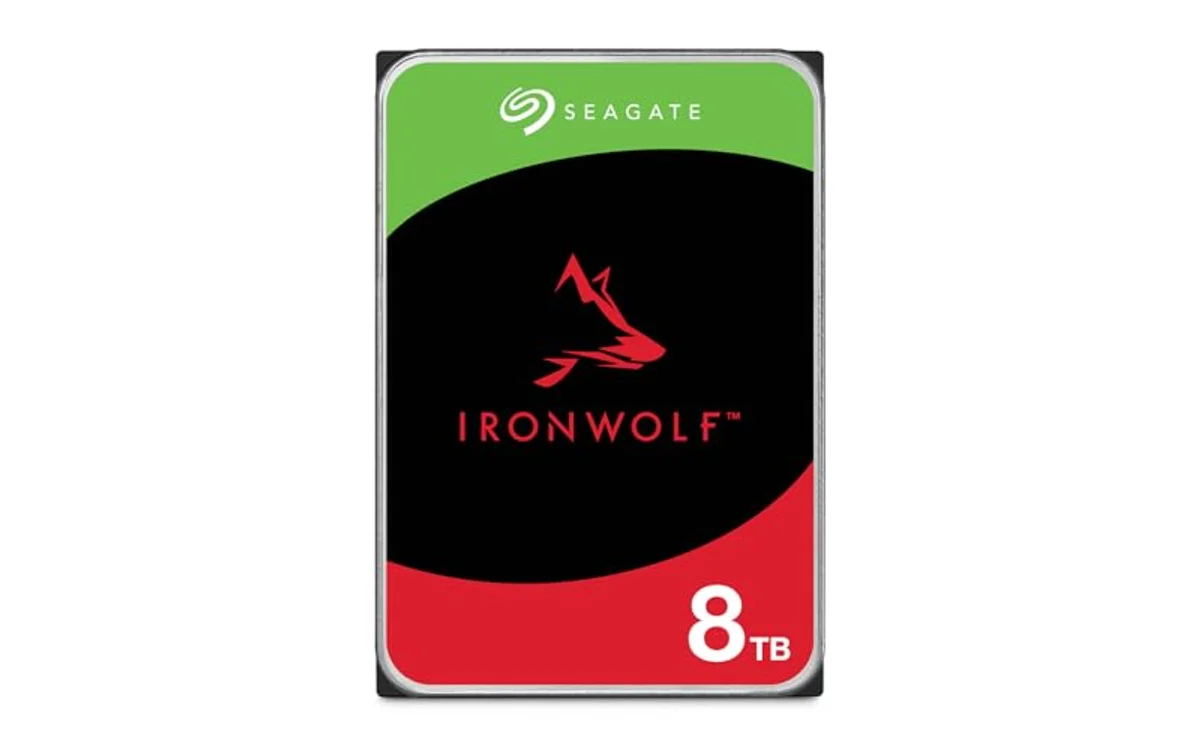
Seagate IronWolf 8TB and Toshiba N300 8TB dominate 8TB network attached storage. IronWolf balance low operating noise, integrated health telemetry, and three-year data recovery coverage for multi-bay setups. Toshiba N300 deliver faster sequential throughput via 7200 RPM spindle speed and massive 512MB cache. Desktop drives like Seagate BarraCuda 8TB drop out of hardware RAID arrays due to Shingled Magnetic Recording (SMR) and desktop error recovery timers.
Hardware recommendations below represent specification-based analysis from manufacturer technical documentation, not destructive laboratory wear-testing. Verify live price on each product card before buying.
8TB NAS Hard Drive Comparison
| Drive Model | Recording Tech | Spindle Speed | Cache Buffer | Workload Rating | Best Deployment |
|---|---|---|---|---|---|
| Toshiba N300 8TB | CMR | 7200 RPM | 512 MB | 180 TB/year | High-throughput multi-user NAS |
| Seagate IronWolf 8TB | CMR | 7200 RPM | 256 MB | 180 TB/year | Quiet home labs, mixed media servers |
| Seagate BarraCuda 8TB | SMR | 5400/5900 RPM | 256 MB | 55 TB/year | Single-disk external backup only |
Crucial Technical Specs for NAS Hard Drives
Buying mechanical storage for networked enclosures requires scrutiny beyond capacity-per-dollar ratios. Enterprise and NAS arrays subject mechanical drives to conditions normal desktop enclosures never produce.
CMR vs SMR Recording Technology
Conventional Magnetic Recording (CMR) write tracks parallel to each other. Shingled Magnetic Recording (SMR) overlaps tracks like roof shingles to increase platter density at lower manufacturing cost. Writing data to SMR drive require reading, caching, and rewriting neighboring tracks. In RAID or ZFS pools, long SMR write latency causes controller timeouts. Controllers mark drive dead, drop disk from pool, trigger rebuild loop. Always demand CMR for multi-disk systems. Browse wider hard drives catalog for dedicated server models.
Rotational Vibration (RV) Sensors
Multi-bay enclosures produce intense chassis resonance when several high-speed platters spin simultaneously. Vibration travel through drive cages, disrupt mechanical actuator arms, cause read/write tracking errors. Dedicated NAS drives integrate hardware RV sensors. Sensors detect vibration frequencies, adjust spindle and head actuators in milliseconds to maintain alignment. Desktop drives lack these sensors and degrade rapidly when grouped together inside multi-disk enclosures or specialized PC cases for multiple hard drives.
Error Recovery Control (ERC / TLER)
Desktop hard drives spend minutes attempting internal sector recovery when encountering bad sector. RAID controller wait only 7 to 10 seconds before assuming unresponsive drive disconnected. Drive drops from array entirely over single minor bad block. NAS-specific drives feature Error Recovery Control (ERC) or Time-Limited Error Recovery (TLER). Firmwares limit deep recovery attempts to 7 seconds, report error location back to RAID host, let parity handle reconstruction without drive dropping offline.
[acms_product asin=”B0CYQHY7GL”]Toshiba N300 8TB NAS Internal Hard Drive (HDWG780XZSTA)
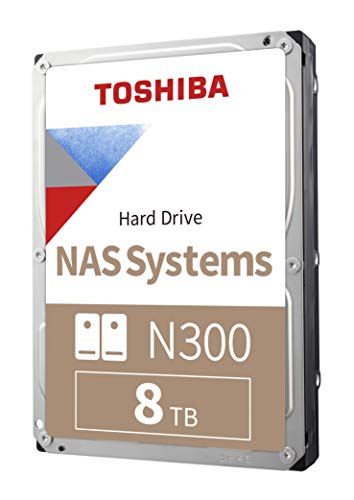
Toshiba N300 8TB NAS 3.5-Inch Internal Hard Drive target small office, home office, and creative agency deployments needing consistent throughput under concurrent access loads. Drive combine true CMR recording architecture with full 7200 RPM spindle speed. Highlight specification sit in memory buffer: 512MB cache. Double cache size of most competing 8TB drives cushion bursts of incoming random file updates before flushing to physical platters.
Hardware design prioritize multi-disk stability. Drive house integrated rotational vibration sensors, rated for 24/7 continuous operation inside enclosures up to 8 bays. 180TB per year workload rating handle shared network shares, virtual machine stores, automated snapshot schedules. Main tradeoff center on acoustics and thermal generation. 7200 RPM platters spin fast, generate higher ambient heat, emit distinct actuator clicks during heavy random writes. Pair with active cooling fan inside compact enclosures like budget 2-bay home backup NAS systems.
[acms_product asin=”B084ZV4DXB”]Seagate 8TB IronWolf NAS Internal Hard Drive (ST8000VNZ04)
Seagate 8TB IronWolf Internal NAS Hard Drive represent standard benchmark across consumer and commercial home lab arrays. Unit implement native CMR recording, ensure seamless operation inside Synology, QNAP, TrueNAS, and unRAID deployments. Drive spin at 7200 RPM, hold 256MB cache, match 180TB/year workload specification alongside 1,000,000-hour MTBF rating.
Key advantage exist in firmware integration and warranty package. Seagate AgileArray firmware optimize rotational vibration mitigation, provide balance controls across multi-disk chassis up to 8 bays. IronWolf Health Management (IHM) integrate directly into commercial NAS operating systems, surface predictive warnings before drive failure manifest. Seagate include three-year limited warranty backed by three years of in-house Rescue Data Recovery Services. Service cover recovery costs if mechanical damage strike out-of-warranty backups, providing crucial insurance for home servers lacking off-site replication.
[acms_product asin=”B07H289S7C”]Seagate 8TB BarraCuda Internal Hard Drive (ST8000DM004)
Seagate 8TB BarraCuda Internal Hard Drive serve desktop computing, secondary gaming storage, basic cold backups. It do not belong inside multi-drive NAS array. Hardware rely on Drive-Managed Shingled Magnetic Recording (SMR). Platter configuration achieve 190MB/s maximum sustained transfer rate on outer tracks, but random write bursts exhaust drive buffer, cause write speeds drop below 15MB/s during sustained ingest.
BarraCuda lack rotational vibration sensors entirely. Placing multiple BarraCuda units in shared disk backplane induce mechanical resonance, cause tracking head errors, accelerate drive failure. Firmware lack Error Recovery Control (TLER). Single read hiccup freeze drive past RAID controller timeout threshold, trigger premature array degradation. Consider this drive strictly for single-slot external USB docking stations running cold scheduled secondary archives.
Array Planning and Diagnostic Decision Matrix
| Primary Setup Goal | Recommended Drive | Primary Reason | Tradeoff |
|---|---|---|---|
| Plex Media Server / Quiet Living Room | Seagate IronWolf 8TB | IHM telemetry, balanced noise profile, data recovery plan | Smaller cache than Toshiba N300 |
| Multi-User Video Editing / Small Office | Toshiba N300 8TB | 7200 RPM, massive 512MB cache buffer, high continuous IO | Louder actuator sweep noise, higher heat |
| External USB Archive / Cold Storage | Seagate BarraCuda 8TB | Low standby power, budget pricing | SMR unsuitable for RAID or ZFS pools |
Verification Checklist Before Deploying 8TB Drives
- Check Recording Spec: Confirm model number use CMR. Reject SMR drives for RAID 5, RAID 6, RAID Z1, RAID Z2.
- Run Full Surface Scan: Execute non-destructive bad block read test (e.g., badblocks, SeaTools, manufacturer utility) before pooling drive into active storage.
- Monitor SMART Telemetry: Check Reallocated Sector Count (Attribute 05), Current Pending Sector Count (Attribute 197), Command Timeout (Attribute 188). Values must read zero on fresh unit.
- Verify Bay Vibration Dampening: Fasten rubber grommets securely on drive trays. Prevent metal-on-metal vibration transfer across enclosure backplane.
- Check Operating Temperature: Maintain idle temperature below 40°C, load temperature below 50°C using active intake fans.
Frequently Asked Questions
Why avoid SMR hard drives in a NAS?
SMR drives write tracks overlapping like roof tiles. Rewriting existing block require drive read, erase, rewrite entire zone of adjacent tracks. During RAID array rebuild or intensive parity calculation, drive buffer overflow. Latency skyrocket to seconds or minutes. RAID controller assume drive dead, eject disk, crash storage pool.
What is difference between Seagate IronWolf and IronWolf Pro at 8TB?
Standard IronWolf target home and small office setups up to 8 bays with 180TB/year workload rating, 3-year warranty. IronWolf Pro target enterprise environments up to 24 bays, offer 300TB to 550TB/year workload ratings, longer 5-year warranty, higher MTBF figures. For 2-bay to 8-bay home labs, standard IronWolf offer optimal cost balance.
Can you mix Toshiba N300 and Seagate IronWolf in same RAID pool?
Yes. Both drives use standard SATA 6 Gb/s interfaces, CMR recording, 7200 RPM spindle speeds, identical 8TB sector configurations. RAID array sync data across both without protocol conflict. Array will match performance of slower drive cache under write loads.
Why do 8TB NAS drives run hotter than 4TB models?
8TB drives contain more physical platters and actuator read heads inside sealed chassis than lower-capacity models. Moving larger mechanical mass at 7200 RPM generate higher friction and electrical power consumption. Always ensure NAS enclosure provide direct, uninterrupted airflow across drive cage.

Pros
- Rotational vibration sensors protect multi-bay performance
- Three-year Rescue Data Recovery coverage included
- IronWolf Health Management support on Synology and QNAP
- Firmware optimized for RAID reliability and low latency
Cons
- Audible seek clicks under heavy random read operations
- Transfer speeds limited by mechanical drive architecture
- Higher cost per gigabyte than standard desktop drives
Capacity: 8TB
Interface: SATA 6 Gb/s
Cache: Up to 256MB
Form Factor: 3.5-inch
Drive Bays Supported: Up to 8 bays
Reliability: 1M hours MTBF, 3-year warranty with Rescue Data Recovery Services
| Color | NAS |
|---|---|
| Size | 8TB |
| Dimensions | 5.79 x 4.01 x 1.03 Inches |
| Weight | 1.62 Pounds |
| Product Group | Personal Computer |
| Binding | Personal Computers |
Best suited to shoppers comparing internal hard drives products who specifically need store 8TB data with 256MB cache for fast multi-client access, Purpose-built AgileArray firmware balance drive and reduce wear in 1-8 bay enclosures.
Before buying, compare the exact model’s compatibility, dimensions, core specifications, warranty, recurring owner feedback, and current price against other internal hard drives options. Retailer availability and pricing can change after publication.

Pros
- Huge 8TB capacity maximize single-drive desktop storage
- Solid 190MB/s sustained transfer speed for mechanical drive
- Universal SATA 6 Gb/s desktop PC compatibility
- Trusted BarraCuda reliability track record
Cons
- Ship bare in anti-static bag without SATA cables or mounting screws
- Mechanical read/write speeds lower than solid-state alternatives
- No retail packaging box included
| Color | PC |
|---|---|
| Size | 8TB |
| Dimensions | 5.79 x 4 x 1.03 inches |
| Weight | 1.3889122506 Pounds |
| Product Group | Personal Computer |
| Binding | Personal Computers |
Best suited to shoppers comparing internal components products who specifically need massive 8TB capacity store large game libraries, raw video footage, and full system backups, SATA 6 Gb/s interface deliver sustained transfer speed up to….
Before buying, compare the exact model’s compatibility, dimensions, core specifications, warranty, recurring owner feedback, and current price against other internal components options. Retailer availability and pricing can change after publication.
Pros
- CMR recording avoids SMR write slowdowns
- Massive 512MB cache enhances transfer responsiveness
- Rotational vibration sensors protect multi-drive setups
- High 180TB/year workload endurance
Cons
- 7200 RPM generates more noise and heat than 5400 RPM drives
- Higher power consumption under sustained load
| Color | Silver |
|---|---|
| Size | 8 TB |
| Dimensions | 5.79 x 4 x 1.03 inches |
| Weight | 1.61 pounds |
| Product Group | Personal Computer |
| Binding | Personal Computers |
Best suited to shoppers comparing internal components products who specifically need engineered for 24/7 operation inside multi-bay NAS enclosures, CMR technology ensures stable write performance during RAID rebuilds.
Before buying, compare the exact model’s compatibility, dimensions, core specifications, warranty, recurring owner feedback, and current price against other internal components options. Retailer availability and pricing can change after publication.
Sources and Verification
Research basis: Product identity, dimensions, interfaces, supported features, and warranty terms are checked against available manufacturer documentation and current retailer listings. Price, stock, and aggregate customer ratings can change after publication.
Testing disclosure: Unless this article explicitly states that PCGearWiki performed hands-on testing and describes the test setup, recommendations are research-based editorial evaluations rather than PCGearWiki laboratory measurements. Customer feedback is used to identify recurring ownership patterns, not as proof of technical performance.
Last source review: October 2, 2026. See our Review Methodology, Editorial Policy, and Corrections Policy.


Write Your Review
No reviews yet. Be the first to share your experience!