

Last updated: October 13, 2026
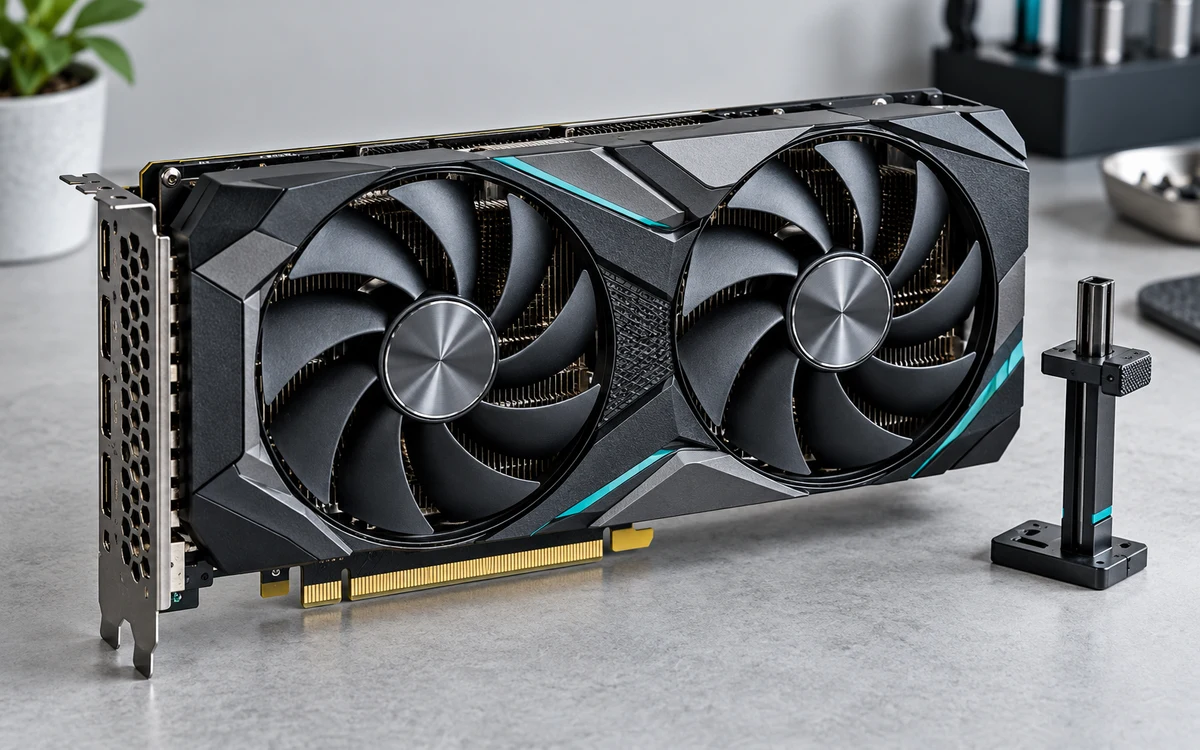
Deep Learning Super Sampling (DLSS) is NVIDIA neural network image reconstruction technology for GeForce RTX GPUs. DLSS renders game frames at lower internal resolution, then reconstructs them at native display output target. Technology saves GPU compute budget, raises frame rates, and mitigates heavy rendering cost in real-time ray tracing workloads.
How DLSS Works: Core Tech Pipeline
Standard rendering calculates pixel shading for every target output pixel. Native 4K requires calculating 8,294,400 pixels per frame. High load creates bottlenecks, especially when calculating dynamic shadows and reflections. See how ray tracing affects GPU memory demands for load context.
DLSS replaces traditional native rendering with multi-part reconstruction pipeline:
- Low-Resolution Frame: Engine renders scene at fraction of target pixels. 4K Performance mode renders at internal 1080p (2,073,600 pixels), cutting base render cost 75 percent.
- Temporal Feedback Vectors: Game engine provides motion vectors, depth buffers, jitter offsets to GPU.
- Tensor Cores: Dedicated AI hardware on RTX silicon runs deep neural network model. Model trained on ultra-high-resolution offline training frames.
- Autoencoder Output: Neural net combines current frame, temporal motion history, exposure data to reconstruct high-fidelity frame at target resolution.
DLSS Evolution: Feature Comparison
Feature support varies by hardware generation. Check hardware limits across versions:
| Version | Core Technologies Included | Required Hardware Architecture | Primary System Function |
|---|---|---|---|
| DLSS 1.0 | Spatial image upscaling (per-game training model) | GeForce RTX 20 Series (Turing) or newer | Basic resolution upscaling. Prone to blur and edge ghosting artifacts. |
| DLSS 2.0 – 2.4 | Temporal reconstruction, generalized AI model | GeForce RTX 20 Series or newer | Temporal Super Resolution. Eliminates per-game model training. High sharpness. |
| DLSS 3.0 – 3.5 | Super Resolution, Frame Generation, Reflex, Ray Reconstruction | RTX 40 Series (Ada Lovelace) for Frame Gen; RTX 20+ for others | Generates whole synthesized frames via Optical Flow Accelerator; replaces hand-tuned denoisers. |
DLSS 3 Sub-Features Explained
Modern implementations bundle separate modules under single DLSS brand umbrella:
1. DLSS Super Resolution (SR)
Reconstructs native spatial resolution from lower base render. Works on all GeForce RTX hardware from RTX 2060 up to RTX 4090. Runs modes: Quality, Balanced, Performance, Ultra Performance. Lower base render improves frame rates when GPU bound.
2. DLSS Frame Generation (FG)
Exclusive to RTX 40 Series GPUs. Hardware uses Optical Flow Accelerator (OFA) to analyze two sequential rendered frames. Neural network constructs synthetic intermediate frame between them. Upscaling bypasses CPU bottlenecks. Note: Frame generation increases end-to-end input latency despite higher displayed frame rate.
3. NVIDIA Reflex
Mandatory when using DLSS Frame Generation. Synchronizes CPU and GPU queues. Eliminates render queue buffer bloat, reducing system latency caused by synthetic frame insertion.
4. DLSS Ray Reconstruction (RR)
Replaces manual temporal denoisers inside ray tracing pipeline. Denoisers typically blur ray-traced pixels across multiple frames to clear visual noise, losing fine details. Ray Reconstruction uses AI model to retain reflection clarity, lighting transitions, specular highlights. Supported on all RTX GPUs.
Decision Framework: When To Enable DLSS
Selecting correct mode depends on monitor resolution, hardware constraints, engine bottlenecks:
| Monitor Resolution | Recommended Preset | Target Hardware Bracket | Primary Trade-off |
|---|---|---|---|
| 1080p (1920×1080) | DLSS Off / DLAA / Quality | Budget RTX (e.g., RTX 3050, 4060) | Base resolution drops below 720p if using Performance mode. Causes soft textures. |
| 1440p (2560×1440) | Quality or Balanced | Mid-tier RTX cards | 1440p Quality renders 960p internally. Clean reconstruction, strong frame boost. |
| 4K (3840×2160) | Performance or Balanced | High-end RTX cards | Renders 1080p base. Pixel density masks reconstructed artifacts cleanly. |
Users balancing budget configurations should review options in our sub-$500 graphics card selection guide. Also consider applying power tuning via our step-by-step GPU undervolting guide to manage thermal limits under heavy reconstructed workloads.
System Requirements and Constraints
- Hardware Lock: Requires NVIDIA RTX graphics card with Tensor Cores. AMD Radeon and Intel Arc cards cannot run DLSS; they require alternative upscalers like AMD FSR or Intel XeSS.
- Driver Dependency: Requires recent Game Ready or Studio drivers. Obsolete drivers can cause flickering artifacts in dynamic scenes.
- Engine Integration: Game developers must integrate DLSS SDK natively. Technology cannot be forced universally through driver control panel without native game hooks.
- Input Latency: Frame Generation adds render display lag. Do not enable Frame Generation in competitive esports titles where millisecond response matters.
- VRAM Overhead: DLSS consumes small VRAM buffer allocation for Tensor Core operations and motion vector tracking, though lower base render resolution generally saves net framebuffer memory. Review our general graphics card buying resources for architectural comparisons.
Implementation Checklist
Follow these steps to configure DLSS correctly in supporting titles:
- Verify monitor display runs at native desktop resolution before opening game.
- Open in-game video/graphics settings menu. Locate Resolution Scaling or Anti-Aliasing section.
- Set target display resolution to native monitor spec (e.g., 2560×1440 or 3840×2160). Do not lower base desktop resolution.
- Select DLSS mode: choose Quality for 1080p/1440p displays; select Performance for 4K displays.
- Check NVIDIA Reflex setting. Set to On or On + Boost to minimize pipeline queue delays.
- Enable Frame Generation only if using RTX 40 Series GPU and base frame rate already exceeds 50-60 FPS.
- Save settings and verify visual stability. Watch edge outlines and UI text for ghosting artifacts.
Frequently Asked Questions
Does DLSS look worse than native resolution?
At 1440p and 4K under DLSS Quality mode, temporal reconstruction often looks identical or superior to native rendering using standard TAA. DLSS stabilizes fine sub-pixel geometry and eliminates crawling shimmer. At 1080p, DLSS can appear soft because base render resolution drops below 720p.
What is the difference between DLSS and DLAA?
DLSS renders at lower base resolution and upscales to native output for speed gains. DLAA (Deep Learning Anti-Aliasing) runs identical neural network model at 100 percent native render resolution. DLAA does not improve frame rates; it acts purely as high-end edge anti-aliasing solution.
Can AMD or Intel GPUs run DLSS?
No. DLSS relies on proprietary tensor core architectures exclusive to NVIDIA GeForce RTX silicon. Non-RTX cards must use open alternatives such as AMD FidelityFX Super Resolution (FSR) or Intel Xe Super Sampling (XeSS).
Does DLSS reduce VRAM usage?
Yes, usually. Rendering base frame at lower resolution drops display buffer sizing. However, DLSS allocates small internal memory buffer for temporal motion vector processing and neural model execution. Net result is moderate VRAM reduction compared to true native resolution rendering.
Add PCGearWiki as a preferred source on Google
Sources and Verification
Research basis: Product identity, dimensions, interfaces, supported features, and warranty terms are checked against available manufacturer documentation and current retailer listings. Price, stock, and aggregate customer ratings can change after publication.
Testing disclosure: Unless this article explicitly states that PCGearWiki performed hands-on testing and describes the test setup, recommendations are research-based editorial evaluations rather than PCGearWiki laboratory measurements. Customer feedback is used to identify recurring ownership patterns, not as proof of technical performance.
Last source review: October 13, 2026. See our Review Methodology, Editorial Policy, and Corrections Policy.


Write Your Review
No reviews yet. Be the first to share your experience!