

How To Check Motherboard VRM Quality
Learn how to check motherboard VRM quality by examining the power stages, controller, heatsinks, PCB design, CPU compatibility, and independent thermal testing.
We independently review PC hardware. Purchases made through our links may earn us a commission. Learn more ›

797 articles published
Learn how to check motherboard VRM quality by examining the power stages, controller, heatsinks, PCB design, CPU compatibility, and independent thermal testing.

Learn what monitor ghosting vs inverse ghosting means, why it matters, and how overdrive settings affect motion clarity on gaming monitors.
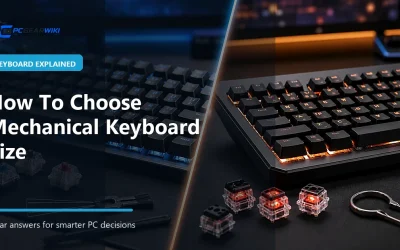
Learn how to choose mechanical keyboard size by comparing key access, desk space, gaming needs, typing habits, and the trade-offs between full-size, TKL, 75%, 65%, and 60% layouts.
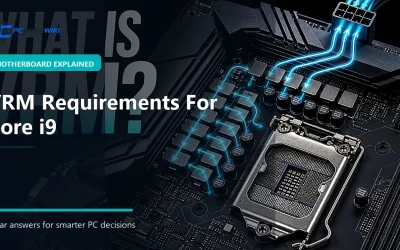
Learn what vrm requirements for core i9 means, why it matters, and how it affects PC hardware performance, compatibility, and buying decisions.
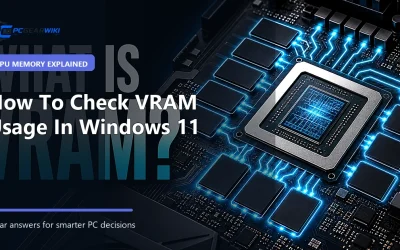
Learn how to check VRAM usage in Windows 11, what the readings mean, and how dedicated GPU memory affects gaming, creative applications, troubleshooting, and graphics card upgrades.
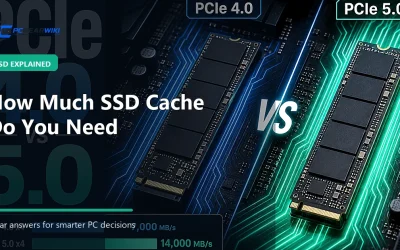
Learn how SSD cache works, how much cache different workloads need, and why cache size should not be the only factor when choosing an SSD.

Learn whether a weak VRM can cause CPU throttling, how motherboard power delivery affects sustained performance, and what to check before choosing a motherboard.

Learn what texture quality impact on vram means, why it matters, and how higher texture settings affect image quality, memory usage, performance, and GPU buying decisions.
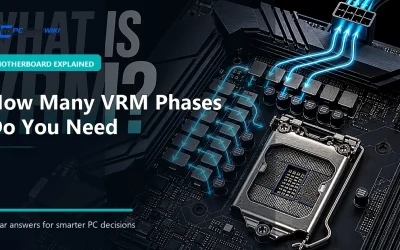
Learn how many VRM phases you need for gaming, productivity, overclocking, and long-term motherboard reliability.

Learn what adaptive sync vs v sync means, how each technology controls screen tearing, and which setting makes sense for different PC gaming setups.