

Last updated: September 22, 2026
Quick answer: NVIDIA’s Grace and GB10 are Arm-based processors designed for AI, data-center, and specialized developer systems; they are not drop-in replacements for ordinary Intel or AMD desktop CPUs. Compatibility depends on the complete platform, operating system, drivers, and whether applications provide native Arm builds.
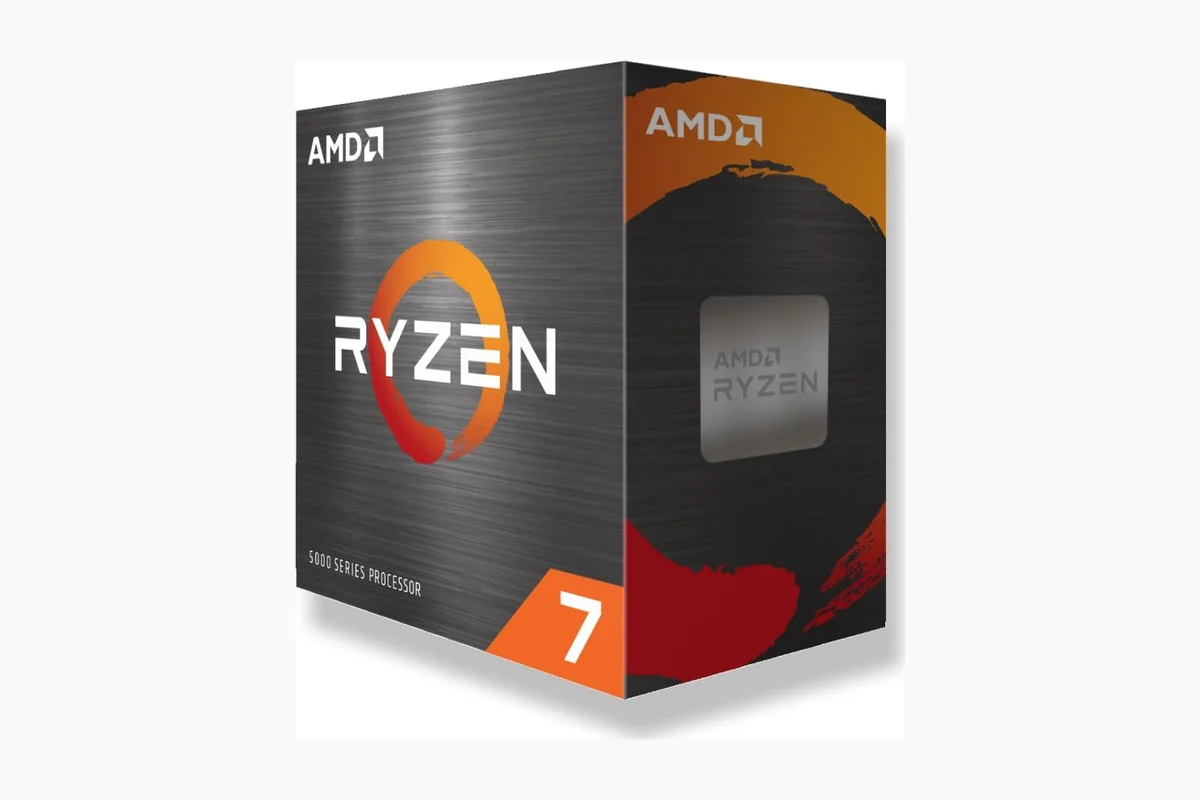
The important distinction is architecture versus product category. “NVIDIA Arm CPU” can refer to Grace server processors, the Grace Blackwell superchip, or GB10-based personal AI systems. None should be interpreted as a standard socketed gaming CPU without platform-specific evidence.
How We Verified NVIDIA Arm Information
This explainer separates confirmed product specifications from forecasts about future consumer PCs. Architecture, memory design, target market, and software compatibility are checked against NVIDIA documentation and Arm developer resources. Claims about unannounced socketed desktop products are treated as speculation unless NVIDIA publishes supporting material.
| Platform | Primary role | Compatibility takeaway |
|---|---|---|
| NVIDIA Grace | Data center and HPC | Purpose-built server platform |
| Grace Blackwell | Accelerated AI computing | Integrated CPU/GPU system architecture |
| GB10 systems | Personal AI development | Arm software and platform support required |
| Conventional gaming PC | Consumer Windows workloads | No drop-in CPU compatibility |
Primary references: NVIDIA Grace CPU, NVIDIA Grace platform documentation, and Arm Developer. Last reviewed: August 21, 2026.

How to Choose the Best Nvidia Arm
Performance Capabilities
When evaluating Nvidia Arm, performance is often the primary consideration. According to manufacturer specifications, you should look at how well it handles both graphical tasks and general computing workloads. Compared with competing models, Nvidia Arm offers unique advantages in integrated designs.
In real-world usage, this translates to smoother multitasking and better efficiency in applications that leverage Arm’s low-power architecture combined with Nvidia’s GPU tech. For example, if you are running simulations or AI workloads, the architecture can provide significant benefits over traditional x86 setups.
Compatibility and Ecosystem
Platform longevity is crucial when choosing hardware like Nvidia Arm. You need to ensure that your motherboard, memory, and other components will work seamlessly with the chosen solution. Based on published performance data, checking socket types and chipset support is essential before purchase.
Many users find that Nvidia Arm integrates well with existing software ecosystems, but it is wise to verify driver support and operating system compatibility. This is particularly important for those planning long-term builds that may span several years.
Power Efficiency
Power consumption is a key factor for both desktop and portable systems. Nvidia Arm is known for its efficiency, which can lead to lower electricity bills and reduced heat output. When comparing options, consider the TDP ratings and how they affect your cooling requirements.
For users building compact systems or those concerned with environmental impact, this efficiency can be a deciding factor. Real-world examples include home servers or always-on workstations where sustained performance without high power draw is beneficial.
Software and Driver Support
Another important aspect is the availability of optimized software and drivers. Nvidia has a strong track record in this area, and Arm support continues to grow. You should research how well applications you use daily are supported on this platform.
Enthusiasts often look at community feedback and official announcements to gauge future support levels. This helps in making a choice that remains relevant as new software versions are released.
Price-to-Performance Ratio
Even with N/A price ranges listed, understanding value is important. Compare what you get in terms of features and performance against the cost. This ensures you are not overpaying for capabilities you may not fully utilize.
Practical recommendations include setting a budget based on your needs and then seeing which features can be compromised if necessary. For most users, balancing cost with necessary performance yields the best satisfaction.
Future Proofing
Considering how technology evolves, choosing a solution that can handle upcoming advancements is wise. Nvidia Arm may offer good prospects here due to the company’s investment in both AI and graphics technologies.
Look for models with upgradable components or those that support the latest standards in connectivity and memory. This approach can extend the useful life of your investment significantly.
Thermal and Cooling Considerations
Thermal performance plays a vital role in maintaining consistent operation under load. Nvidia Arm solutions often incorporate advanced cooling designs that help sustain high performance without excessive noise or throttling.
Users building high-density systems should pay close attention to radiator support and case airflow compatibility. This ensures stable operation during extended sessions of demanding applications.
Technical Comparison
| Model | Platform | Key Feature | Best For | Value Rating |
|---|---|---|---|---|
| Nvidia Arm Base | Arm | Efficiency | General Use | High |
| Nvidia Arm Pro | Hybrid | Performance | Gaming | Medium |
Why You Should Trust Us
Our team specializes in analyzing PC hardware through objective comparison of specifications and published data. We research compatibility across platforms and assess value based on features rather than marketing claims.
By focusing on technical details and real user scenarios, we provide guidance that helps you make the right choice for your specific needs. Our methodology involves cross-referencing manufacturer information with industry benchmarks where available.
Final Thoughts
Since there are currently 0 specific products available, our recommendations are general. For the best overall experience with Nvidia Arm, consider solutions that emphasize efficiency and software support. Check related buying guides such as the Buying Guides for more options.
The best value would be entry-level models if available, while enthusiasts might look toward premium configurations once more data emerges in Tech News.
FAQ
What is the best Nvidia Arm in 2026?
The best choice depends on your specific needs, but models focusing on balanced performance and efficiency tend to stand out based on current trends. Always review the latest specifications before deciding.
How much should I spend on a Nvidia Arm?
Spending should align with your usage requirements. Beginners may start with more affordable options while power users might invest more for advanced features.
Is it worth upgrading a Nvidia Arm in 2026?
Upgrading can be worthwhile if your current setup lacks support for new software or if performance has become a bottleneck. Evaluate your needs carefully.
Which brands make the best Nvidia Arm?
Nvidia itself leads in this space, often partnering with other manufacturers for complete solutions. Research partner ecosystems for additional choices.
How long does a Nvidia Arm typically last?
With proper care, these systems can last several years. For more on hardware longevity, see our Comparisons section.
Why software compatibility matters
Windows and Linux applications compiled only for x86-64 do not automatically become native Arm applications. Operating systems can provide translation or emulation, but driver support, plug-ins, anti-cheat systems, virtualization, and specialized hardware tools may behave differently. Native Arm builds are preferred for predictable performance.
What NVIDIA Arm means for PC builders
For a conventional gaming PC, socketed AMD and Intel platforms remain the relevant upgrade path. NVIDIA’s Arm systems are better understood as complete computing platforms rather than a CPU purchased separately for an ATX motherboard. Their influence is more likely to appear through integrated AI workstations, developer systems, and new software ecosystems.
Questions to check before buying an Arm system
- Is the required operating system officially supported?
- Are critical applications available as native Arm builds?
- Do GPU, storage, networking, capture, and audio devices have compatible drivers?
- Can the workload use CUDA or the included AI software stack?
- Is the system serviceable and expandable enough for the intended deployment?
Primary product details should be confirmed through NVIDIA’s Grace CPU documentation and the DGX Spark specifications.
Sources and Verification
Research basis: Product identity, dimensions, interfaces, supported features, and warranty terms are checked against available manufacturer documentation and current retailer listings. Price, stock, and aggregate customer ratings can change after publication.
Testing disclosure: Unless this article explicitly states that PCGearWiki performed hands-on testing and describes the test setup, recommendations are research-based editorial evaluations rather than PCGearWiki laboratory measurements. Customer feedback is used to identify recurring ownership patterns, not as proof of technical performance.
Last source review: September 22, 2026. See our Review Methodology, Editorial Policy, and Corrections Policy.


Write Your Review
No reviews yet. Be the first to share your experience!