

Last updated: November 12, 2026
Xbox Series X can broadcast to Twitch from its guide without a capture card. Use it for a single gameplay feed and simple commentary. Test the console workflow before launch with a game already in your library. Broadcast permissions and what the game allows you to show are separate from setting up the channel.
PlayStation consoles for GTA 6
As an Amazon Associate I earn from qualifying purchases.
-
PS5 Original
825 GB SSD, built-in disc drive
Keep your original PS5 if it works. For a replacement, check the seller, condition and return terms.
Check price on Amazon -
PS5 Slim
1 TB SSD, disc drive included
Choose this smaller model if you want to keep using compatible game discs and do not need Pro enhancements.
Check price on Amazon -
PS5 Pro
2 TB SSD, disc drive sold separately
Consider the Pro if you want more built-in storage and visual enhancements in supported games.
Check price on Amazon
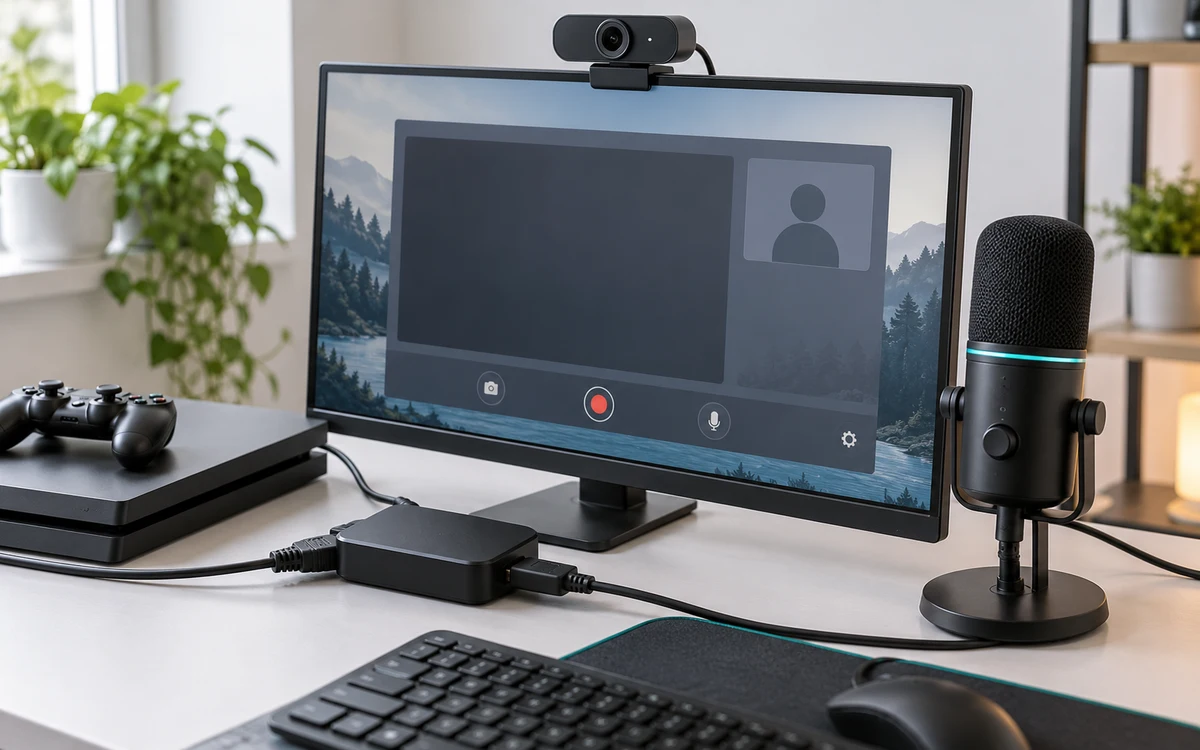
Start from the Xbox guide
- Press the Xbox button and open Capture & share. Choose Live streaming and follow the prompts to link your Twitch account if this is your first broadcast.
- Check which Twitch channel is linked. If you used a phone to authorize the connection, confirm it did not select another account already signed in on that device.
- Set the stream title and review the available audio and video options. Leave party audio off for the first test so you can verify game and microphone sound separately.
- Go live and verify the channel from another device. Return to Live streaming in the guide to stop the broadcast before switching to anything private.
Use Microsoft’s Xbox Twitch instructions as the reference for controls and linking. Check current console options rather than assuming you need an old broadcast app from an outdated tutorial.
What to check before inviting your party
Record a few seconds in your head as a simple test plan: speak during a quiet menu, during a loud scene and while changing screens. Then check how each section sounded on the actual channel. Turn the monitoring device’s speaker down so the delayed stream does not feed back into your headset.
If you want friends on the stream, tell them before the test. Ask one person to speak at a time and verify the output from the viewer’s side. A moving party indicator is not proof that their voice reaches Twitch. Use our party audio troubleshooting checklist if your stream has game sound but no guest voices.
When native streaming stops being enough
Lower the broadcast quality if repeated stalls coincide with a busy home connection, and test a wired link to the router first. Choose a PC capture setup if you need independent audio tracks, alerts or alternate camera scenes. For a first broadcast, the fewer devices between the Xbox and Twitch, the easier it is to tell what failed.
Find the failing stage: linking, upload or party audio
If the Xbox guide cannot start the stream, begin with the linked account and channel permissions. Do not troubleshoot the headset until the console can send any broadcast at all. If the channel goes live and the video works but the microphone is silent, check headset mute and the broadcast’s input option. Ask a viewer to confirm the result because monitoring your own voice in a headset is not the same thing as sending it to Twitch.
When the video stops only while someone else in the house is uploading, record the time and compare a similar stream at a quieter hour. Try Ethernet if the console is wireless, but remember that a wired console still shares the household internet upload. A lower broadcast setting is an inexpensive diagnostic step, not a promise that it will fix every network issue.
Make a handoff plan for a longer broadcast
- Write down the channel name, whether party audio is enabled and the working stream quality. That gives you a known starting point if a setting changes.
- Check a loud and a quiet moment before inviting anyone to talk on stream. A guest’s voice can be audible but still too quiet to follow.
- Decide what to do if you have to open a private menu or leave the room. Ending the stream is safer than assuming a system screen is hidden.
- When done, verify the channel status and review the archive settings before sharing a recording.


Write Your Review
No reviews yet. Be the first to share your experience!