

Last updated: November 12, 2026
Buy an external USB SSD for GTA 6 only if you want to archive the installation, not run it from that drive. PS5 games stored on USB have to move back to console storage or compatible internal M.2 storage before play. An external drive can still help if you rotate large games and want to avoid downloading the same files again.
PlayStation consoles for GTA 6
As an Amazon Associate I earn from qualifying purchases.
-
PS5 Original
825 GB SSD, built-in disc drive
Keep your original PS5 if it works. For a replacement, check the seller, condition and return terms.
Check price on Amazon -
PS5 Slim
1 TB SSD, disc drive included
Choose this smaller model if you want to keep using compatible game discs and do not need Pro enhancements.
Check price on Amazon -
PS5 Pro
2 TB SSD, disc drive sold separately
Consider the Pro if you want more built-in storage and visual enhancements in supported games.
Check price on Amazon
Products discussed in this guide
These listings are comparison references, not a guarantee of price or stock. We may earn a commission from qualifying purchases.


Two 2TB portable drives for the archive role
| Model | What to check | When it makes sense |
|---|---|---|
| SanDisk Extreme Portable SSD for PS5 2TB | External USB version, SDSSDE62P-2T00-G25. Do not confuse it with an internal PS5 SSD. | Useful if you want a PS5-branded external archive and the exact listing is a better offer. |
| Samsung T7 Shield 2TB | T7 Shield 2TB USB model. Verify included cables and return terms before ordering. | Useful if you value a rugged portable drive and can dedicate it to console storage. |
See SanDisk’s 2TB specification and Samsung’s 2TB T7 Shield documentation. A PS5 badge or a higher advertised USB read speed does not change how the console treats a PS5 game on USB. Do not assume either drive will reach its advertised peak during a console transfer.
Estimate whether you will actually use it
Write down which games you uninstall and later reinstall. If the same few large titles repeatedly move in and out of your library, an archive drive solves a real problem. If you play one main game and rarely reinstall the others, the cheaper solution may be to remove unused installs. If you expect to start several PS5 games without waiting for transfers, a compatible internal M.2 SSD addresses that different need.
Check how much free space you need on the destination when copying back. A large USB drive may hold many games, but it cannot remove the need to make room on playable storage each time. Keep some time free before a session if the game is still archived.
When an external hard drive can be enough
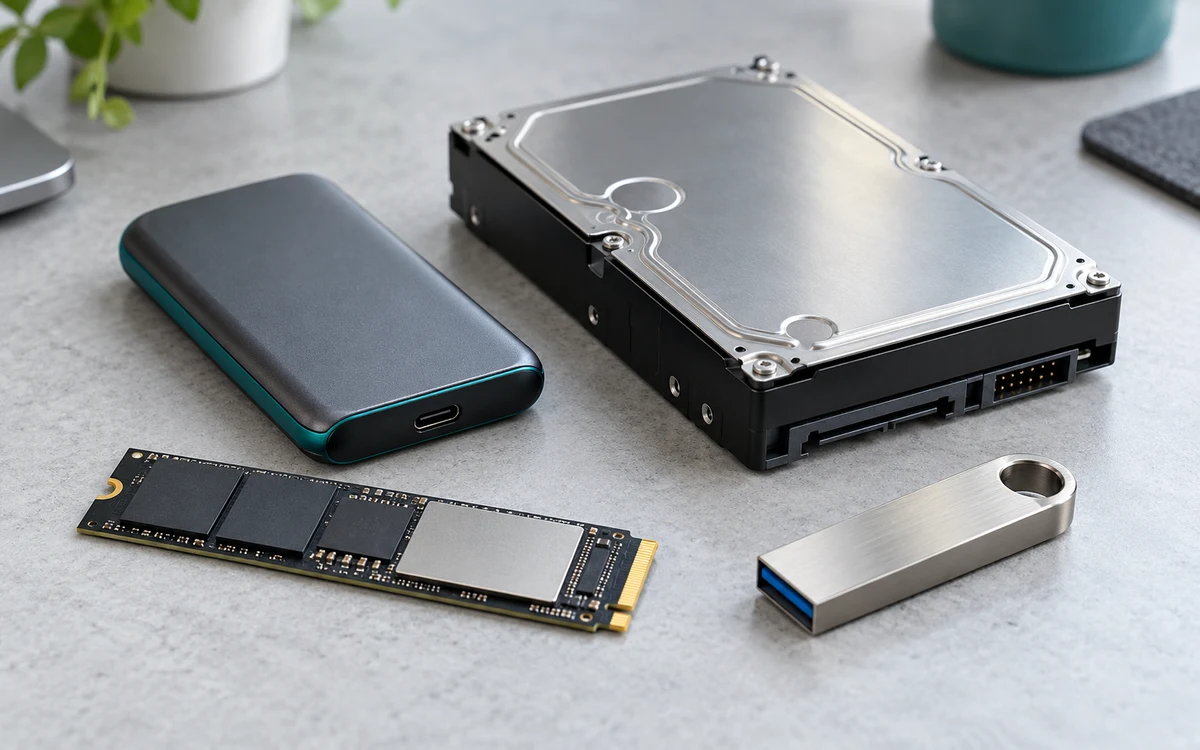
If you archive games infrequently and are willing to wait longer for transfers, compare a compatible USB hard drive before paying for a portable SSD. The important difference is how often you move a large installation, not a claim that SSDs improve GTA 6 performance from USB. An archive is also not the same as a backup of your saved progress. Check Sony’s separate saved-data options if preserving progress is the reason you are buying storage.
Set it up without losing other files
- Back up files already on the drive before following Sony’s formatting instructions. Formatting for extended storage can erase its contents.
- Connect to a supported console USB port and confirm PS5 recognizes it as extended storage. Use the console’s Storage menu rather than trying to copy game folders manually from a PC.
- Move the game from playable storage to USB when you want to archive it. Before playing, move it back and verify the transfer finished.
For supported ports and storage rules, use Sony’s USB extended storage guide. These are product and workflow comparisons, not measured GTA 6 transfer results.
Add PCGearWiki as a preferred source on Google
Sources and Verification
Research basis: Product identity, dimensions, interfaces, supported features, and warranty terms are checked against available manufacturer documentation and current retailer listings. Price, stock, and aggregate customer ratings can change after publication.
Testing disclosure: Unless this article explicitly states that PCGearWiki performed hands-on testing and describes the test setup, recommendations are research-based editorial evaluations rather than PCGearWiki laboratory measurements. Customer feedback is used to identify recurring ownership patterns, not as proof of technical performance.
Last source review: November 12, 2026. See our Review Methodology, Editorial Policy, and Corrections Policy.


Write Your Review
No reviews yet. Be the first to share your experience!