

Last updated: November 12, 2026
Both Xbox Series X and Series S are announced GTA 6 platforms. Start with the console you already own. If you are choosing one from scratch, compare the exact models by usable storage, display, disc-library needs and total price. Microsoft’s console comparison describes the hardware; it does not guarantee a specific resolution or FPS for GTA VI.
PlayStation consoles for GTA 6
As an Amazon Associate I earn from qualifying purchases.
-
PS5 Original
825 GB SSD, built-in disc drive
Keep your original PS5 if it works. For a replacement, check the seller, condition and return terms.
Check price on Amazon -
PS5 Slim
1 TB SSD, disc drive included
Choose this smaller model if you want to keep using compatible game discs and do not need Pro enhancements.
Check price on Amazon -
PS5 Pro
2 TB SSD, disc drive sold separately
Consider the Pro if you want more built-in storage and visual enhancements in supported games.
Check price on Amazon
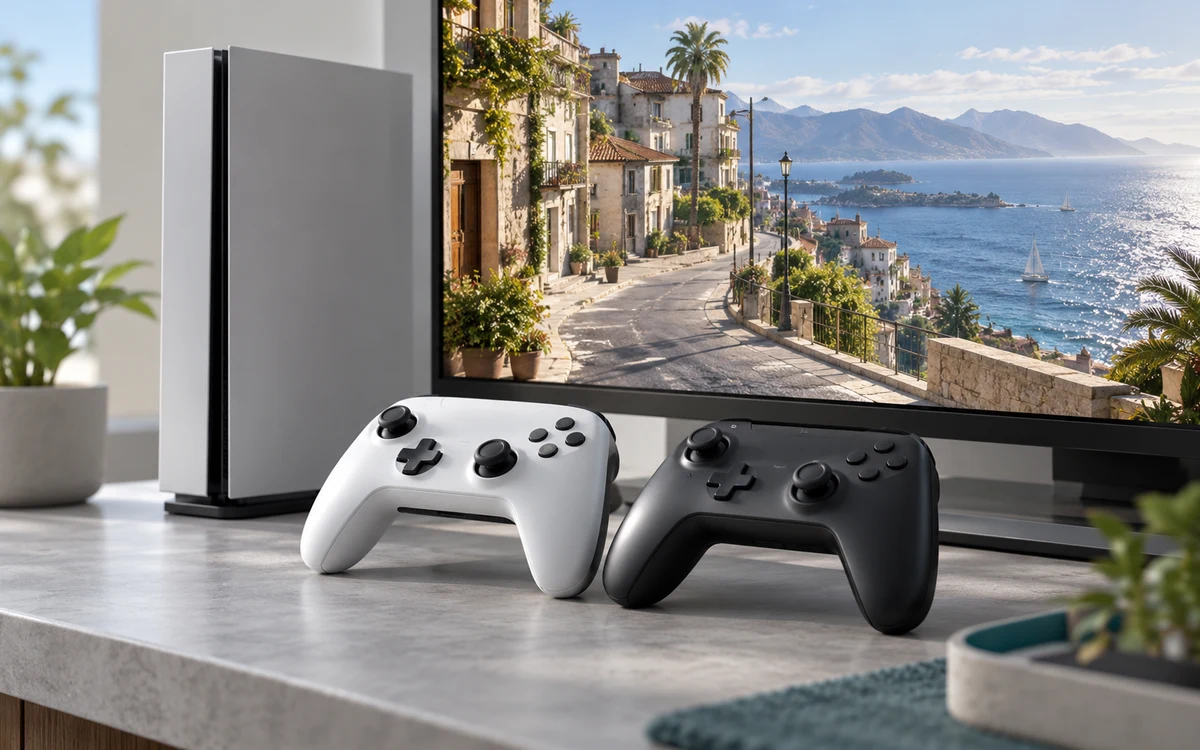
When Series S makes practical sense
It is a reasonable option for someone who buys games digitally, wants the smaller hardware and can manage install space. Make a list of the titles that must stay installed along with GTA VI. Check the free space on the specific capacity you are considering, not just the number on the packaging. A less expensive console becomes less compelling if you immediately need to add storage to keep your regular games available.
Plan around the TV you actually use. If it is already a good fit for your living room, there is no need to replace it just to meet a console marketing specification. Make sure you have a usable HDMI input and can reach the console with the cables you plan to use.
When Series X is a better match
Consider Series X if you want the higher hardware tier for your broader library or are shopping for a model that supports physical discs you already own. Verify the listing: Series X includes different variants, and a Series X name does not mean the unit has a drive. Our GTA VI editions guide explains why you should also check whether a boxed copy is a code or a disc.
What to compare after launch
Look for footage made with the same patch and a comparable driving route. Check the motion, visibility of distant objects and frame pacing on the display resolution you care about. A spec table tells you the console’s capabilities; a repeatable gameplay test is a better way to evaluate how those capabilities are used in this particular game.
Budget for the whole setup
Count the console, game and storage you know you need. Do not price an expansion card into both configurations by default. Compare how often you would rotate large games versus keeping them playable at the same time. If storage is the deciding factor, start with the platform-by-platform storage notes, then check your own library.
Worked example: when the cheaper console stops being cheaper
Suppose you have three large games that your household plays regularly and none can be removed. A lower-priced Series S only makes sense for this setup if the available install space works for the library or if the price with compatible expansion is still better. Compare the total after accounting for your actual usable space. Do the same arithmetic for Series X; a larger internal drive is useful only if its remaining room saves you a purchase or repeated transfers.
Now consider someone who plays one game at a time and has a digital library. The same expansion purchase may be unnecessary. Their test is whether they are comfortable uninstalling or archiving an older title before installing a new one. An external USB archive drive can reduce repeat downloads, but an archive is not a substitute for space on playable storage when launching a Series-optimized game.
Inspect the hardware variant before checkout
- Confirm whether the listing is Series X or Series S, the advertised capacity and the drive configuration. A familiar color is not a reliable model identifier.
- Check whether the bundle includes an actual game license, a code with terms, or only accessories. Do not put a bundled item in your cost comparison until you know it is useful to you.
- If you will use an existing TV, confirm the inputs and where the console can sit with adequate ventilation. Check accessibility from the normal seat instead of assuming a larger console will fit where an older device stood.


Write Your Review
No reviews yet. Be the first to share your experience!