

Last updated: October 2, 2026
Choosing between a workstation vs gaming PC comes down to compute accuracy, multi-threaded sustained throughput, and memory scaling versus high single-core clock speeds and real-time graphics rendering. While both systems utilize similar x86 architectures, their silicon selection, firmware validation, and platform configurations serve fundamentally divergent computing tasks. As of October 2026, modern platforms like high-end desktop configurations and gaming-focused desktop platforms require builders to balance cost against specialized features like Error-Correcting Code (ECC) memory support and certified graphics drivers.
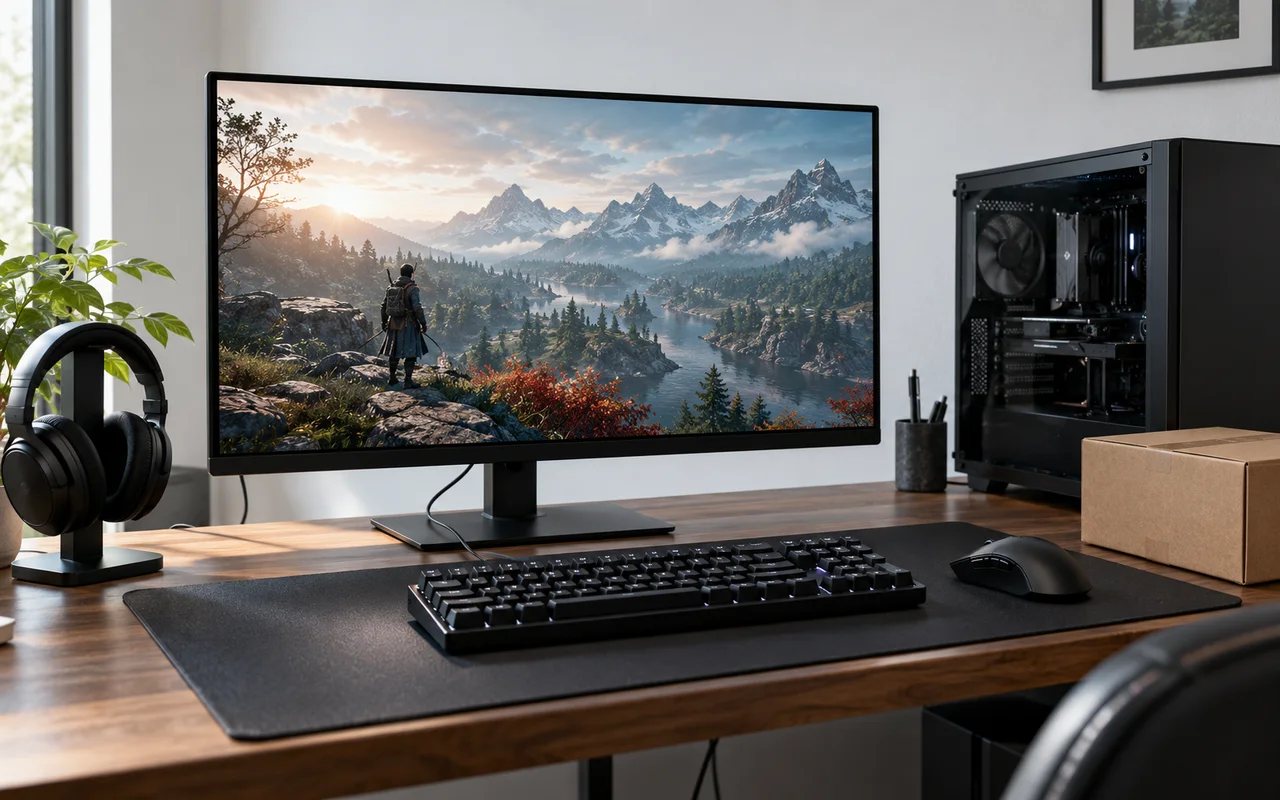
For high-throughput professional applications, exploring dedicated systems within enterprise Workstations remains the gold standard. Selecting the incorrect hardware profile leads to unstable workloads, memory corruption during prolonged simulations, or wasted system capital on unutilized enterprise instruction sets and PCI Express (PCIe) lanes.
What Is Workstation Vs Gaming PC?
A workstation is a specialized microcomputer engineered for sustained, error-free computational throughput across mission-critical technical workloads, including Computer-Aided Design (CAD), finite element analysis, data science, and offline cinematic rendering. In contrast, a gaming PC prioritizes peak frame rates, minimal input latency, and low real-time rendering delays in consumer interactive titles. The core difference centers on operational fault tolerance versus interactive speed.
Workstation systems deploy hardware designed for enterprise validation, such as Intel Xeon or AMD Ryzen Threadripper processors, high-capacity ECC memory modules, and specialized graphics cards like the NVIDIA RTX Ada Generation series. Gaming PCs deploy consumer hardware, including AMD Ryzen or Intel Core processors paired with consumer graphics processors like the NVIDIA GeForce RTX or AMD Radeon RX series, optimized strictly for DirectX, Vulkan, and consumer APIs rather than double-precision float operations or certified application profiles.
Why Workstation Vs Gaming PC Matters
Understanding this platform divide prevents catastrophic operational downtime and improper system budgeting across enterprise, enthusiast, and commercial deployments:
- Data Integrity: Workstations deploy ECC dynamic random-access memory (DRAM) to detect and correct single-bit errors caused by cosmic rays or electrical interference. In long mathematical simulations or computational fluid dynamics runs, a single-bit flip causes complete data invalidation. Gaming PCs rely on standard non-ECC DRAM, where a silent memory bit flip leads to a desktop crash without notice.
- Sustained Compute Workloads: Workstation platforms carry robust thermal solutions and motherboard Voltage Regulator Modules (VRM) engineered to sustain continuous 100 percent utilization across days or weeks. Gaming hardware often targets burst clock behavior optimized for short spikes in workload intensity.
- Independent Software Vendor (ISV) Certification: Enterprise applications like Siemens NX, Dassault Systèmes SOLIDWORKS, and Autodesk Maya require graphics drivers explicitly certified to avoid visual artifacts or precision calculation errors. Gaming drivers prioritize game-ready zero-day optimizations, trading application stability verification for frame generation pipelines.
- PCIe Expansion and Storage Bandwidth: Advanced production builds demand substantial platform lanes to drive multiple NVMe Solid State Drives (SSDs) and accelerator cards concurrently without lane throttling. Many gaming chipsets split or throttle secondary slots down to PCIe x4 or x2 lanes through consumer chipsets.
- Total Cost of Ownership: Gaming PCs yield significantly superior price-to-performance metrics in consumer rendering and interactive games, whereas workstations carry price premiums driven by certification licensing, silicon binning, and platform interconnects.
How Workstation Vs Gaming PC Works
Hardware divergence surfaces across four primary subsystems: processing architectures, graphics execution pipelines, memory subsystem implementations, and motherboard topology.
Processor Topologies: Throughput vs. Frequency
Workstations utilize high-core-count processors, such as enterprise platforms covered in our evaluation of the Best Cpu For Workstation builds. These processors deploy monolithic or multi-die chiplet architectures scaling to 64 or 96 cores within a single socket. These chips utilize massive L3 cache pools and support multi-channel memory controllers (4-channel or 8-channel interfaces). Gaming Central Processing Units (CPUs), such as mainstream consumer desktop parts, optimize for single-threaded or lightly threaded instructions, maintaining base and boost clock frequencies exceeding 5.0 GHz across 8 to 24 cores over standard dual-channel memory configurations.
Graphics Subsystems and Driver Stacks
A gaming Graphics Processing Unit (GPU) deploys consumer display drivers optimized for rapid frame delivery, low latency rasterization, and proprietary features like deep learning supersampling (DLSS) or frame interpolation. A workstation GPU contains silicon often identical or similar to high-tier consumer dies, but introduces drastically larger Video RAM (VRAM) capacities (such as 48 GB GDDR6 with ECC), unlocked double-precision floating-point (FP64) performance, and unified enterprise drivers verified through rigorous testing with software engineering vendors.
Memory Infrastructure and Error Correction
Standard DDR5 memory features on-die ECC, which manages errors within the DRAM chip internally, but does not protect data in flight across the memory bus to the CPU memory controller. Workstation platforms demand side-band ECC (often requiring registered DIMMs, or RDIMMs), adding extra memory chips to the module to verify every transaction traversing the memory bus. Workstation platforms also accommodate memory capacities running into terabytes, contrasting sharply with the 128 GB or 192 GB platform ceilings typical of modern consumer consumer desktop chipsets.
I/O Lanes and Expansion Capabilities
Consumer desktop platforms typically route 20 to 24 PCIe lanes directly from the CPU, with additional low-bandwidth lanes multiplexed via the motherboard chipset. Workstation and High-End Desktop (HEDT) platforms route up to 64 or 128 direct PCIe lanes from the processor socket. This expansive pathway allows administrators to configure multiple full-bandwidth PCIe x16 expansion cards, specialized hardware-capture devices, high-speed 100GbE network interface cards (NICs), and direct-attached storage arrays without choking communication bandwidth.
What to Look For When Buying
When assessing a target system configuration across hardware categories, match individual hardware requirements to the computational workload:
- Identify Workload Bottlenecks: Video editing in Adobe Premiere Pro or DaVinci Resolve benefits heavily from consumer GPUs featuring hardware-accelerated media encoders (like NVENC) and high single-core clocks. In contrast, 3D structural analysis, neural network parameter training, and fluid simulations require deep VRAM buffers, multi-core scaling, and registered ECC memory.
- Determine Driver Certification Requirements: If proprietary engineering software mandates ISV verification for stability or technical support contracts, workstation-class GPUs remain non-negotiable. If software relies standard DirectX, OpenCL, or general CUDA compute, high-end consumer hardware delivers superior compute-per-dollar.
- Map Peripheral and Storage I/O Needs: Calculate required PCIe bandwidth. For single-GPU workflows with two NVMe drives, consumer motherboards suffice. For multi-GPU scaling or heavy SAS/NVMe hardware RAID topologies, transition strictly to enterprise or HEDT workstation motherboards.
- Assess Operating Environment Noise and Power: Enterprise workstations often employ blower-style GPUs and aggressive static-pressure server fans designed for server closets or sound-dampened production suites. Gaming rigs leverage large axial fans tuned for open-air acoustic comfort under standard desktop operating environments.
Users balancing portable creator workflows across both paradigms can review our breakdown of specialized portable hardware in guides like the Best Gaming Laptop for 3D Rendering.
Common Mistakes to Avoid
Misinterpreting platform capabilities often leads to poor allocation of capital or platform instability:
- Assuming Workstation GPUs Are Better at Gaming: Workstation graphics cards cost substantially more, but they do not deliver higher gaming frame rates than consumer cards of equivalent architectural generation. Workstation cards often run lower clock frequencies to prioritize thermal stability and lack zero-day gaming driver profiles.
- Equating High Core Counts with Superior Gaming Speed: Purchasing a 64-core enterprise CPU for gaming often degrades interactive performance. Games remain bounded by single-core speed, cache structures, and core-to-core latency across multi-die interconnects.
- Confusing On-Die ECC with True Side-Band ECC: Standard consumer DDR5 contains on-die error correction for manufacturing scaling, but it does not protect system data from bus corruption. True data-critical tasks require side-band ECC supported explicitly by an enterprise motherboard and CPU controller.
- Overlooking Power Supply Topology: Enterprise workstations demand heavy 12V rails and continuous operation ratings under tight industrial certifications (e.g., 80 Plus Platinum or Titanium standards) alongside distinct enterprise power configurations, whereas gaming power supplies often emphasize aesthetic cable modularity and transient spike absorption.
Quick Comparison
The table below summarizes the operational and hardware distinctions dividing standard gaming personal computers from professional workstations:
| Feature | Workstation | Gaming PC | Importance |
|---|---|---|---|
| Target Architecture | Multi-core throughput, HEDT/Server sockets | High single-core IPC and clock speed | Determines application responsiveness and calculation speed |
| Memory Architecture | Multi-channel (4-8 ch), Registered ECC DDR5 | Dual-channel (2 ch), Non-ECC DDR5 | Prevents unrecoverable data corruption in extended compute tasks |
| Graphics Hardware | Enterprise GPUs (e.g., NVIDIA RTX Ada, ECC VRAM) | Consumer GPUs (e.g., GeForce RTX, Radeon RX) | Controls VRAM capacity, precision calculations, and driver stability |
| Expansion Bandwidth | Up to 128 PCIe lanes via direct CPU lines | Typically 20-28 PCIe lanes via CPU and chipset | Dictates multi-GPU, high-speed networking, and NVMe array support |
| Driver Ecosystem | ISV-certified enterprise software packages | Game-Ready consumer branches | Eliminates visual anomalies and crashes in CAD and rendering suites |
| Acoustics & Thermals | Optimized for continuous, sustained thermal dissipation | Optimized for burst operations and low acoustic profiles | Determines operational lifetime under 24/7 rendering workloads |
Related Guides
For more architectural comparisons and hardware analyses across performance categories, explore our related platform guides:
- Explore high-performance desktop options in our guide to Prebuilt Gaming PCs.
- Understand portable creator performance thresholds in our overview of Work & Creator Laptops.
- Analyze compact compute solutions across diverse form factors in our Mini PCs category guide.
Why You Should Trust PCGearWiki
PCGearWiki delivers technical analysis rooted in architectural facts, hardware documentation, and system topology research. We analyze hardware behaviors by examining validated component specifications, published microarchitectures, and real-world system interfaces. We do not invent arbitrary performance scores, nor do we extrapolate theoretical interface speeds into unverified real-world benchmarks.
Our editorial approach separates vendor marketing claims from the mechanical realities of data integrity, thermal limits, bus structures, and memory timing. When evaluating hardware components for recommendation lists, we adhere strictly to the objective criteria documented in How We Evaluate Products.
Final Thoughts
The choice between a workstation and a gaming PC depends on workload risk tolerance, software ecosystem demands, and hardware throughput needs. Choose a workstation if your output generates revenue requiring zero calculation errors, multi-terabyte memory capacities, massive PCIe expansion paths, and ISV-certified application stability. Choose a gaming PC if you prioritize real-time interactive performance, high frame rates, consumer software compatibility, and maximum compute performance per dollar.
Frequently Asked Questions
Can a workstation PC be used for high-refresh gaming?
Yes, a workstation can run modern games, but it is rarely cost-effective or optimal. High-core-count enterprise CPUs feature lower single-core clock frequencies and higher latency across memory buses, yielding lower maximum frame rates than specialized consumer gaming processors. Workstation GPUs also lack day-one game optimization profiles.
Do creative professionals always need a workstation?
No. Video editors, digital illustrators, and independent animators often experience superior performance on gaming PCs due to the higher clock speeds and broad application support for consumer graphics APIs. Workstations are necessary only when file sizes exceed consumer RAM thresholds, driver certifications are required, or unrecoverable compute errors ruin critical pipelines.
What makes ECC RAM essential for workstation tasks?
ECC RAM detects and corrects single-bit memory corruptions dynamically. Without ECC, an electrical error or memory fault corrupts raw data silently or triggers a complete system crash. For 48-hour scientific simulations or architectural structural renders, a single memory error ruins entire computation runs, costing time and hardware deployment budgets.
Why are workstation graphics cards significantly more expensive?
Workstation graphics cards command high price premiums due to extensive enterprise driver validation, dedicated customer engineering support, larger VRAM pools featuring error correction, unlocked double-precision compute performance, and specialized hardware certification guarantees across enterprise platforms like SolidWorks and AutoCAD.


Write Your Review
No reviews yet. Be the first to share your experience!