

Last updated: November 12, 2026
You do not need a PS5 disc drive for GTA 6. Rockstar says the boxed launch version contains a download code, not a disc. If GTA 6 is the only reason you are considering the disc-drive model, the box does not give that model an installation advantage.
PlayStation consoles for GTA 6
As an Amazon Associate I earn from qualifying purchases.
-
PS5 Original
825 GB SSD, built-in disc drive
Keep your original PS5 if it works. For a replacement, check the seller, condition and return terms.
Check price on Amazon -
PS5 Slim
1 TB SSD, disc drive included
Choose this smaller model if you want to keep using compatible game discs and do not need Pro enhancements.
Check price on Amazon -
PS5 Pro
2 TB SSD, disc drive sold separately
Consider the Pro if you want more built-in storage and visual enhancements in supported games.
Check price on Amazon
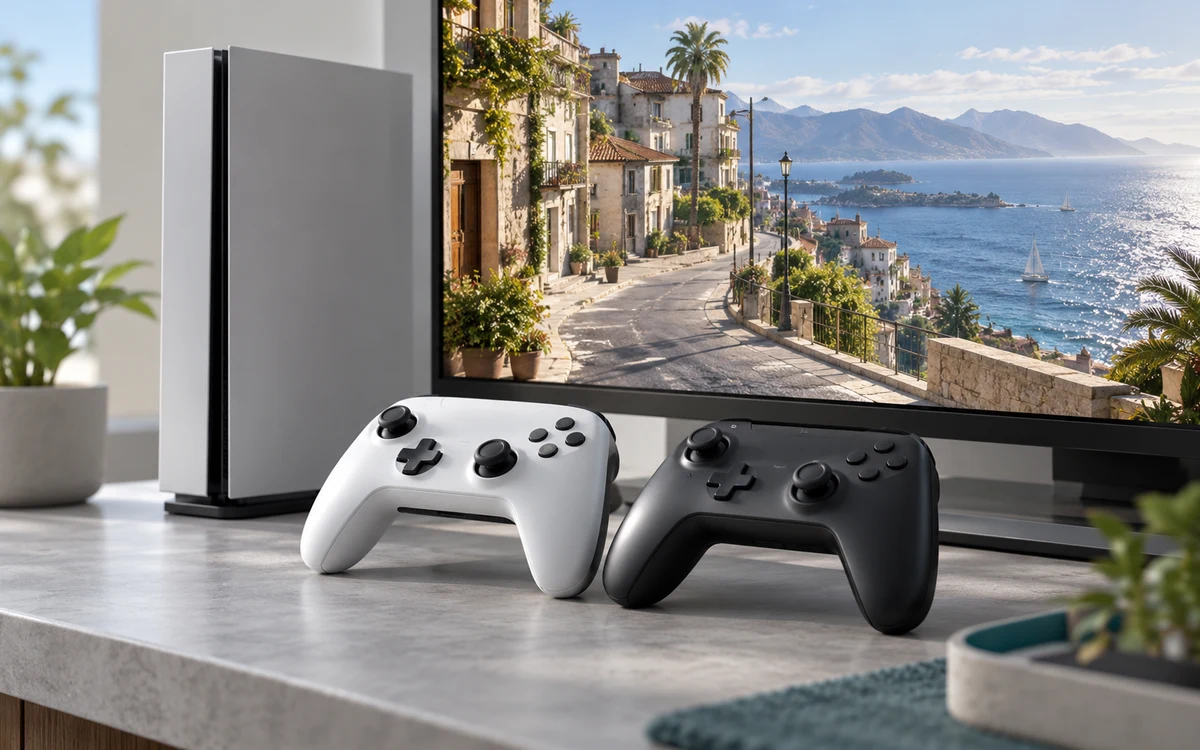
What changes with the console, and what does not?
| Decision | What matters |
|---|---|
| Download GTA 6 | Both PS5 choices can use a valid PS5 entitlement. Match the code and account region and allow room for the download. |
| Reuse a physical game library | Choose a compatible disc-drive setup if you intend to play other games you already own on disc. |
| Compare a particular console revision | Check the exact SKU, advertised storage and price. Do not assume every PS5 revision has the same drive capacity or accepts the same add-on drive. |
Check the code and storage before ordering
If you buy the box as a gift, verify it is the PlayStation version and that the recipient can redeem it in their account region. An already redeemed code is not a replacement for a used disc. If you want a digital preorder or Ultimate, check the PlayStation Store and the terms of the specific edition before paying.
The drive decision is separate from space. Check the console’s available storage and clear room for the preload. For other discs, consider how often you borrow, resell or replay them; for GTA 6 itself, buy the right license rather than the drive.
Four buyers, four practical decisions
| Your situation | What to prioritize |
|---|---|
| You already own a PS5 Digital Edition | Keep it for GTA 6. Check the license and free storage; neither the boxed code nor the digital edition needs a disc drive. |
| You own a shelf of game discs | Price a disc-capable console for those other games. Their disc use, not the GTA 6 box, is the reason to pay for a drive. |
| You are shopping for a gift | Confirm the recipient owns a PS5 and can redeem the code in their account region. A box alone does not make a region-mismatched code work. |
| You may want a drive later | Check Sony’s compatibility list against the actual console model before assuming you can add the drive later. |
Check model and storage separately
Console listings may bundle a drive, game, controller or different SSD capacity. Compare the exact model and included parts before concluding one option is a better deal. If you want to add a drive in the future, see Sony’s disc-drive compatibility and setup guidance. Do not assume an original Digital Edition and a later revision accept the same accessory.
What happens after you open the physical box?
Keep the code private, redeem it with the correct PS5 account and check the library before discarding the receipt. You still need to download the game and leave room on the install drive. The box cannot bypass a slow internet connection, and a used package without an unused code should not be treated as a playable copy.
A disc drive is a library and buying-habits decision, not an upgrade for GTA 6 performance. If you are comparing different PS5 revisions for reasons beyond the drive, look for verified data about the exact console and game settings rather than assuming the drive changes visual quality.
Source: Rockstar’s platforms, editions and physical versions FAQ. See our edition comparison for US prices and upgrades.


Write Your Review
No reviews yet. Be the first to share your experience!