

Last updated: November 12, 2026
Do not pick a CPU or GPU for a GTA VI PC target that has not been announced. Rockstar lists console platforms for launch. If you enjoy building PCs, the useful work now is separating components that solve a current problem from performance purchases you can postpone until official requirements and repeatable tests are available.
PlayStation consoles for GTA 6
As an Amazon Associate I earn from qualifying purchases.
-
PS5 Original
825 GB SSD, built-in disc drive
Keep your original PS5 if it works. For a replacement, check the seller, condition and return terms.
Check price on Amazon -
PS5 Slim
1 TB SSD, disc drive included
Choose this smaller model if you want to keep using compatible game discs and do not need Pro enhancements.
Check price on Amazon -
PS5 Pro
2 TB SSD, disc drive sold separately
Consider the Pro if you want more built-in storage and visual enhancements in supported games.
Check price on Amazon
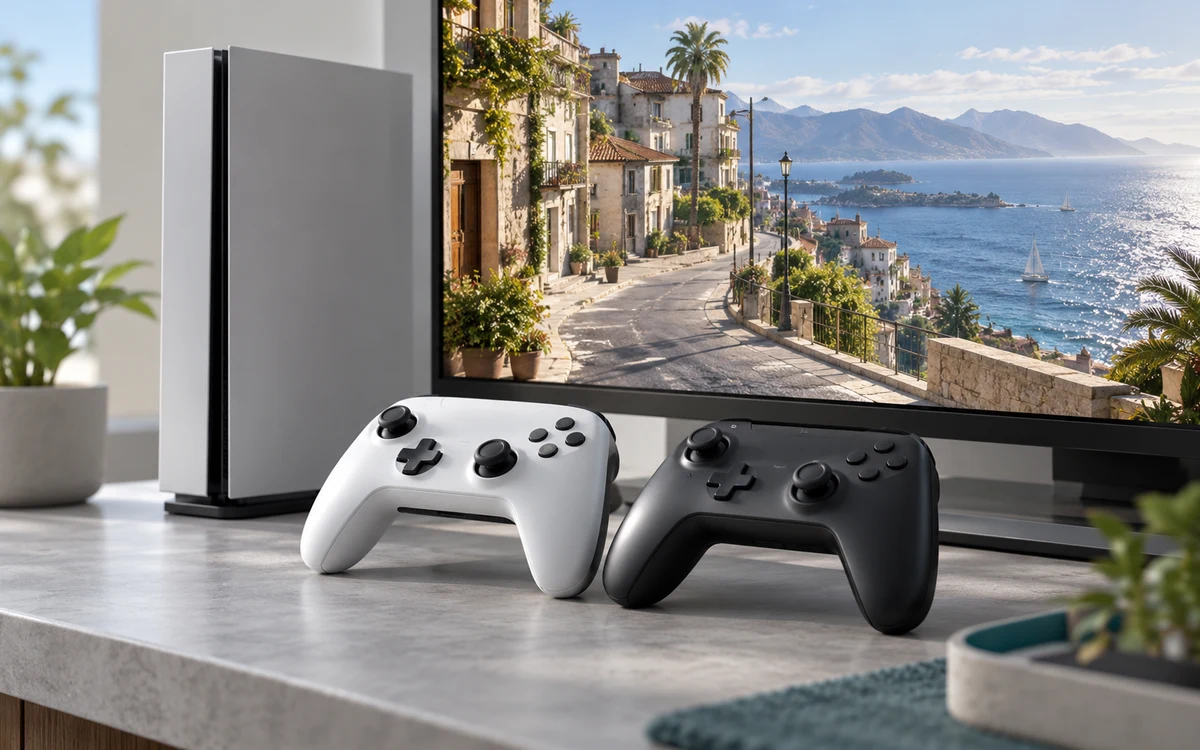
Audit the parts that set your upgrade limits
Write down the exact motherboard, BIOS version, power supply model, case and cooler. Check free storage slots and which ports remain usable when another drive is installed. Measure graphics card clearance with fans or radiators in place, not from the outside of the case. Compare your measurements with your component documentation rather than assuming an empty case drawing reflects the current build.
Keep a second column for problems you can reproduce today. A nearly full drive, thermal throttling in existing games and a loud fan at idle call for different purchases. Do not replace several parts at once before checking which one causes the problem.
Stage spending by what it fixes
- Now: repair failing parts or address capacity, cooling and power issues you have already identified. Back up files before replacing storage.
- When official PC details arrive: compare the published operating system and hardware requirements with your inventory. Check the exact features rather than assuming part names tell the whole story.
- After independent tests: spend on the bottleneck for your resolution and quality target. Compare settings, frame times and upscaling methods before reading a chart as a buying recommendation.
Decide what a useful benchmark looks like
For an open-world game, look for a longer run through a busy area and measurements after any initial loading or shader setup. Average FPS can miss repeated short stalls. Compare CPU and GPU use alongside frame times, but remember that a utilization percentage alone does not diagnose every slowdown. Match the display resolution you really use.
If buying a ready-made computer instead, use our prebuilt shopping checklist. A parts plan and a prebuilt listing have different risks: here the goal is to avoid buying a second set of components for a performance target nobody has measured.
Two upgrade paths with different timing
Consider a PC that already handles your current games but has no room for another large install. Expanding storage can solve that capacity problem now if the motherboard has a supported slot and you know how you will move or back up files. There is no need to tie that decision to a future GTA VI PC requirement. In contrast, a graphics card upgrade chosen only for an unannounced 4K target has no comparable evidence. Keep that purchase open until you can measure it against the actual release.
For a system that struggles today, run a repeatable scene before replacing parts. Lower the resolution for a second run with the same settings elsewhere. A large improvement can suggest that the graphics workload matters, but it is not proof by itself. Check CPU, GPU, memory and temperature readings alongside the frame-time graph and repeat after restarting the game. A one-off stall while a background update runs is not enough to justify replacing the platform.
Leave yourself a written upgrade budget
- List what you can reuse safely, including the case and power supply. Verify fit and connectors in the manufacturers’ manuals.
- Include the cost of required supporting parts. A processor change may also require a board, memory or cooler; compare that total instead of the CPU price alone.
- Keep a separate line for the monitor and any resolution change. Raising the target resolution can move the bottleneck and change which upgrade makes sense.


Write Your Review
No reviews yet. Be the first to share your experience!